Pasirinkite kalbą

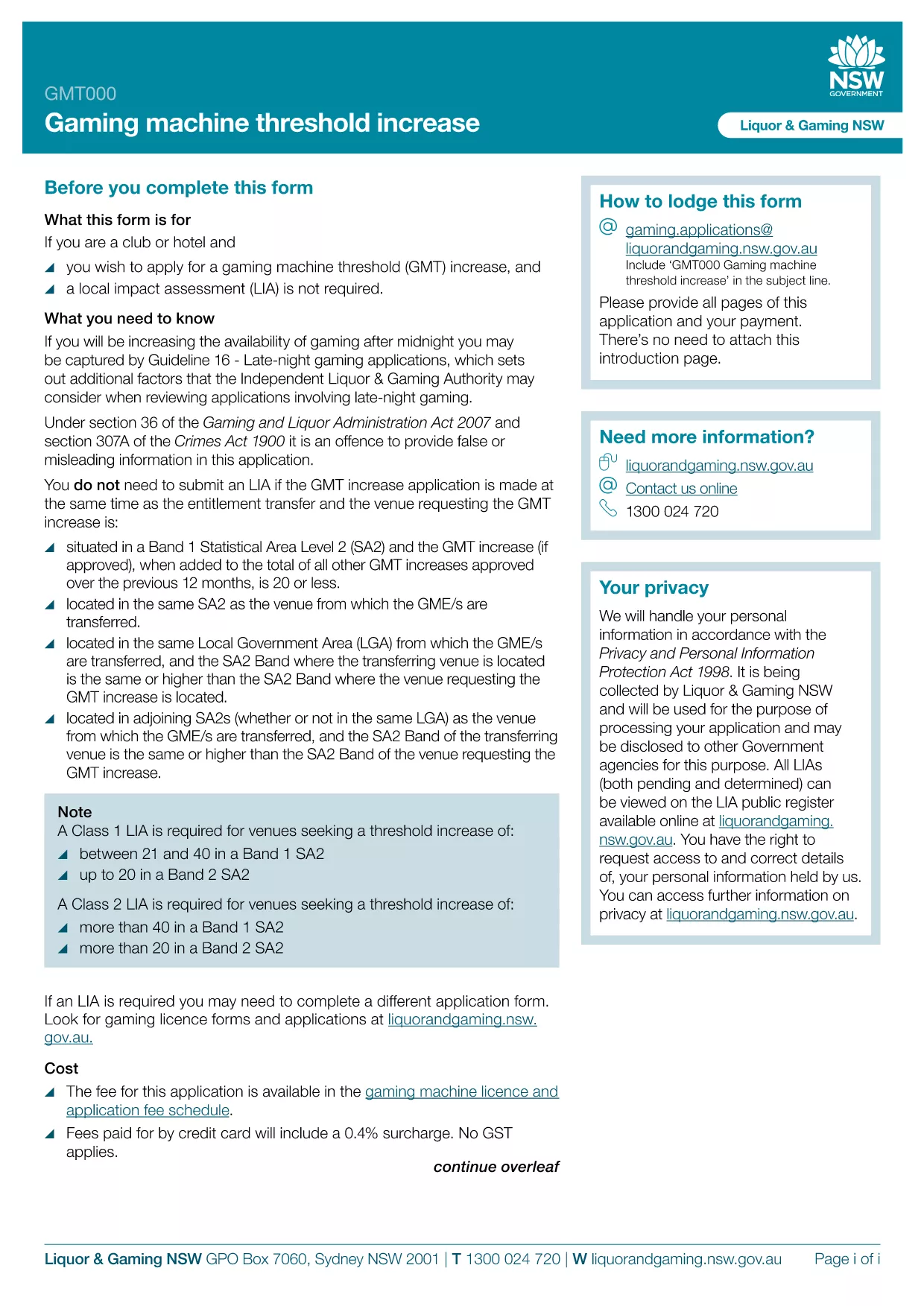
GMT000 Gaming Machine Threshold Increase Form (Fillable PDF)

  1. Kalba Anglų
  2. Šalis Australija
  3. Veikla Gaming Regulation
  4. skyrius Liquor & Gaming NSW
GMT000 Gaming Machine Threshold Increase Form (Fillable PDF)

The GMT000 Gaming Machine Threshold Increase form is required when a licensee wants to raise the monetary limit on a gaming machine in New South Wales. This fillable PDF lets you submit the request quickly, without printing or scanning.

Why You Need the GMT000 Threshold Increase

Increasing the threshold allows higher‑value wagers, which can boost revenue and improve player experience. The regulator, Liquor & Gaming NSW, must approve any change, and the GMT000 form is the official channel.

How to Complete the Form Online

Instead of downloading the PDF to a desktop editor, simply click the "Fill out this form" button on this page. The Formize PDF Filler app will load in your browser, presenting an intuitive, field‑by‑field interface.

  • Enter the licence number and holder details.
  • Specify the current threshold and the requested new limit.
  • Provide supporting documentation links or attachments.
  • Sign electronically and submit.

Common Mistakes & Tips

  • Incorrect licence number: Double‑check the licence reference on the back of your current permit.
  • Missing signatures: The electronic signature field must be completed; otherwise the submission is rejected.
  • Unsupported file types: Attach only PDF, JPG or PNG files for supporting evidence.

Submission & Follow‑Up

After you click Submit, you will receive an automated acknowledgement email. The regulator typically reviews the request within 10‑15 business days. Keep the confirmation number handy for any follow‑up inquiries.

Need more help? Review the FAQs below or contact Liquor & Gaming NSW directly.

DUK
  • What is the GMT000 form used for?

    It is the official request to increase the monetary threshold limit on a gaming machine in NSW.

  • Can I fill out the form on a mobile device?

    Yes. The Formize PDF Filler works on modern smartphones and tablets.

  • Do I need a digital signature?

    An electronic signature is required. The form will not accept a blank signature field.

  • How long does the approval process take?

    Liquor & Gaming NSW typically reviews threshold increase requests within 10‑15 business days.

  • What supporting documents are required?

    Attach a copy of the current licence, a financial justification for the increase, and any relevant audit reports.

  • What happens if I make a mistake after submitting?

    Contact Liquor & Gaming NSW with your reference number. They may allow a corrected resubmission.

  • Is there a fee to submit the GMT000 form?

    Yes, a processing fee applies. Check the latest fee schedule on the Liquor & Gaming NSW website.

  • Can I save my progress and finish later?

    The Formize app lets you save a draft locally. Return to the saved file, reopen it in the filler, and continue.

KAIP

Kaip nemokamai užpildyti GMT000 internete, atlikdami 5 paprastus veiksmus:

  1. 1
    Open the Fillable Form
    Click the "Fill out this form" button on the page. The Formize PDF Filler app will launch directly in your browser.
  2. 2
    Enter Your Details
    Complete each field – licence number, current threshold, requested increase, and any supporting information.
  3. 3
    Add Attachments
    Upload required documents (PDF, JPG, PNG) using the attachment button.
  4. 4
    Sign Electronically
    Use the electronic signature field to sign the form. This replaces a handwritten signature.
  5. 5
    Submit & Receive Confirmation
    Press "Submit". An acknowledgement email with a reference number will be sent to the address you provided.
Formuokite PDF užpildymo programą
APIE

GMT000 šabloną

Naudodami tradicinį PDF dokumento peržiūros ir pildymo funkcijų rinkinį, žiniatinklio programos pranašumus ir interaktyvų išdėstymą, galite užbaigti GMT000 per kelias minutes.

FUNKCIJOS

PDF užpildas

Lengviausias būdas užpildyti GMT000 internete

  • Greitai užpildykite GMT000
    Ieškote būdo greitai užpildyti GMT000 internete? Naudodami internetinį nemokamą PDF formų užpildą sužinosite, kaip redaguoti ir užpildyti šį pdf dokumentą greičiau nei per minutę.
  • Lengva naudoti internetinį PDF redaktorių
    Atsibodo spausdinti PDF failus, kad galėtumėte juos redaguoti prieš nuskaitydami iš naujo ir siųsdami atgal? Redaguoti PDF dokumentus internete nemokamai. Norėdami sutaupyti laiko ir popieriaus, naudokite mūsų internetinį pdf redaktorių.
  • Puikūs įrankiai, visos platformos
    Svarstote, kaip užpildyti GMT000 „Mac“ kompiuteryje, o gal kaip nemokamai naudoti PDF užpildą? Mūsų internetiniai PDF įrankiai veikia visose platformose.
  • Saugi failų saugykla
    Užbaigti „GMT000“ failai saugomi saugioje duomenų bazėje, kurią valdo „Amazon Cloud“ priegloba. Galite bet kada ištrinti failus iš mūsų sistemos. Bet kokiu atveju šie failai automatiškai ištrinami po 24 valandų.
  • Kalbėkitės su GMT000
    Kalbėkite su „GMT000“ naudodami Chatize, kuri yra nemokama PDF skaitymo priemonė. Užduokite klausimų ir gaukite atsakymus iš „GMT000“. Tiesiog spustelėkite aukščiau esantį mygtuką Kalbėtis su dokumentu.

Ištrinti užpildymo seansą

Ištrinti pasirinktą pildymo seansą? Tokiu atveju jūsų pažanga pildant formą bus prarasta.

Ištrinti redagavimo sesiją

Ištrinti pasirinktą redagavimo sesiją? Tokiu atveju jūsų pažanga kuriant ir redaguojant formą bus prarasta.