
NDIS access request form šabloną
Naudodami tradicinį PDF dokumento peržiūros ir pildymo funkcijų rinkinį, žiniatinklio programos pranašumus ir interaktyvų išdėstymą, galite užbaigti NDIS access request form per kelias minutes.


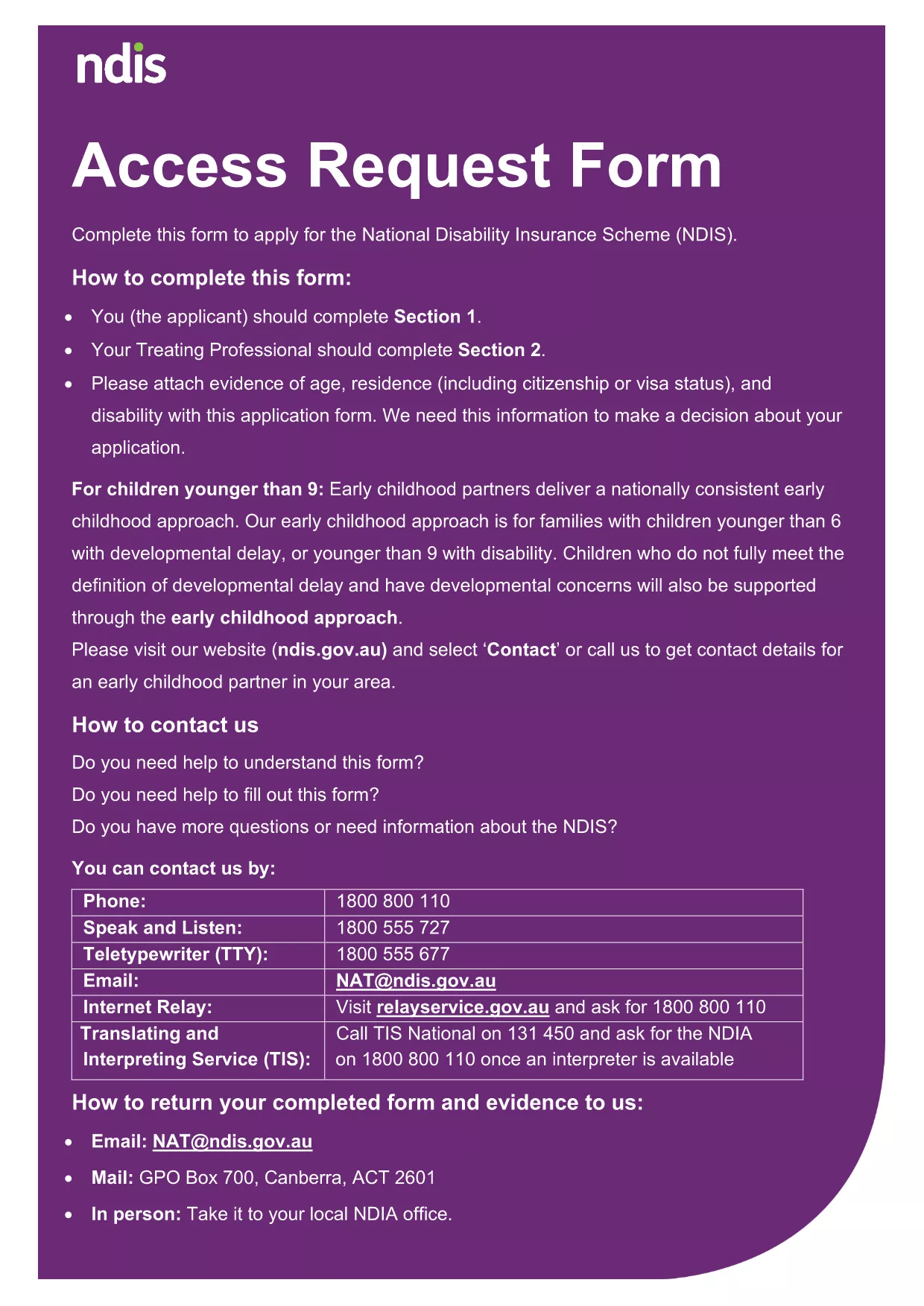
Looking for a quick, secure way to complete your NDIS Access Request Form without printing or scanning? Our page provides the official fillable PDF and an instant online editor powered by Formize. Just click "Fill out this form" and start entering your details directly in your browser.
The National Disability Insurance Agency (NDIA) requires accurate personal information to process your request. Using the fillable version ensures:
Follow these simple steps and you’ll have a completed application ready to submit:
Even with a fillable form, a few pitfalls can delay processing:
After saving the final PDF, you can:
accessrequests@ndis.gov.au.Below are the most common queries about the NDIS Access Request Form and our online filler.
No. The Formize PDF Filler works in any modern browser, so you don’t need a separate PDF editor.
Yes. Use the "Save" button at any time to download a draft copy, then reopen it with Formize to continue.
Formize uses SSL encryption, and the PDF is stored locally on your device – nothing is saved on our servers.
Open the saved PDF again with the Formize filler, correct the error, and re‑save the final version.
Printing is optional. Most NDIS offices accept the digital PDF via email or portal upload.
No. The online filler is completely free for all users.
The filler works in Chrome, Edge, Firefox, and Safari (latest versions).
Naudodami tradicinį PDF dokumento peržiūros ir pildymo funkcijų rinkinį, žiniatinklio programos pranašumus ir interaktyvų išdėstymą, galite užbaigti NDIS access request form per kelias minutes.
Lengviausias būdas užpildyti NDIS access request form internete
Ištrinti užpildymo seansą
Ištrinti redagavimo sesiją