
application form co za šabloną
Naudodami tradicinį PDF dokumento peržiūros ir pildymo funkcijų rinkinį, žiniatinklio programos pranašumus ir interaktyvų išdėstymą, galite užbaigti application form co za per kelias minutes.


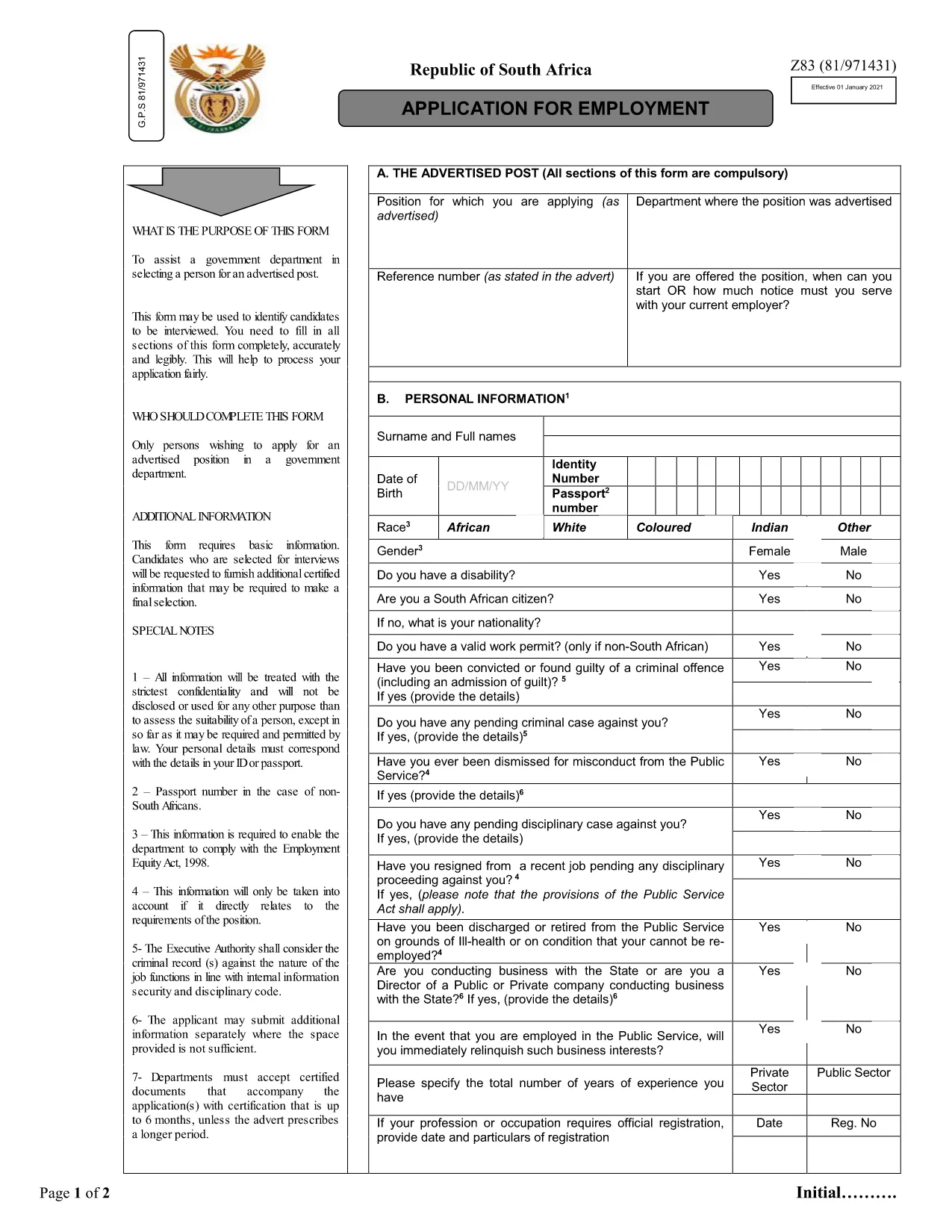
Looking for the official South African application form (Co.za) that you can fill out quickly and submit without printing? You’ve come to the right place. Our page provides a direct download of the editable Z83 application form and an instant, browser‑based PDF filler powered by Formize.
Just click the Fill out this form button below. The Formize PDF Filler app will load the document, and you can start typing directly into each field.
After saving your completed PDF, follow the submission instructions on the specific department’s website or email the file to the address indicated on the form. Most South African public‑service departments accept electronic submissions via their online portals.
Find quick answers to the most common queries about this form below.
Yes. The Formize PDF Filler loads the document in your browser, letting you type into every field without installing software.
No. The online filler works with any modern browser, and you can save the completed form as a standard PDF.
Absolutely. Open the saved PDF again with the Formize filler to make changes before final submission.
Use the “Undo” button or simply click into the field and correct the entry. Validation warnings will guide you.
Formize uses HTTPS encryption, and all data stays in your browser until you choose to download or submit the file.
Follow the instructions on the last page of the form – most departments accept an emailed PDF or upload via their online portal.
Naudodami tradicinį PDF dokumento peržiūros ir pildymo funkcijų rinkinį, žiniatinklio programos pranašumus ir interaktyvų išdėstymą, galite užbaigti application form co za per kelias minutes.
Lengviausias būdas užpildyti application form co za internete
Ištrinti užpildymo seansą
Ištrinti redagavimo sesiją