Pasirinkite kalbą

Fillable Application Form HTML Code & Live PDF Preview

  1. Kalba Anglų
  2. Šalis JAV
  3. skyrius Technology
  4. Veikla Web Development
Fillable Application Form HTML Code & Live PDF Preview

Looking for a quick way to add an application form to your website? Our free fillable HTML code gives you a fully functional form that automatically converts to a PDF you can view, fill, and submit directly in the browser.

Why Use a Fillable HTML Application Form?

Using HTML for your form means you get instant validation, responsive design, and seamless integration with JavaScript or server‑side processing. When the user clicks Fill out this form, the Formize PDF Filler loads the PDF version (based on the demo file below) so the data can be captured in a standard, printable format.

How to Embed the HTML Code in Your Site

Copy the code snippet below and paste it into any page of your website. The form works with all modern browsers and requires no additional libraries.

<form action="/submit" method="post">
  <label for="name">Full Name:</label>
  <input type="text" id="name" name="name" required><br>

  <label for="email">Email Address:</label>
  <input type="email" id="email" name="email" required><br>

  <label for="position">Position Applied For:</label>
  <select id="position" name="position">
    <option value="developer">Developer</option>
    <option value="designer">Designer</option>
    <option value="manager">Project Manager</option>
  </select><br>

  <label for="resume">Resume (PDF):</label>
  <input type="file" id="resume" name="resume" accept="application/pdf"><br>

  <button type="submit">Submit Application</button>
</form>

Instant PDF Preview with Formize PDF Filler

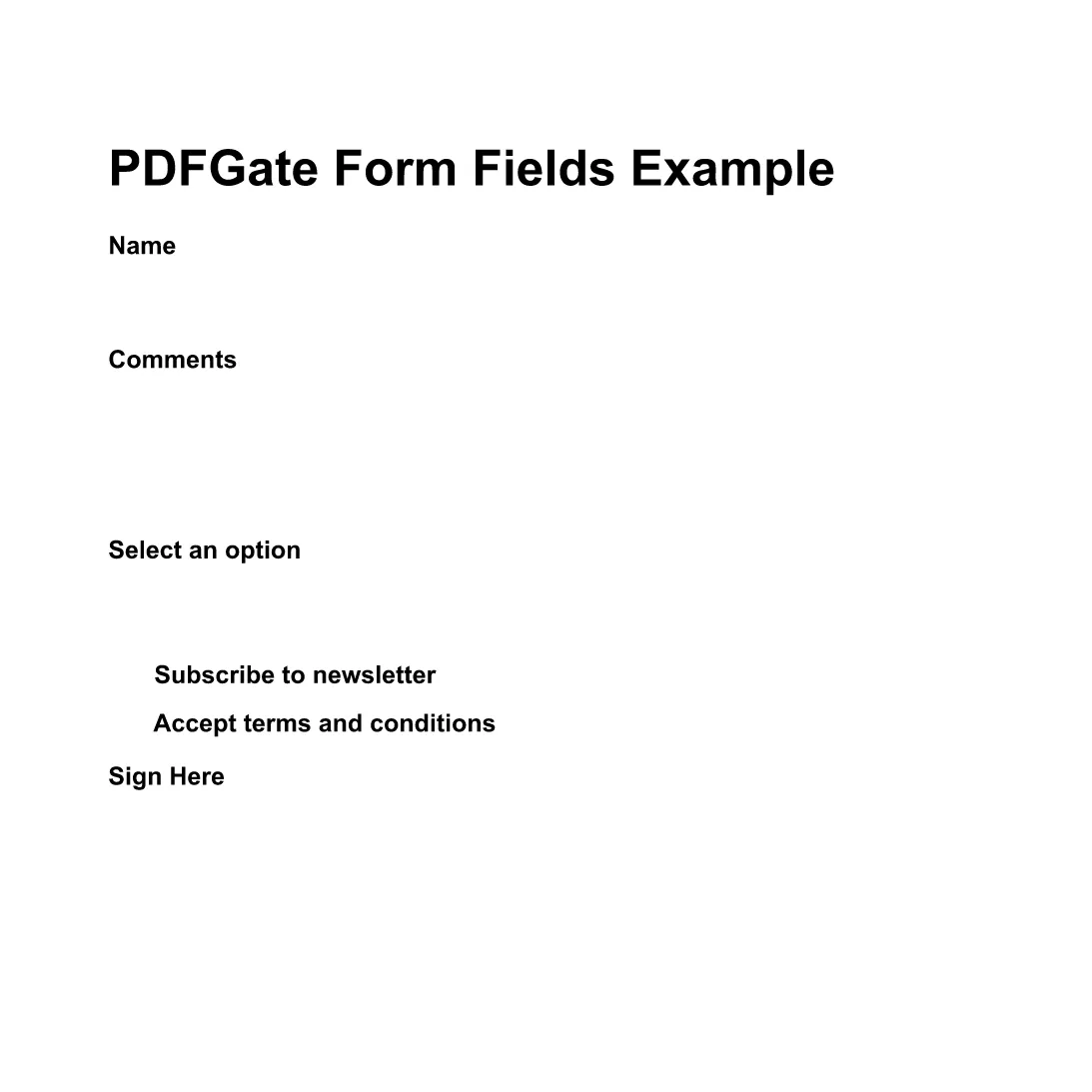
Instead of downloading the PDF, simply click the Fill out this form button below. The Formize PDF Filler app will load the demo PDF (preview PDF) and let you complete the fields online. All data is saved automatically, ready for you to download or email.

Fill out this form

Common Mistakes & Tips for a Perfect Submission

  • Missing required fields: HTML required attribute prevents empty submissions.
  • Incorrect file type: Accept only PDFs for resume uploads to keep the final document consistent.
  • Responsive layout: Use CSS media queries so the form looks great on mobile devices.
  • Server‑side validation: Always double‑check data on the back end even if the front end validates.

With these tips, your application form will be both user‑friendly and ready for PDF generation.

DUK
  • Do I need to download any software to fill the form?

    No. The Formize PDF Filler runs completely in the browser, so you can fill the form online without installing anything.

  • Can I edit the HTML code after embedding it?

    Yes. The HTML snippet is fully editable. Just update the markup on your site and the changes will appear instantly.

  • Is the PDF version automatically updated when I change the HTML?

    The Formize PDF Filler maps standard HTML input types to PDF fields each time the form loads, so any HTML changes are reflected in the PDF preview.

  • What file types can I upload with this form?

    The example accepts PDF files for the resume field. You can adjust the accept attribute to allow other types if needed.

  • Is my data secure when I fill out the PDF online?

    Formize uses HTTPS encryption for all communications, and the PDF is processed locally in your browser, keeping your data private.

  • Can I embed this form on a WordPress site?

    Absolutely. Paste the HTML snippet into a Custom HTML block or use a shortcode plugin to render the form.

KAIP

Kaip nemokamai užpildyti application form html code internete, atlikdami 4 paprastus veiksmus:

  1. 1
    Open the Formize PDF Filler
    Click the **Fill out this form** button on the page. A new window loads the Formize PDF Filler app.
  2. 2
    Wait for the PDF to Load
    The demo PDF (application form) loads automatically. All HTML fields are mapped to fillable PDF fields.
  3. 3
    Complete the Form
    Enter your information, upload your resume, and use the drop‑down to select the position. The PDF updates in real time.
  4. 4
    Save or Submit
    When finished, click **Save PDF** to download a copy or **Send via Email** to forward the completed application.
Formuokite PDF užpildymo programą
APIE

application form html code šabloną

Naudodami tradicinį PDF dokumento peržiūros ir pildymo funkcijų rinkinį, žiniatinklio programos pranašumus ir interaktyvų išdėstymą, galite užbaigti application form html code per kelias minutes.

FUNKCIJOS

PDF užpildas

Lengviausias būdas užpildyti application form html code internete

  • Greitai užpildykite application form html code
    Ieškote būdo greitai užpildyti application form html code internete? Naudodami internetinį nemokamą PDF formų užpildą sužinosite, kaip redaguoti ir užpildyti šį pdf dokumentą greičiau nei per minutę.
  • Lengva naudoti internetinį PDF redaktorių
    Atsibodo spausdinti PDF failus, kad galėtumėte juos redaguoti prieš nuskaitydami iš naujo ir siųsdami atgal? Redaguoti PDF dokumentus internete nemokamai. Norėdami sutaupyti laiko ir popieriaus, naudokite mūsų internetinį pdf redaktorių.
  • Puikūs įrankiai, visos platformos
    Svarstote, kaip užpildyti application form html code „Mac“ kompiuteryje, o gal kaip nemokamai naudoti PDF užpildą? Mūsų internetiniai PDF įrankiai veikia visose platformose.
  • Saugi failų saugykla
    Užbaigti „application form html code“ failai saugomi saugioje duomenų bazėje, kurią valdo „Amazon Cloud“ priegloba. Galite bet kada ištrinti failus iš mūsų sistemos. Bet kokiu atveju šie failai automatiškai ištrinami po 24 valandų.
  • Kalbėkitės su application form html code
    Kalbėkite su „application form html code“ naudodami Chatize, kuri yra nemokama PDF skaitymo priemonė. Užduokite klausimų ir gaukite atsakymus iš „application form html code“. Tiesiog spustelėkite aukščiau esantį mygtuką Kalbėtis su dokumentu.

Ištrinti užpildymo seansą

Ištrinti pasirinktą pildymo seansą? Tokiu atveju jūsų pažanga pildant formą bus prarasta.

Ištrinti redagavimo sesiją

Ištrinti pasirinktą redagavimo sesiją? Tokiu atveju jūsų pažanga kuriant ir redaguojant formą bus prarasta.