Pilih Bahasa

Form 36-0102 – Fillable PDF Download

  1. Bahasa Inggeris
  2. Negara Australia
  3. Jabatan Queensland Building and Construction Commission
  4. Aktiviti Construction Regulations
Isi borang ini
Form 36-0102 – Fillable PDF Download

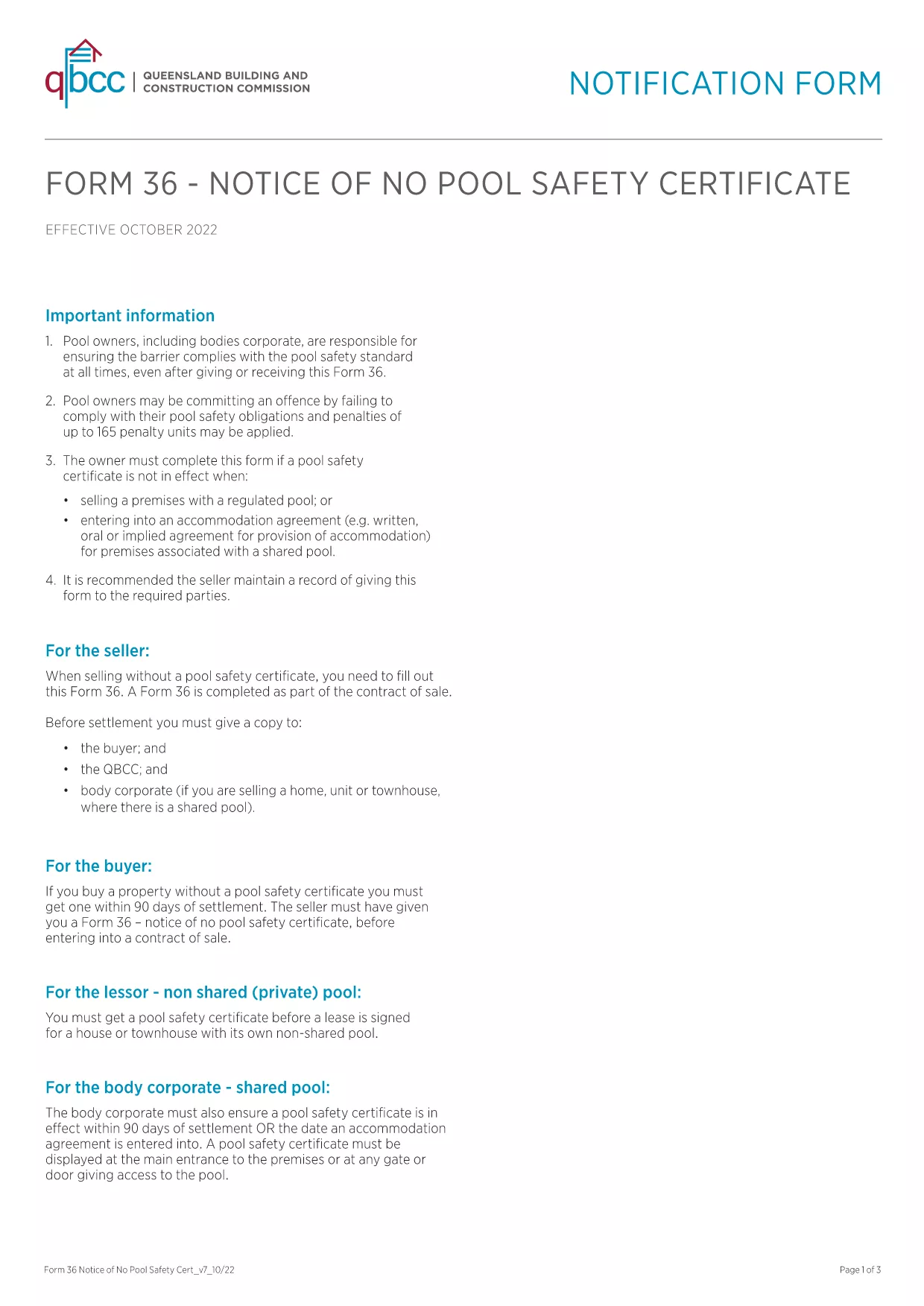
Form 36‑0102 is a standard notice used by the Queensland Building and Construction Commission (QBCC) when a property does not require a pool safety certificate. Whether you are a homeowner, builder, or a QBCC‑registered contractor, you’ll need this form to confirm the absence of a pool safety requirement.

What is Form 36-0102?

The form is a simple, one‑page declaration that states no pool safety certificate is needed for a particular building project. It must be signed by the responsible party and kept on file for future inspections.

How to Fill Form 36-0102 Online

Instead of downloading, printing, and scanning, you can complete the form directly in your browser using the Formize PDF Filler. The process is fast, secure, and fully compliant with QBCC guidelines.

Common Mistakes to Avoid

  • Leaving any required field blank – every box is mandatory.
  • Using an outdated version of the PDF – always start with the latest file linked below.
  • Signing with a non‑legible handwritten signature – use the digital signature tool in Formize.

Where to Submit the Completed Form

Once you have filled and saved the form, you can either:

  • Upload it through the QBCC online portal.
  • Email it to the project’s supervising building certifier.
  • Keep a digital copy for your records and present it on‑site if requested.

FAQ About Form 36-0102

Below are the most common questions users have about this form.

SOALAN LAZIM
  • Is Form 36‑0102 required for every new building project?

    Only if the project does not include a swimming pool. If a pool is present, a separate pool safety certificate is required.

  • Can I use an older version of the form?

    No. Always use the latest version provided by QBCC to ensure compliance with current regulations.

  • Do I need a digital signature?

    A digital signature is accepted and preferred for online submissions. You can also print, sign, and scan if required.

  • How long should I keep the completed form?

    Retain the form for at least five years, or as long as the building project remains active, in case of an audit.

  • What if I make a mistake after submitting?

    Contact the QBCC immediately. You may need to submit an amended Form 36‑0102 with a clear note of the correction.

  • Is there a fee to download or submit Form 36‑0102?

    Downloading the PDF is free. Submission fees may apply if you file through the QBCC online portal—check their fee schedule.

  • Can I fill the form on a mobile device?

    Yes. The Formize PDF Filler works on smartphones and tablets, allowing you to complete the form anywhere.

BAGAIMANA UNTUK

Cara mengisi Form 36-0102 secara percuma, dalam talian dalam 5 langkah mudah:

  1. 1
    Click the Fill‑out Button
    Press the “Fill out this form” button on the page to launch the Formize PDF Filler.
  2. 2
    Wait for the Filler to Load
    The app loads in seconds; a loading bar will appear. No download or installation is required.
  3. 3
    Complete All Fields
    Enter the required information, select dates from the calendar picker, and use the digital signature tool.
  4. 4
    Review and Save
    Check the completed form for errors, then click “Save” to download a copy or “Submit” to send it directly to QBCC.
  5. 5
    Keep a Record
    Store the saved PDF in your project folder or upload it to the QBCC portal for future reference.
Bentuk apl Pengisi PDF
TENTANG

templat Form 36-0102.

Dengan set ciri tradisional untuk melihat dan mengisi dokumen PDF, digabungkan dengan faedah aplikasi web dan reka letak responsif, anda boleh melengkapkan Form 36-0102 dalam beberapa minit.

CIRI-CIRI

Pengisi PDF

Cara paling mudah untuk mengisi Form 36-0102 dalam talian

  • Cepat isi Form 36-0102
    Mencari cara untuk mengisi Form 36-0102 dengan cepat dalam talian? Dengan pengisi borang PDF percuma dalam talian kami, anda akan tahu cara mengedit dan mengisi dokumen pdf ini dalam masa kurang daripada satu minit.
  • Mudah untuk menggunakan editor PDF dalam talian
    Bosan dengan mencetak fail PDF supaya anda boleh mengeditnya, sebelum mengimbas semula dan menghantarnya semula? Edit dokumen PDF secara percuma dalam talian. Gunakan editor pdf dalam talian kami untuk menjimatkan masa dan kertas.
  • Alat yang hebat, semua platform
    Tertanya-tanya cara mengisi Form 36-0102 pada Mac, atau mungkin cara menggunakan pengisi PDF secara percuma? Alat PDF dalam talian kami berfungsi pada semua platform.
  • Simpanan fail selamat
    Fail "Form 36-0102" yang lengkap disimpan dalam pangkalan data selamat yang diuruskan oleh pengehosan Amazon Cloud. Anda boleh memadamkan fail anda daripada sistem kami pada bila-bila masa. Walau apa pun, fail ini dipadamkan secara automatik selepas 24 jam.
  • Sembang dengan Form 36-0102
    Sembang dengan "Form 36-0102" di Chatize yang merupakan pembantu pembaca PDF percuma. Tanya soalan dan dapatkan jawapan daripada "Form 36-0102". Cuma klik pada butang Sembang Dengan Dokumen di atas.

Padamkan sesi pengisian

Padamkan sesi pengisian yang dipilih? Dalam kes ini, kemajuan anda dalam melengkapkan borang akan hilang.

Padamkan sesi penyuntingan

Padamkan sesi penyuntingan yang dipilih? Dalam kes ini, kemajuan anda dalam membuat dan mengedit borang akan hilang.