

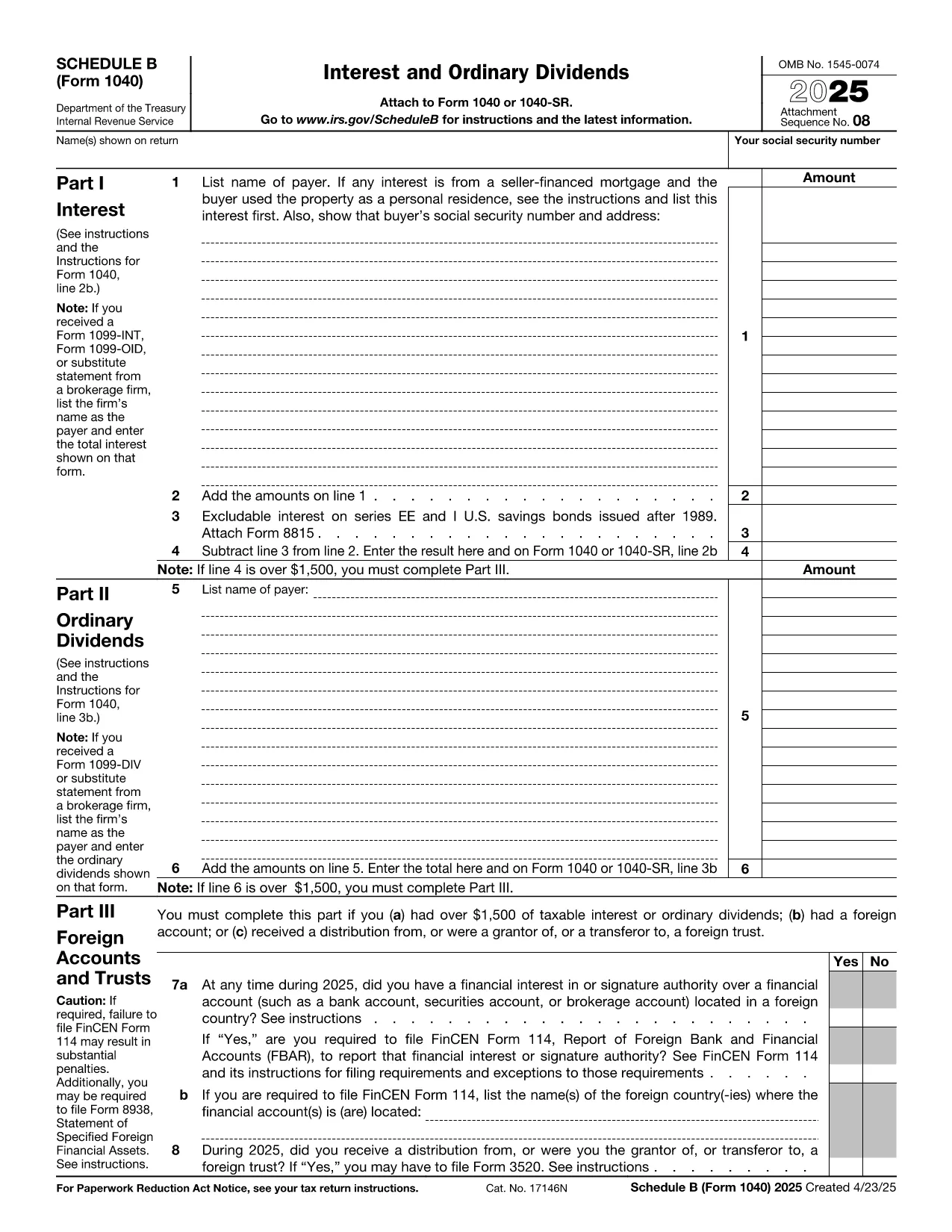

Borang cukai persekutuan
Form 1040 Schedule B ialah salah satu borang cukai Persekutuan yang merupakan dokumen yang digunakan untuk melaporkan dan memfailkan cukai pendapatan persekutuan dengan Perkhidmatan Hasil Dalam Negeri (IRS) di Amerika Syarikat. Borang ini digunakan oleh individu, perniagaan dan organisasi untuk melaporkan pendapatan mereka, potongan dan maklumat lain yang berkaitan yang diperlukan untuk mengira liabiliti cukai persekutuan mereka.
Borang cukai persekutuan yang paling biasa digunakan ialah Borang 1040, yang digunakan oleh pembayar cukai individu untuk melaporkan cukai pendapatan peribadi mereka. Borang lain yang biasa digunakan termasuk Borang 1065 untuk perkongsian, Borang 1120 untuk syarikat dan Borang 990 untuk organisasi yang dikecualikan cukai.
Borang cukai persekutuan biasanya memerlukan pembayar cukai melaporkan pelbagai sumber pendapatan, seperti gaji, gaji dan petua, serta pendapatan daripada pelaburan, hartanah sewaan dan sumber lain. Borang tersebut juga membenarkan pembayar cukai menuntut potongan dan kredit untuk pelbagai perbelanjaan, seperti sumbangan amal, faedah gadai janji dan perbelanjaan penjagaan kesihatan.
Adalah penting untuk memfailkan borang cukai persekutuan dengan tepat dan tepat pada masanya, kerana kegagalan untuk berbuat demikian boleh mengakibatkan penalti dan caj faedah daripada IRS.