
templat fillable PDF.
Dengan set ciri tradisional untuk melihat dan mengisi dokumen PDF, digabungkan dengan faedah aplikasi web dan reka letak responsif, anda boleh melengkapkan fillable PDF dalam beberapa minit.


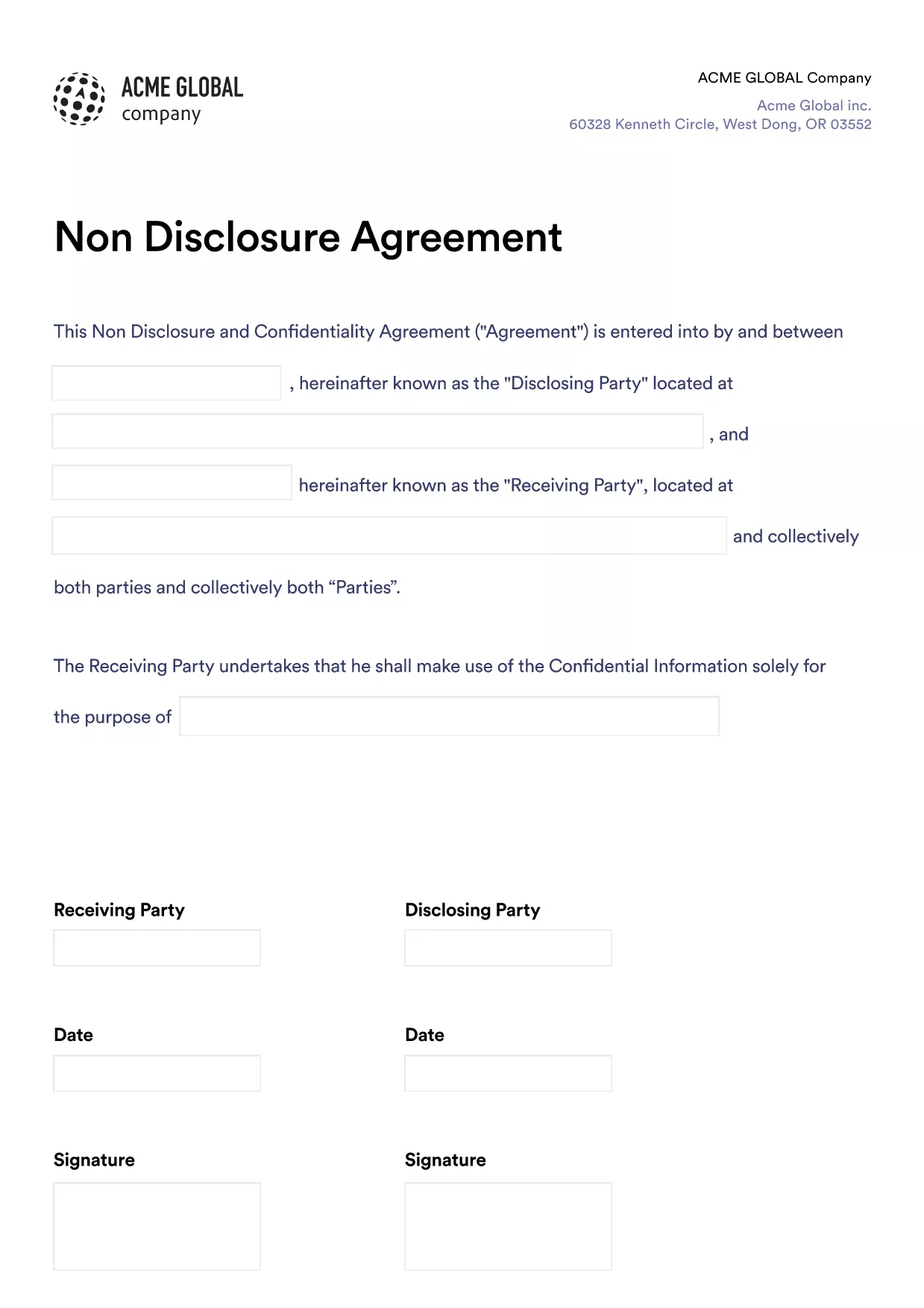
Looking for a quick, secure way to create a legally‑binding Non‑Disclosure Agreement without printing or scanning? Our fillable PDF for an NDA lets you type, sign, and save the document directly in your browser. Powered by Formize’s PDF Filler app, the form retains the professional layout of a traditional PDF while giving you the flexibility of an online form.
Follow the simple steps below – you won’t need any extra software.
Once you finish, click Save & Download to get a copy you can email, store in the cloud, or print for physical records.
Read the answers below for quick help, or scroll back up to the step‑by‑step guide.
No. The Formize PDF Filler works in any modern browser, so you can edit the NDA without installing additional software.
Yes. Formize’s e‑signature complies with major e‑signature laws (e.g., ESIGN, UETA) when used for standard NDAs.
You can download a draft copy at any time, but the Formize app does not store drafts on its servers. Save the PDF locally and reopen it later.
No. The fillable PDF preserves the original layout, fonts, and spacing exactly as the template was designed.
The template follows a standard U.S. NDA format. If you need jurisdiction‑specific language, customize the relevant sections before signing.
Refresh the page and try again. If the problem persists, download the PDF, fill it offline with a PDF reader, and re‑upload if needed.
Dengan set ciri tradisional untuk melihat dan mengisi dokumen PDF, digabungkan dengan faedah aplikasi web dan reka letak responsif, anda boleh melengkapkan fillable PDF dalam beberapa minit.
Cara paling mudah untuk mengisi fillable PDF dalam talian
Padamkan sesi pengisian
Padamkan sesi penyuntingan