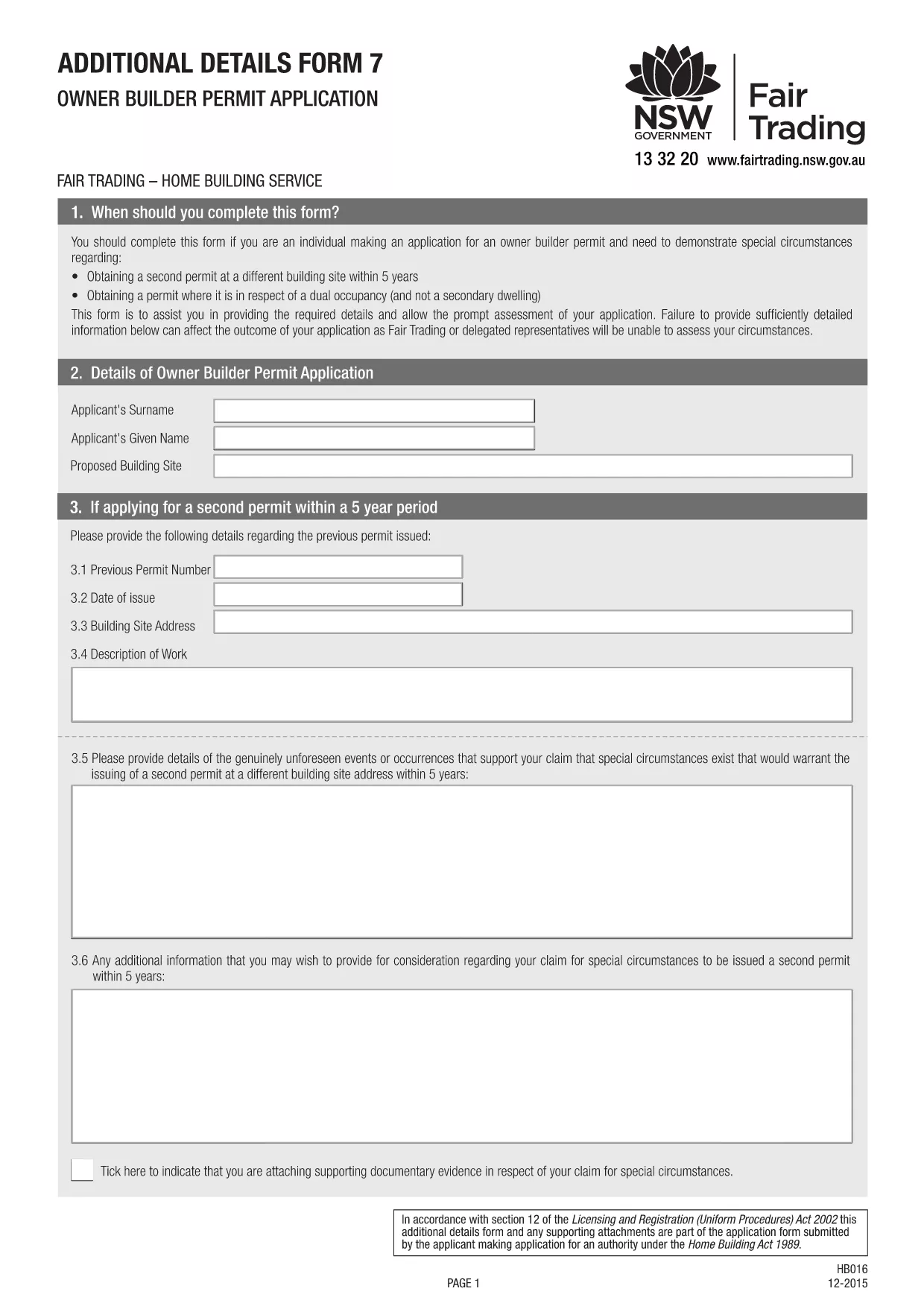
Planning to supervise or carry out building work worth more than $10,000 on your own property? In Australia, an owner‑builder permit is required before you can start construction on a residential dwelling, dual‑occupancy, or secondary dwelling. Our fillable PDF makes the process simple, error‑free, and fully compliant with the Building Commission NSW requirements.
What Is an Owner‑Builder Permit?
An owner‑builder permit authorises you, the property owner, to act as the builder for a specific project. It ensures you meet eligibility criteria, have the necessary qualifications (such as a White Card), and have all required documentation ready.
Download & Fill the Owner‑Builder Application Form
Click the "Fill out this form" button below. The Formize PDF Filler will load the official Owner‑Builder Permit Application PDF directly in your browser, allowing you to:
- Enter text in each field
- Upload supporting documents
- Save a draft and return later
- Submit the completed form electronically or print it for in‑person submission
Step‑by‑Step Guide to Completing the Form
Follow these concise steps to finish your application without delays:
- Verify your eligibility – you must be 18+, hold a current White Card, and own or lease the land for at least 3 years.
- Gather all required documents: proof of identity, proof of ownership, development approval or CDC, and evidence of completed owner‑builder education.
- Click the "Fill out this form" button and wait for the Formize PDF Filler to load.
- Complete each section, ensuring every owner, leaseholder, or shareholder signs where required.
- Attach scanned copies of supporting documents directly in the PDF.
- Save the final PDF and either upload it through the online portal or print and deliver it to your local service centre.
Common Mistakes to Avoid
- Missing signatures: All owners, leaseholders, and shareholders must sign the form.
- Incorrect address details: The address on the rates notice must match the title details.
- Out‑of‑date documents: Use current White Card and up‑to‑date proof of identity.
- Skipping the eligibility checker: The online portal will reject incomplete applications.
How to Submit Your Application
After saving the completed PDF, log in to your MyServiceNSW account (or the equivalent portal in your state) and upload the file. Pay the required fee, and you’ll receive a confirmation email. If you prefer a face‑to‑face submission, print the form and bring it to your nearest Service NSW centre.
Need more help? Review the official NSW guidelines or contact your local Building Commission.