
Form 3CT-sjabloon
Met de traditionele set functies voor het bekijken en invullen van een PDF-document, gecombineerd met de voordelen van een webapplicatie en responsieve lay-out, kunt u Form 3CT binnen enkele minuten voltooien.


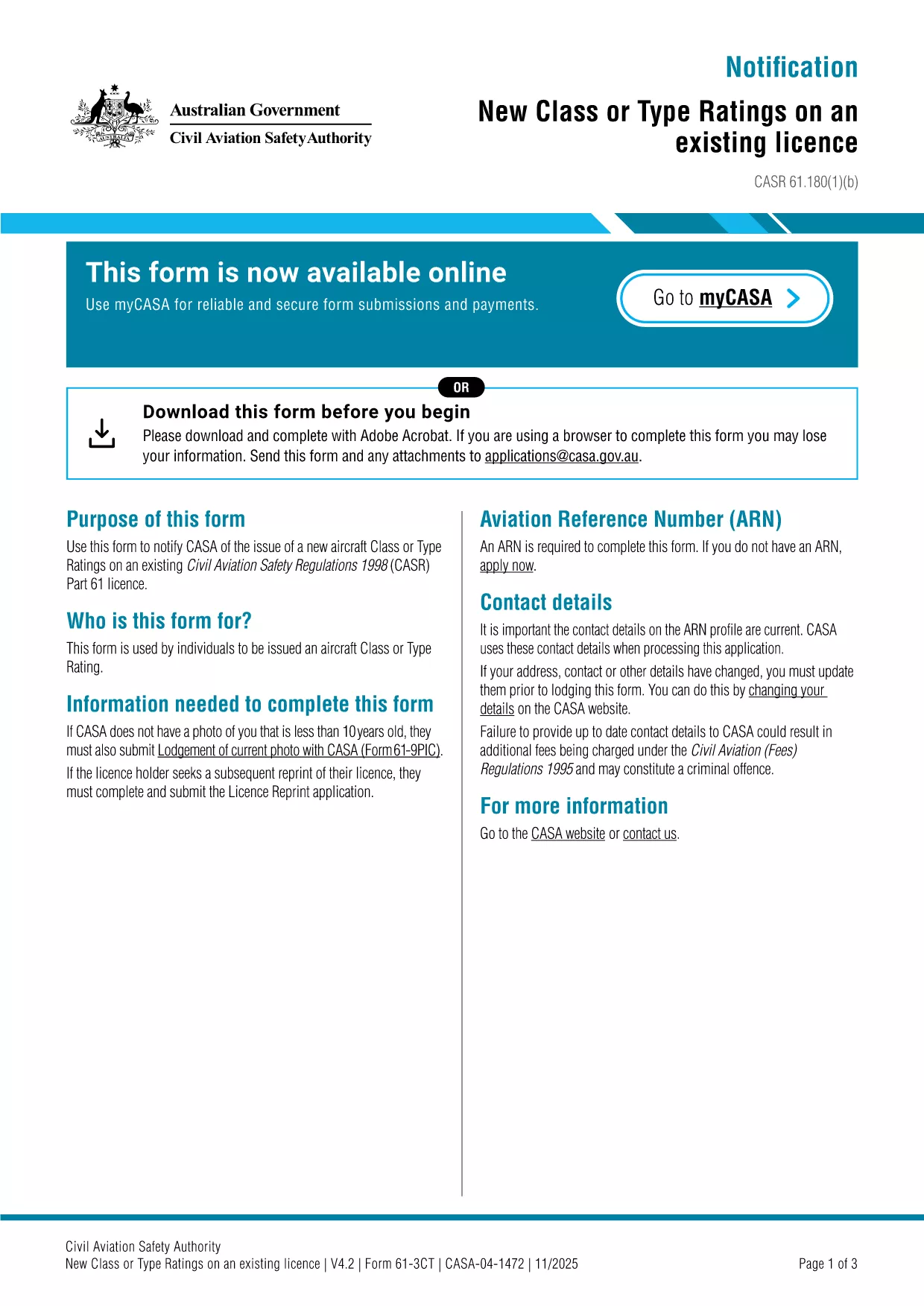
The Form 3CT is the official CASA (Civil Aviation Safety Authority) document used to notify the authority of a new aircraft class or type rating on an existing Part 61 licence. This form is required whenever a pilot obtains a new rating that is not covered by their current licence.
Form 3CT captures essential details such as the aircraft make, model, registration, and the specific class or type rating being added. It ensures that the CASA database stays up‑to‑date with each pilot’s qualifications.
Instead of downloading the PDF and opening a separate editor, simply click the "Fill out this form" button on this page. The Formize PDF Filler app will load automatically, allowing you to complete the form directly in your browser.
Once you have saved the completed Form 3CT, upload the PDF through the CASA online portal or email it to licensing@casa.gov.au. You will receive a confirmation email within 3‑5 business days.
Need more help? Review the FAQs below or contact your local CASA office.
Yes. The Formize PDF Filler includes an electronic signature field that complies with CASA’s e‑signature requirements.
Absolutely. Open the saved PDF in Formize again, make the necessary changes, and re‑save before submission.
Typically a copy of the training certificate for the new rating and the aircraft’s registration certificate are needed.
Processing usually takes 3‑5 business days after receipt of the completed form and supporting documents.
No fee is charged for the submission itself, but any associated training or examination fees remain payable to the training provider.
Met de traditionele set functies voor het bekijken en invullen van een PDF-document, gecombineerd met de voordelen van een webapplicatie en responsieve lay-out, kunt u Form 3CT binnen enkele minuten voltooien.
De eenvoudigste manier om online PDF-formulieren in te vullen
De vulsessie verwijderen
Bewerkingssessie verwijderen