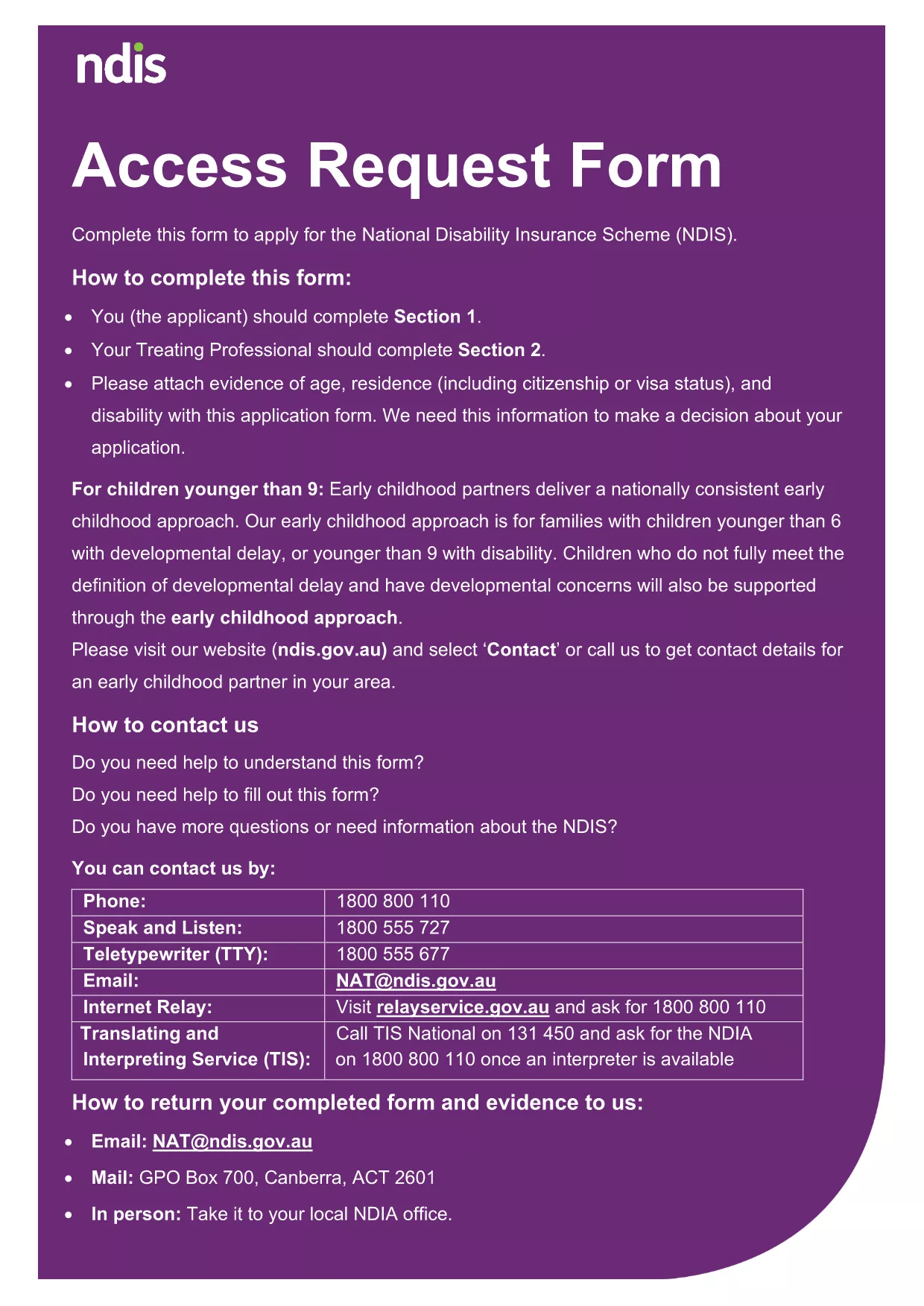
Looking for a fast, secure way to submit your application? Our fillable PDF application form lets you enter all required information online, eliminates the need for printing, and guarantees that every field is completed correctly.
Why Choose a Fillable PDF Application Form
Fillable PDFs are recognized by government agencies and businesses worldwide. They provide built‑in validation, automatic formatting, and a professional appearance that static documents can’t match. With Formize’s cloud‑based PDF filler, you can start the form in any browser, save progress, and export a clean, signed PDF ready for submission.
How to Complete the Form with Formize
Simply click the "Fill out this form" button on this page. The Formize PDF Filler app loads in seconds, presenting the exact fields from the official document. Fill each section, use drop‑down menus where available, and add signatures electronically. When you’re done, download the completed PDF or email it directly to the relevant department.
Common Mistakes to Avoid
- Leaving required fields blank: The filler highlights missing information before you can submit.
- Uploading the wrong file version: Use the PDF linked below – it’s the latest official version.
- Using an outdated PDF editor: Formize ensures the latest field definitions are applied.
Download & Save Your Completed Form
After you finish, click Download PDF to store a copy on your device, or choose Email PDF to send it directly to the agency. Your data remains encrypted during the entire process.
Ready to start? Click the button below and let Formize handle the rest.