
Selecteer taal

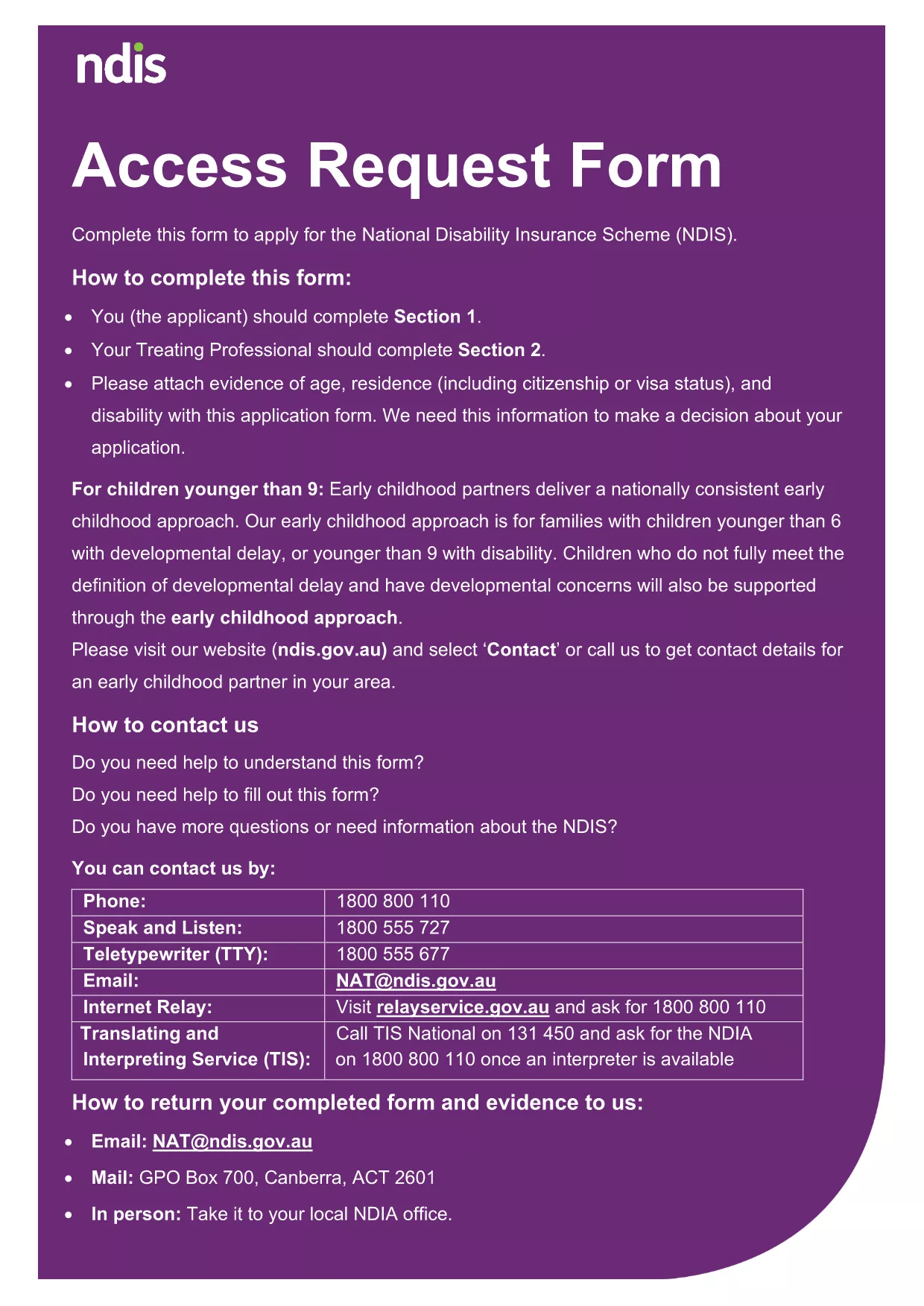
NDIS Application Form – Fillable PDF (Last Date Included)

  1. Taal Engels
  2. Land Australië
  3. Afdeling National Disability Insurance Agency
  4. Activiteit Disability Services
NDIS Application Form – Fillable PDF (Last Date Included)

Looking for a reliable way to complete the NDIS application form without worrying about missing the last date deadline? Our fillable PDF, hosted on Formize, lets you enter every required detail directly in your browser, save your progress, and submit with confidence.

The form includes a dedicated Last Date field that records the final day you can submit your application. Filling it out correctly ensures you stay compliant with the National Disability Insurance Agency’s timelines.

Below you’ll find everything you need to know: why the deadline is critical, step‑by‑step instructions for using the online PDF filler, common pitfalls to avoid, and how to securely submit your completed form.

FAQ
  • What is the “Last Date” field used for?

    It records the final day you are allowed to submit the NDIS application. Missing this date can delay eligibility assessment.

  • Do I need to download the PDF before filling it?

    No. Click the “Fill out this form” button and the Formize PDF Filler loads the file directly in your browser.

  • Can I save my progress and return later?

    Yes. The online filler lets you save a draft and resume at any time, as long as you keep the browser window open.

  • What format should I use for the date?

    The built‑in calendar selector automatically formats the date as DD/MM/YYYY, matching NDIS requirements.

  • Is my information secure?

    Formize uses SSL encryption, and the completed PDF is stored only on your device after submission.

  • What if I make a mistake in the “Last Date” field?

    Simply click the field, choose the correct date from the calendar, and the form will update instantly.

  • Do I need any special software to view the submitted PDF?

    No special software is required; any standard PDF viewer (Adobe Reader, Chrome, Edge) will open the file.

  • Can I print the completed form after submission?

    Yes. After you submit, a download link appears. Click it and print the PDF for your records.

HOE

Zo vult u NDIS application form gratis online in in 5 eenvoudige stappen:

  1. 1
    Click the Fill Out Button
    On this page, click the bright “Fill out this form” button. The Formize PDF Filler app will open in a new tab.
  2. 2
    Wait for the Formize PDF Filler to Load
    The app loads the NDIS application PDF instantly. No download or extra software is required.
  3. 3
    Enter All Required Information
    Complete each section, paying special attention to the “Last Date” field. Use the calendar picker for accurate date entry.
  4. 4
    Review and Validate
    Click the “Validate” button to let Formize check for missing fields or date‑format errors.
  5. 5
    Submit and Save a Copy
    When everything looks good, hit “Submit”. The system will generate a secure PDF copy that you can download for your records.
Formize PDF Filler-app
WAT BETREFT

NDIS application form-sjabloon

Met de traditionele set functies voor het bekijken en invullen van een PDF-document, gecombineerd met de voordelen van een webapplicatie en responsieve lay-out, kunt u NDIS application form binnen enkele minuten voltooien.

FUNCTIES

PDF-vuller

De eenvoudigste manier om online PDF-formulieren in te vullen

  • Vul snel NDIS application form in
    Op zoek naar een manier om NDIS application form snel online in te vullen? Met onze online gratis PDF-formulierinvuller weet u hoe u dit pdf-document in minder dan een minuut kunt bewerken en invullen.
  • Gebruiksvriendelijke online PDF-editor
    Ben je het beu om PDF-bestanden uit te printen zodat je ze kunt bewerken, voordat je ze opnieuw scant en terugstuurt? Bewerk PDF-documenten gratis online. Gebruik onze online pdf-editor om tijd en papier te besparen.
  • Geweldige tools, alle platforms
    Vraagt ​​u zich af hoe u NDIS application form op een Mac moet invullen, of misschien hoe u gratis een PDF-filler kunt gebruiken? Onze online pdf-tools werken op alle platformen.
  • Veilige bestandsopslag
    Voltooide "NDIS application form"-bestanden worden opgeslagen in een beveiligde database die wordt beheerd door Amazon Cloud hosting. U kunt uw bestanden op elk moment uit ons systeem verwijderen. Deze bestanden worden in ieder geval na 24 uur automatisch verwijderd.
  • Chat met {trefwoord}
    Chat met "NDIS application form" op Chatize, een gratis PDF-lezerassistent. Stel vragen en krijg antwoorden van "NDIS application form". Klik gewoon op de knop Chatten met document hierboven.

De vulsessie verwijderen

De geselecteerde vulsessie verwijderen? In dat geval gaat uw voortgang bij het invullen van het formulier verloren.

Bewerkingssessie verwijderen

De geselecteerde bewerkingssessie verwijderen? In dit geval gaat uw voortgang bij het maken en bewerken van het formulier verloren.