Selecteer taal

FC Application Form – Confirmed by FC Meaning & Online Fill

  1. Taal Engels
  2. Land Indië
  3. Afdeling FCRA
  4. Activiteit Foreign Contributions
Vul dit formulier in
FC Application Form – Confirmed by FC Meaning & Online Fill

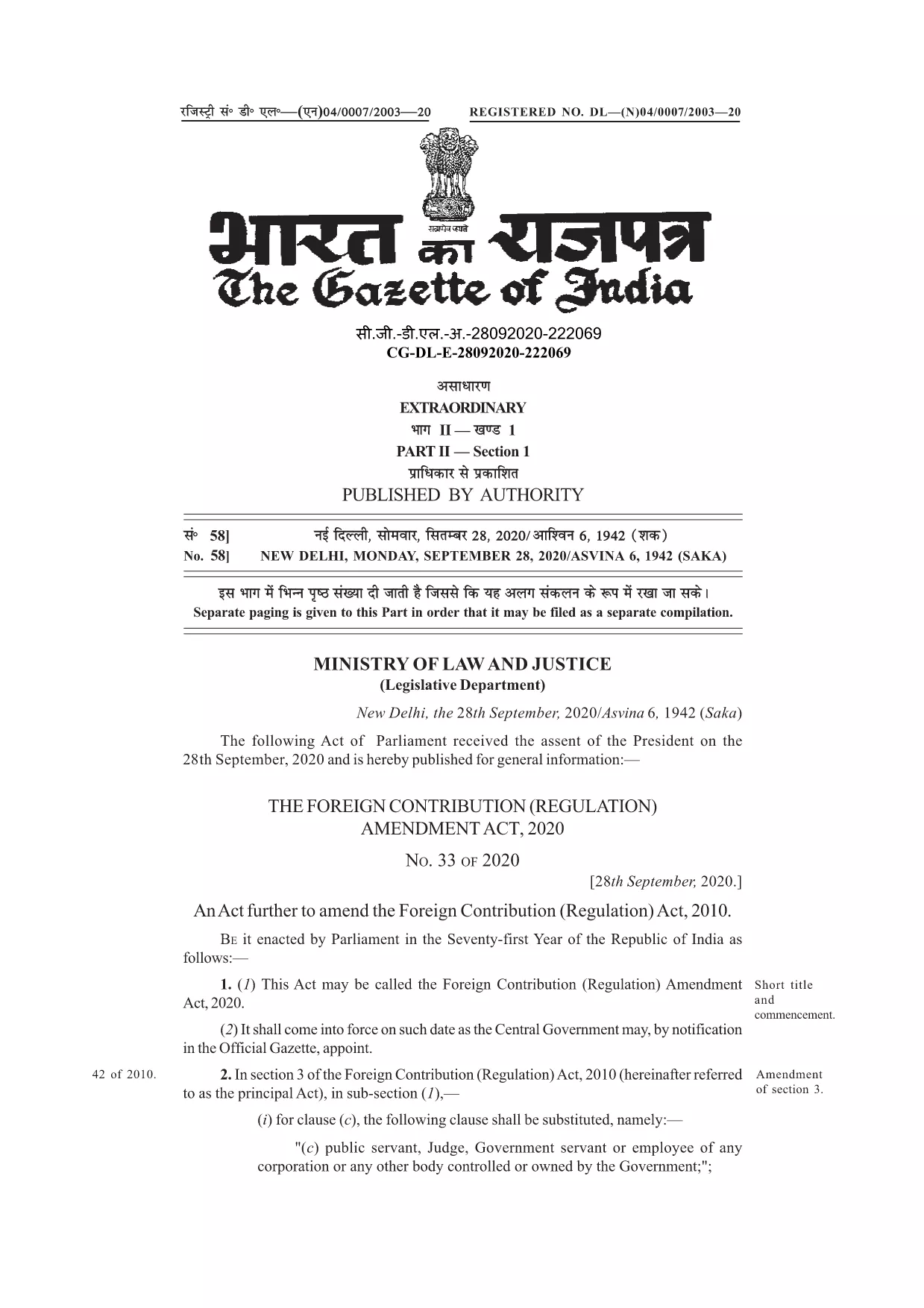
Many organisations and individuals encounter the phrase “application form confirmed by FC” while dealing with foreign contributions in India. In the context of the Foreign Contribution Regulation Act (FCRA), FC stands for Foreign Contribution. A form that is “confirmed by FC” indicates that the submission has been reviewed and validated by the authorities overseeing foreign contributions.

Understanding this meaning is crucial before you start filling out the official form. The PDF linked below is the authentic, fillable version used for seeking prior permission, registration, or renewal under the FCRA.

With Formize’s online PDF filler, you can complete the form without downloading any software. Just click the button, let the Formize app load, and start typing directly into the fields.

Below you’ll find a concise guide, tips to avoid common errors, and resources for further assistance.

FAQ
  • What does “FC” stand for in this form?

    FC stands for Foreign Contribution, referring to any donation or grant from a foreign source that is regulated under India’s FCRA.

  • Is the PDF fillable online or do I need Adobe Acrobat?

    You can fill it directly online using Formize’s free PDF filler – no Adobe Acrobat required.

  • Can I save the form before submitting it to the authorities?

    Yes. After completing the fields, use the “Save” button in the Formize app to download a copy for your records.

  • What common mistakes should I avoid?

    Do not leave mandatory fields blank, ensure the bank account details match the designated FC account, and double‑check dates and signatures.

  • Do I need to attach supporting documents with this PDF?

    Typically, supporting documents (e.g., bank letters, project proposals) are submitted separately as per the FCRA guidelines.

  • Where can I get further assistance if I’m stuck?

    Refer to the FCRA official website or consult a legal professional experienced in foreign contribution regulations.

HOE

Zo vult u FC application form gratis online in in 3 eenvoudige stappen:

  1. 1
    Click the Fill Button
    On this page, locate the blue “Fill out this form” button and click it. The Formize PDF Filler will open in a new tab.
  2. 2
    Wait for the Formize App to Load
    The filler loads in seconds. You’ll see a familiar PDF layout with editable fields highlighted.
  3. 3
    Complete and Submit
    Enter the required information, double‑check each field, then click the “Save” or “Download” button to obtain a completed PDF you can email to the FCRA office.
Formize PDF Filler-app
WAT BETREFT

FC application form-sjabloon

Met de traditionele set functies voor het bekijken en invullen van een PDF-document, gecombineerd met de voordelen van een webapplicatie en responsieve lay-out, kunt u FC application form binnen enkele minuten voltooien.

FUNCTIES

PDF-vuller

De eenvoudigste manier om online PDF-formulieren in te vullen

  • Vul snel FC application form in
    Op zoek naar een manier om FC application form snel online in te vullen? Met onze online gratis PDF-formulierinvuller weet u hoe u dit pdf-document in minder dan een minuut kunt bewerken en invullen.
  • Gebruiksvriendelijke online PDF-editor
    Ben je het beu om PDF-bestanden uit te printen zodat je ze kunt bewerken, voordat je ze opnieuw scant en terugstuurt? Bewerk PDF-documenten gratis online. Gebruik onze online pdf-editor om tijd en papier te besparen.
  • Geweldige tools, alle platforms
    Vraagt ​​u zich af hoe u FC application form op een Mac moet invullen, of misschien hoe u gratis een PDF-filler kunt gebruiken? Onze online pdf-tools werken op alle platformen.
  • Veilige bestandsopslag
    Voltooide "FC application form"-bestanden worden opgeslagen in een beveiligde database die wordt beheerd door Amazon Cloud hosting. U kunt uw bestanden op elk moment uit ons systeem verwijderen. Deze bestanden worden in ieder geval na 24 uur automatisch verwijderd.
  • Chat met {trefwoord}
    Chat met "FC application form" op Chatize, een gratis PDF-lezerassistent. Stel vragen en krijg antwoorden van "FC application form". Klik gewoon op de knop Chatten met document hierboven.

De vulsessie verwijderen

De geselecteerde vulsessie verwijderen? In dat geval gaat uw voortgang bij het invullen van het formulier verloren.

Bewerkingssessie verwijderen

De geselecteerde bewerkingssessie verwijderen? In dit geval gaat uw voortgang bij het maken en bewerken van het formulier verloren.