
Selecteer taal

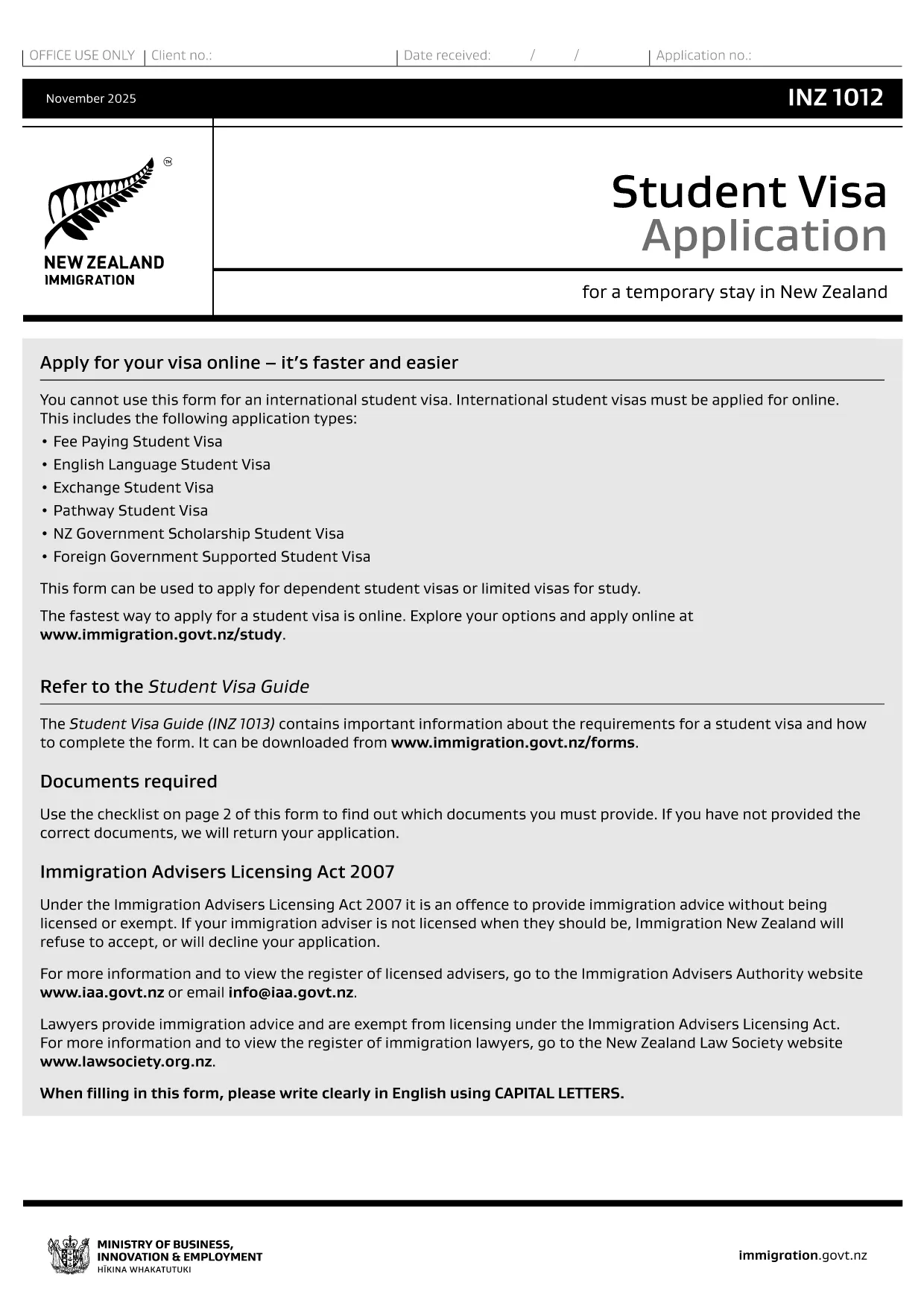
INZ 1012 Student Visa Application – Fillable PDF

  1. Taal Engels
  2. Land Nieuw-Zeeland
  3. Afdeling Immigration New Zealand
  4. Activiteit Visa
INZ 1012 Student Visa Application – Fillable PDF

The INZ 1012 is the official New Zealand Student Visa application form used by Immigration New Zealand. Whether you’re studying a short‑term course or a full degree, this form collects the essential personal, academic, and financial information required to assess your eligibility.

What Is the INZ 1012 Form?

INZ 1012 is a government‑issued PDF that can be filled out by hand or electronically. It asks for details such as:

  • Personal identification and passport data
  • Course information and institution details
  • Proof of funds and health insurance
  • Intended stay dates and travel plans

How to Complete the INZ 1012 Online

Instead of printing, printing, and scanning, use Formize’s built‑in Fillable PDF tool. Follow these simple steps:

  1. Click the "Fill out this form" button on this page.
  2. Wait a few seconds while the Formize PDF Filler app loads.
  3. Navigate each section, enter your information, and use the auto‑save feature.
  4. When you finish, download the completed PDF or submit it directly to Immigration New Zealand if you have an online portal.

Common Mistakes to Avoid

  • Leaving fields blank: Every required field must be completed; otherwise the application is rejected.
  • Mismatched passport numbers: Ensure the number matches exactly as shown on your passport.
  • Incorrect financial figures: Provide proof of at least NZD 15,000 per year (or the amount specified for your course).
  • Out‑of‑date course details: Verify that the course start date and institution name are current.

Download & Save the PDF

If you prefer a hard copy, you can still download the original PDF from Immigration New Zealand using the link below. Keep a saved copy for your records and for any future visa renewals.

Download INZ 1012 PDF (official)

Using Formize’s fillable version saves you time, reduces errors, and lets you edit the form until you’re completely satisfied.

FAQ
  • Can I submit the INZ 1012 form online?

    Yes. After filling it out with Formize, you can download the completed PDF and upload it through Immigration New Zealand’s online application system.

  • Do I need to print the form after filling it online?

    Printing is optional. A digitally signed PDF is accepted, but keep a printed copy for your records if you prefer.

  • How long does it take to complete the form?

    Most applicants finish in 15‑30 minutes if all required documents are ready.

  • What supporting documents are required?

    A valid passport, offer of place from a New Zealand education provider, proof of funds, health insurance, and any required English‑language evidence.

  • Is there a fee to use Formize’s PDF filler?

    Formize offers a free basic filler for the INZ 1012 form; premium features are optional.

  • Can I edit the form after I download it?

    Yes. The fillable PDF remains editable with any standard PDF editor, but it’s easier to make changes directly in Formize before downloading.

  • What should I do if I make a mistake?

    Return to the affected field in Formize, correct the entry, and re‑download the PDF. Do not try to hand‑write over a printed form.

  • Where do I send the completed form?

    Submit the PDF through the Immigration New Zealand online portal or mail it to the address listed in the form instructions.

HOE

Zo vult u INZ 1012 gratis online in in 4 eenvoudige stappen:

  1. 1
    Click the Fill‑out Button
    Press the "Fill out this form" button on the page to launch the Formize PDF Filler.
  2. 2
    Wait for the Filler to Load
    The app loads in a few seconds; you’ll see an interactive version of the INZ 1012 form.
  3. 3
    Enter Your Information
    Complete each section, using the auto‑save feature. Attach supporting documents where required.
  4. 4
    Save or Submit
    When finished, download the completed PDF or forward it to Immigration New Zealand via their online portal.
Formize PDF Filler-app
WAT BETREFT

Visa Formulieren

INZ 1012 is een van de Visa-formulieren die documenten zijn die worden gebruikt om een ​​visum aan te vragen om een ​​vreemd land binnen te komen. Een visum is een document waarmee een vreemdeling voor een bepaalde tijd een vreemd land kan binnenkomen, verblijven en soms kan werken. De exacte formulieren en vereisten voor het verkrijgen van een visum verschillen per land en type visum.

Visumformulieren vereisen doorgaans persoonlijke informatie zoals naam, geboortedatum en paspoortinformatie, evenals informatie over het doel en de duur van de reis, de beoogde bestemming en of de aanvrager eerder een visum is geweigerd of uit een land is gedeporteerd. De formulieren kunnen ook ondersteunende documenten vereisen, zoals een paspoort, foto's en een bewijs van financiële steun.

In de Verenigde Staten zijn de meest voorkomende visumformulieren de DS-160- en DS-260-formulieren. Het DS-160-formulier wordt gebruikt om een ​​niet-immigrantenvisum aan te vragen, terwijl het DS-260-formulier wordt gebruikt om een ​​immigrantenvisum aan te vragen. Deze formulieren vereisen gedetailleerde informatie over de persoonlijke en reisgeschiedenis van de aanvrager, evenals ondersteunende documentatie zoals een paspoort, reisroute en financiële gegevens.

Andere landen kunnen andere visumvormen en -vereisten hebben, maar het basisproces omvat meestal het invullen van een visumaanvraag, het verstrekken van ondersteunende documentatie en het bijwonen van een interview met een consulaire ambtenaar op een Amerikaanse ambassade of consulaat. Het is belangrijk op te merken dat het visumaanvraagproces complex en tijdrovend kan zijn, en het wordt aanbevolen dat personen die een visum zoeken een immigratieadvocaat of een andere gekwalificeerde professional raadplegen om ervoor te zorgen dat aan alle noodzakelijke formulieren en vereisten wordt voldaan.

FUNCTIES

PDF-vuller

De eenvoudigste manier om online PDF-formulieren in te vullen

  • Vul snel INZ 1012 in
    Op zoek naar een manier om INZ 1012 snel online in te vullen? Met onze online gratis PDF-formulierinvuller weet u hoe u dit pdf-document in minder dan een minuut kunt bewerken en invullen.
  • Gebruiksvriendelijke online PDF-editor
    Ben je het beu om PDF-bestanden uit te printen zodat je ze kunt bewerken, voordat je ze opnieuw scant en terugstuurt? Bewerk PDF-documenten gratis online. Gebruik onze online pdf-editor om tijd en papier te besparen.
  • Geweldige tools, alle platforms
    Vraagt ​​u zich af hoe u INZ 1012 op een Mac moet invullen, of misschien hoe u gratis een PDF-filler kunt gebruiken? Onze online pdf-tools werken op alle platformen.
  • Veilige bestandsopslag
    Voltooide "INZ 1012"-bestanden worden opgeslagen in een beveiligde database die wordt beheerd door Amazon Cloud hosting. U kunt uw bestanden op elk moment uit ons systeem verwijderen. Deze bestanden worden in ieder geval na 24 uur automatisch verwijderd.
  • Chat met {trefwoord}
    Chat met "INZ 1012" op Chatize, een gratis PDF-lezerassistent. Stel vragen en krijg antwoorden van "INZ 1012". Klik gewoon op de knop Chatten met document hierboven.

De vulsessie verwijderen

De geselecteerde vulsessie verwijderen? In dat geval gaat uw voortgang bij het invullen van het formulier verloren.

Bewerkingssessie verwijderen

De geselecteerde bewerkingssessie verwijderen? In dit geval gaat uw voortgang bij het maken en bewerken van het formulier verloren.