
Select language

ATF Form 5400.4 – Limited Permittee Transaction Report (Fillable PDF)

  1. Language English
  2. Country USA
  3. Department Bereau of Alcohol, Tobacco, Firearms and Explosives
  4. Sector Explosives
Fill out this form
ATF Form 5400.4 – Limited Permittee Transaction Report (Fillable PDF)

The ATF Form 5400.4 is the official Limited Permittee Transaction Report used by the Bureau of Alcohol, Tobacco, Firearms and Explosives (ATF) to document the purchase, sale, or transfer of explosive materials by a limited permittee. This form must be completed for every transaction and submitted to ATF to stay in compliance with federal explosives regulations.

Formize offers a secure, browser‑based fillable PDF version of Form 5400.4 so you can fill it out, sign, and download without printing or scanning. The process is fast, accurate, and fully compliant with the ATF’s requirements.

What Is ATF Form 5400.4?

Form 5400.4 captures essential details about:

  • The limited permittee or authorized employee making the purchase.
  • The type, quantity, and purpose of the explosive material.
  • Distributor information and the method of delivery.
  • Recipient acknowledgment when the transaction involves a third party.

The completed form is filed with ATF after the transaction is finalized.

How to Fill Out ATF Form 5400.4 Online

Using Formize’s PDF filler, you can complete the form in five simple steps (see the How‑To section below). The online editor validates required fields, ensuring you never miss a critical entry.

Common Errors to Avoid

  • Missing signatures: Both the buyer and the distributor must sign electronically.
  • Incorrect quantity units: Use the exact units specified on the invoice (e.g., pounds, kilograms).
  • Incomplete purpose description: Provide a clear, concise use‑case for the explosives.
  • Wrong form version: Always use the latest ATF‑approved PDF (linked below).

Download & Save the Official PDF

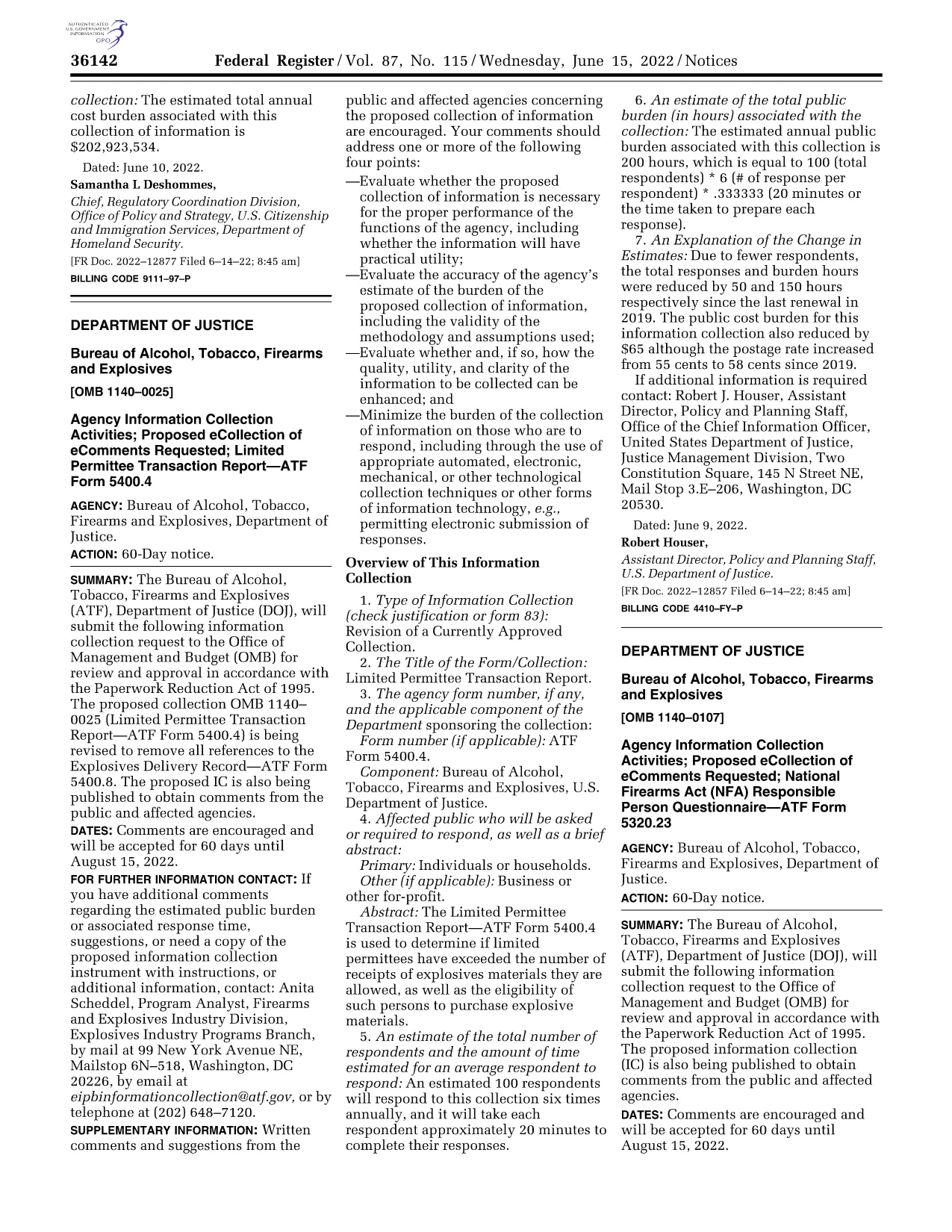
The PDF linked on this page is the official ATF‑published version from the Federal Register (2022). You can download it directly, or open it instantly in Formize’s filler by clicking the “Fill out this form” button.

Regulatory Requirements & Filing

After completing the form, you must submit the original copy to ATF’s Explosives Division. A copy should be retained in your records for at least three years. Failure to file or incomplete information can result in fines or permit suspension.

Ready to get started? Click the button below and let Formize handle the rest.

FAQ
  • Who must complete ATF Form 5400.4?

    The form must be completed by the limited permittee (or an authorized employee) who purchases explosives, and by the licensed distributor who supplies them.

  • Is an electronic signature accepted on Form 5400.4?

    Yes. ATF accepts electronic signatures as long as the signer’s identity is verified within the PDF filler.

  • How many copies of the form do I need to keep?

    Keep one original copy for ATF filing and retain a duplicate for your records for at least three years.

  • Can I use an older version of the form?

    No. ATF requires the most recent version published in the Federal Register. The linked PDF (2022) is the current approved form.

  • What if I make a mistake after submitting?

    Submit a corrected Form 5400.4 with a clear notation of the amendment. Include a brief explanation of the error and reference the original submission date.

  • Do I need to submit the form electronically to ATF?

    ATF still requires a hard‑copy original. You can email a digital copy for internal records, but the physical form must be mailed to the ATF Explosives Division.

  • Is there a filing fee for Form 5400.4?

    No. There is no fee to file the Limited Permittee Transaction Report.

  • Where do I mail the completed form?

    Send the original to: ATF, Explosives Division, 99 New York Avenue, NE, Washington, DC 20002.

HOW TO

How to fill out ATF Form 5400.4 for free, online in 5 easy steps:

  1. 1
    Click the Fill‑Out Button
    Press the “Fill out this form” button on the page. The Formize PDF Filler app will open in a new tab.
  2. 2
    Wait for the Filler to Load
    The secure filler loads the ATF Form 5400.4 automatically. This only takes a few seconds.
  3. 3
    Complete Each Section
    Enter the required information in Sections A, B, and C. Use the on‑screen prompts to add dates, quantities, and purpose details.
  4. 4
    Add Electronic Signatures
    Click the signature fields to sign with your mouse, finger, or stylus. Both the buyer and distributor must sign.
  5. 5
    Save, Download, or Email
    When you’re finished, click “Save”. You can download the completed PDF, print it, or email it directly to ATF.
Formize PDF Filler app
ABOUT

Bereau of Alcohol, Tobacco, Firearms and Explosives (ATF) Forms

ATF Form 5400.4 is one of the official forms that are used by the ATF, a federal law enforcement agency within the United States Department of Justice. The ATF is responsible for enforcing federal laws and regulations related to alcohol, tobacco, firearms, and explosives. These forms are used for various purposes, including the registration, licensing, and regulation of businesses and individuals involved in these industries. Here are some examples of ATF forms:

ATF Form 4473: This form is used for the background check process when a person purchases a firearm from a federally licensed firearms dealer. It collects information about the purchaser's identity, background, and eligibility to possess firearms.

ATF Form 1: This form is used to apply for the making and registration of a firearm. It is typically used for individuals who want to manufacture a firearm for personal use or convert an existing firearm into a different configuration.

ATF Form 4: This form is used for the transfer and registration of a firearm from one individual or entity to another. It is commonly used in the process of purchasing a firearm from a private party or transferring a firearm to a trust or corporation.

ATF Form 6: This form is used for the importation of firearms, ammunition, and certain other items regulated by the ATF. It is required for individuals or businesses who want to import such items into the United States.

ATF Form 7: This form is used for the application and renewal of a federal firearms license (FFL). It is required for individuals or businesses engaged in the business of manufacturing, dealing, or importing firearms.

ATF Form 5320.20: This form is used for the notification and approval of the transport of firearms or destructive devices across state lines.

ATF Form 5400.13: This form is used for the registration and reporting of explosive materials and devices.

These are just a few examples of the ATF forms used for various purposes related to the regulation and enforcement of federal laws governing alcohol, tobacco, firearms, and explosives. The specific forms required depend on the particular activity or transaction being conducted and the regulations that apply. It's important to consult the official website of the Bureau of Alcohol, Tobacco, Firearms and Explosives (www.atf.gov) or seek professional guidance for accurate and up-to-date information regarding the specific ATF forms relevant to your situation.

FEATURES

PDF Filler

The easiest way to fill ATF Form 5400.4 online

  • Quickly fill out ATF Form 5400.4
    Looking for a way to quickly fill ATF Form 5400.4 online? With our online free PDF form filler, you’ll know how to how to edit and fill this pdf document in less than a minute.
  • Easy to use online PDF editor
    Fed up with printing out PDF files so you can edit them, before rescanning and sending them back? Edit PDF documents for free online. Use our online pdf editor to save time and paper.
  • Great tools, all platforms
    Wondering how to fill in ATF Form 5400.4 on a Mac, or maybe how to use a PDF filler free? Our online PDF tools work on all platforms.
  • Secure file storage
    Completed "ATF Form 5400.4" files are stored in a secured database managed by Amazon Cloud hosting. You can delete your files from our system anytime. In any case, these files are automatically deleted after 24 hours.
  • Chat with ATF Form 5400.4
    Chat with "ATF Form 5400.4" on Chatize that is a free PDF reader assistant. Ask questions and get answers from "ATF Form 5400.4". Just click on Chat With Document button above.

Delete filling session

Delete the selected filling session? In this case, your progress in completing the form will be lost.

Delete editing session

Delete the selected editing session? In this case, your progress in creating and editing the form will be lost.