Select language

Gender Change Form – Fillable PDF

  1. Language English
  2. Country Australia
  3. Department Births, Deaths & Marriages
  4. Activity Legal Name Change
Fill out this form
Gender Change Form – Fillable PDF

Changing the gender marker on your legal documents is an important step for many transgender and gender‑diverse people. The Gender Change Form provided by the Western Australian Registry of Births, Deaths & Marriages lets adults update their recorded sex or gender quickly and securely.

Our page offers a Fill out this form button that opens the Formize PDF Filler app. No need to download, print, or use a separate PDF editor – simply fill the form online, save a copy, and print or submit as required.

What Is the Gender Change Form?

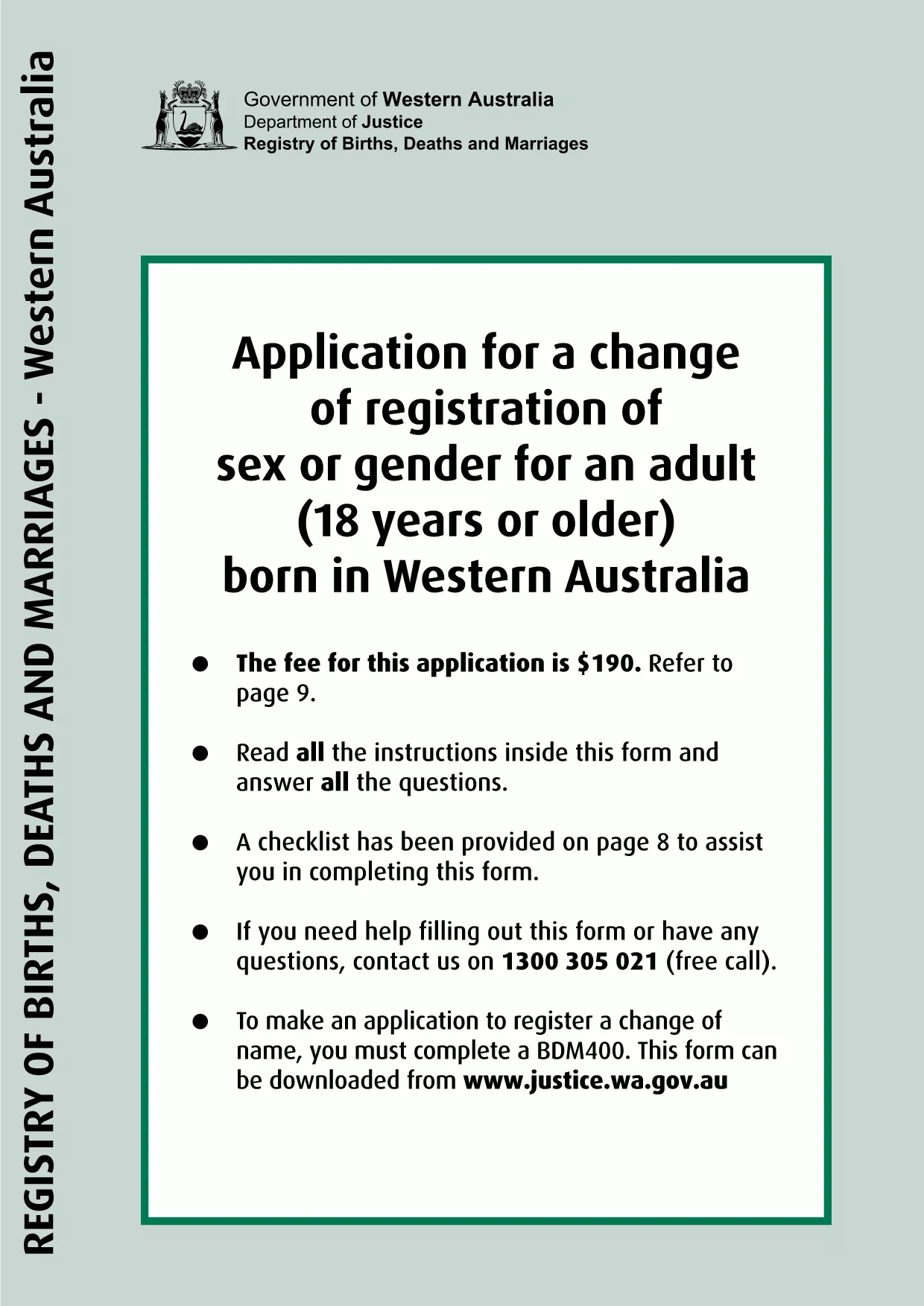
This official PDF is used to apply for a change of registration of sex or gender for adults born in Western Australia. It collects the applicant’s personal details, current and desired gender markers, and supporting statements required by the Births, Deaths & Marriages Registration Act 1998.

How to Fill Out the Gender Change Form Online

  1. Click the Fill out this form button above.
  2. Wait a few seconds while the Formize PDF Filler loads the document.
  3. Enter all required information exactly as it appears on your identification.
  4. Upload any supporting statements (e.g., a statutory declaration or counsellor’s letter).
  5. Review the completed form, add your electronic signature, and click Save.
  6. Download the finished PDF or print it directly for submission.

Common Mistakes to Avoid

  • Leaving fields blank: Every required field must be completed; otherwise the application will be rejected.
  • Incorrect spelling of names: Ensure your legal name matches the name on your birth certificate.
  • Using the wrong gender options: Choose the gender marker that best reflects your identity as allowed by the form.
  • Missing supporting documents: Attach the statutory declaration and any counsellor’s statement before saving.

Where to Submit Your Completed Form

After completing the form, you can submit it in one of the following ways:

  • Mail the printed PDF to the Western Australian Registry of Births, Deaths & Marriages.
  • Deliver it in person to any BDM office across WA.
  • Upload the digital PDF through the online portal if you have a registered account.

Processing times vary, but most applications are reviewed within 4‑6 weeks.

Frequently Asked Questions

Below are some of the most common questions about the gender change form.

FAQ
  • Who can use this gender change form?

    The form is intended for adults (18 years or older) who were born in Western Australia and wish to update the recorded sex or gender on their birth certificate.

  • Do I need a lawyer to fill out the form?

    No. The form is designed for self‑completion. However, you may seek advice from a legal aid service or a transgender support organisation if you have questions.

  • What supporting documents are required?

    A statutory declaration stating your gender identity and, if requested, a supporting statement from a qualified counsellor or doctor.

  • Can I change my gender marker more than once?

    Yes. You may submit a new application at any time, but each submission must include a fresh statutory declaration and supporting evidence.

  • How long does the registration change take?

    Processing typically takes 4–6 weeks after the registry receives your complete application.

  • Is there a fee for this form?

    A standard processing fee applies. Check the latest fee schedule on the Western Australian Registry of Births, Deaths & Marriages website.

  • Can I submit the form electronically?

    Yes. If you have a registered online account with the WA Registry, you can upload the completed PDF directly through their portal.

  • What if I make a mistake after submitting?

    Contact the Registry as soon as possible. Minor errors can often be corrected without a new application; major errors may require a fresh form.

HOW TO

How to fill out gender change form for free, online in 4 easy steps:

  1. 1
    Open the Formize PDF Filler
    Click the "Fill out this form" button on the page. The Formize PDF Filler app will load the gender change PDF automatically.
  2. 2
    Complete the Form
    Enter all required information, upload any supporting statements, and add your electronic signature.
  3. 3
    Save and Download
    After reviewing the completed form, click "Save". Download the finished PDF or print it directly for submission.
  4. 4
    Submit to the Registry
    Mail, deliver in person, or upload the PDF to the Western Australian Registry of Births, Deaths & Marriages as instructed.
Formize PDF Filler app
ABOUT

gender change form template

With the traditional set of features for viewing and filling out a PDF document, combined with the benefits of a web application and responsive layout, you can complete gender change form in minutes.

FEATURES

PDF Filler

The easiest way to fill gender change form online

  • Quickly fill out gender change form
    Looking for a way to quickly fill gender change form online? With our online free PDF form filler, you’ll know how to how to edit and fill this pdf document in less than a minute.
  • Easy to use online PDF editor
    Fed up with printing out PDF files so you can edit them, before rescanning and sending them back? Edit PDF documents for free online. Use our online pdf editor to save time and paper.
  • Great tools, all platforms
    Wondering how to fill in gender change form on a Mac, or maybe how to use a PDF filler free? Our online PDF tools work on all platforms.
  • Secure file storage
    Completed "gender change form" files are stored in a secured database managed by Amazon Cloud hosting. You can delete your files from our system anytime. In any case, these files are automatically deleted after 24 hours.
  • Chat with gender change form
    Chat with "gender change form" on Chatize that is a free PDF reader assistant. Ask questions and get answers from "gender change form". Just click on Chat With Document button above.

Delete filling session

Delete the selected filling session? In this case, your progress in completing the form will be lost.

Delete editing session

Delete the selected editing session? In this case, your progress in creating and editing the form will be lost.