
Select language

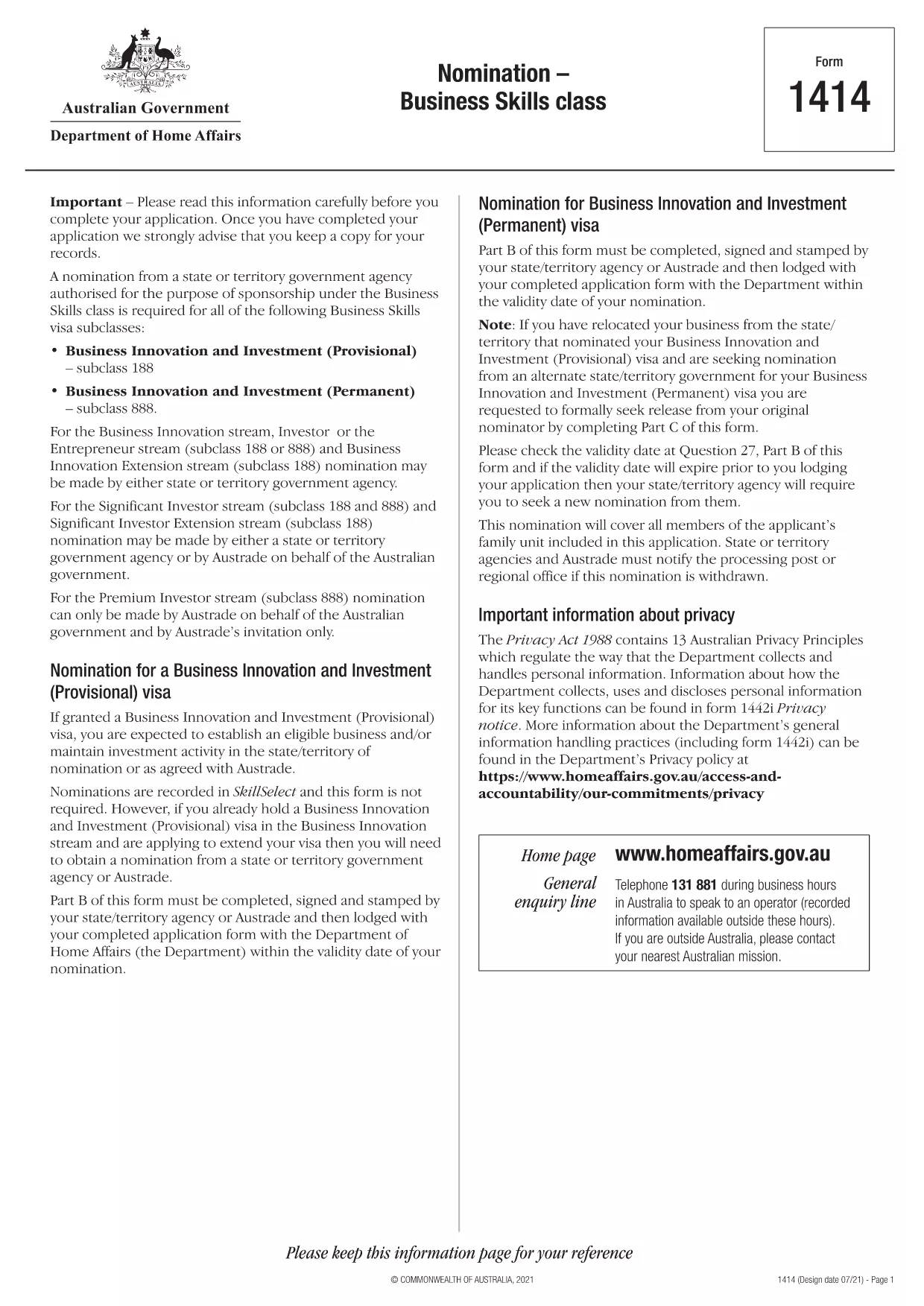
Form 1414 – Nomination Form for Business Skills Visa (Subclass 188 & 888)

  1. Language English
  2. Country Australia
  3. Activity Business and investment
Fill out this form
Form 1414 – Nomination Form for Business Skills Visa (Subclass 188 & 888)

The Form 1414 is the official nomination form required by the Australian Department of Home Affairs for Business Skills visa subclasses 188 and 888. It must be completed, signed, and stamped by the nominating state or territory agency before you lodge your visa application.

What Is Form 1414 and Who Needs It?

Form 1414 is used when a state or territory government agency (or Austrade) nominates an applicant for the Business Innovation and Investment stream. If you are applying for a subclass 188 Business Innovation visa or the permanent subclass 888 Business Innovation visa, you will need a fully‑filled Form 1414 as part of your documentation.

How to Complete the Fillable Form 1414 Online

Instead of downloading the PDF and editing it with a separate editor, simply click the "Fill out this form" button on this page. The Formize PDF Filler app will load the fillable version instantly. Follow the on‑screen prompts, save your progress, and download the completed PDF ready for signing.

Common Mistakes to Avoid When Submitting Form 1414

  • Missing signatures or stamps: The nominator must sign and stamp the form before you attach it to your visa application.
  • Incorrect dates: Ensure the validity dates match the nomination offer from the state or territory.
  • Incomplete business details: Provide accurate ABN, ASIC, and ownership information; omissions can delay processing.

Once you have completed the form, review it carefully, then attach it to your visa application package along with the required supporting documents.

FAQ
  • Do I need to print Form 1414 after filling it online?

    Yes. After completing the fillable PDF, you must print the document for the nominator’s signature and official stamp before submitting it with your visa application.

  • Can I submit a partially‑filled Form 1414?

    No. The Department of Home Affairs requires a fully completed and signed form. Incomplete forms will be returned and delay processing.

  • Is there a fee to download Form 1414?

    No. The PDF is provided free of charge by the Australian government.

  • What happens if the nominator’s stamp is missing?

    A missing stamp is considered an incomplete nomination. Your visa application will be rejected until the form is correctly stamped.

  • Can I edit the PDF after I have saved it?

    Yes, you can reopen the saved PDF in the Formize PDF Filler app to make changes, but ensure the final version is the one you print and sign.

  • Where can I find the list of supporting documents for Form 1414?

    The Department of Home Affairs provides a checklist on its website. Typical documents include ABN registration, ASIC reports, and proof of business ownership.

HOW TO

How to fill out Form 1414 for free, online in 4 easy steps:

  1. 1
    Open the Fillable Form
    Click the "Fill out this form" button on the page. The Formize PDF Filler app loads the fillable Form 1414 instantly.
  2. 2
    Enter Your Information
    Complete each section—business details, nominator information, and dates—using the on‑screen fields. All fields are required unless marked optional.
  3. 3
    Save and Download
    When you finish, click "Save" to download the completed PDF. Print it for the required signatures and stamp from your nominating agency.
  4. 4
    Attach to Your Visa Application
    Include the signed Form 1414 with your subclass 188 or 888 visa application package, along with all supporting documents.
Formize PDF Filler app
ABOUT

Business and Investment Forms

Form 1414 is one of forms that are used in the context of starting, managing, or investing in a business. These forms are often required by government agencies, financial institutions, or regulatory bodies to gather information, establish legal entities, or comply with specific rules and regulations related to business operations and investments. The specific forms can vary depending on the nature of the business or investment activity. Here are some examples of "Business and Investment" forms:

Business Registration Forms: These forms are used to register a business entity with the appropriate government agency. They collect information about the business name, legal structure (e.g., sole proprietorship, partnership, corporation), business address, ownership details, and other necessary information required for legal recognition.

Incorporation Documents: If establishing a corporation or a company, various documents need to be filed to create the legal entity. These documents typically include articles of incorporation, bylaws, shareholder agreements, and other related forms.

Business License Applications: Depending on the industry and location, certain businesses require specific licenses or permits to operate legally. Business license applications gather information about the nature of the business, its location, ownership details, and compliance with relevant regulations.

Investment Account Opening Forms: Investors looking to open investment accounts with financial institutions or brokerage firms may need to complete account opening forms. These forms collect personal information, investment objectives, risk tolerance, and other relevant details to establish the investor's account.

Partnership Agreements: When entering into a partnership, partners typically create a partnership agreement that outlines the terms and conditions of their business relationship. This agreement may include provisions related to profit-sharing, decision-making, contributions, and other aspects of the partnership.

Non-Disclosure Agreements (NDAs): NDAs are commonly used in business transactions to protect sensitive information or trade secrets. These agreements ensure that parties involved in a business or investment transaction maintain confidentiality regarding specific information shared during the course of the transaction.

Loan or Financing Application Forms: Businesses seeking financing or loans from financial institutions may need to complete loan application forms. These forms gather information about the business's financials, credit history, collateral, and other details necessary for the loan approval process.

Securities Filings: For businesses involved in the issuance of securities, such as stocks or bonds, various securities filings may be required to comply with securities laws and regulations. These forms include prospectuses, registration statements, annual reports, and other disclosures.

The specific forms and requirements can vary depending on the country, industry, and the particular business or investment activity. It's important to consult the relevant government agencies, legal professionals, or financial institutions to obtain accurate and up-to-date information regarding the necessary forms for specific business or investment-related activities.

FEATURES

PDF Filler

The easiest way to fill Form 1414 online

  • Quickly fill out Form 1414
    Looking for a way to quickly fill Form 1414 online? With our online free PDF form filler, you’ll know how to how to edit and fill this pdf document in less than a minute.
  • Easy to use online PDF editor
    Fed up with printing out PDF files so you can edit them, before rescanning and sending them back? Edit PDF documents for free online. Use our online pdf editor to save time and paper.
  • Great tools, all platforms
    Wondering how to fill in Form 1414 on a Mac, or maybe how to use a PDF filler free? Our online PDF tools work on all platforms.
  • Secure file storage
    Completed "Form 1414" files are stored in a secured database managed by Amazon Cloud hosting. You can delete your files from our system anytime. In any case, these files are automatically deleted after 24 hours.
  • Chat with Form 1414
    Chat with "Form 1414" on Chatize that is a free PDF reader assistant. Ask questions and get answers from "Form 1414". Just click on Chat With Document button above.

Delete filling session

Delete the selected filling session? In this case, your progress in completing the form will be lost.

Delete editing session

Delete the selected editing session? In this case, your progress in creating and editing the form will be lost.