Select language

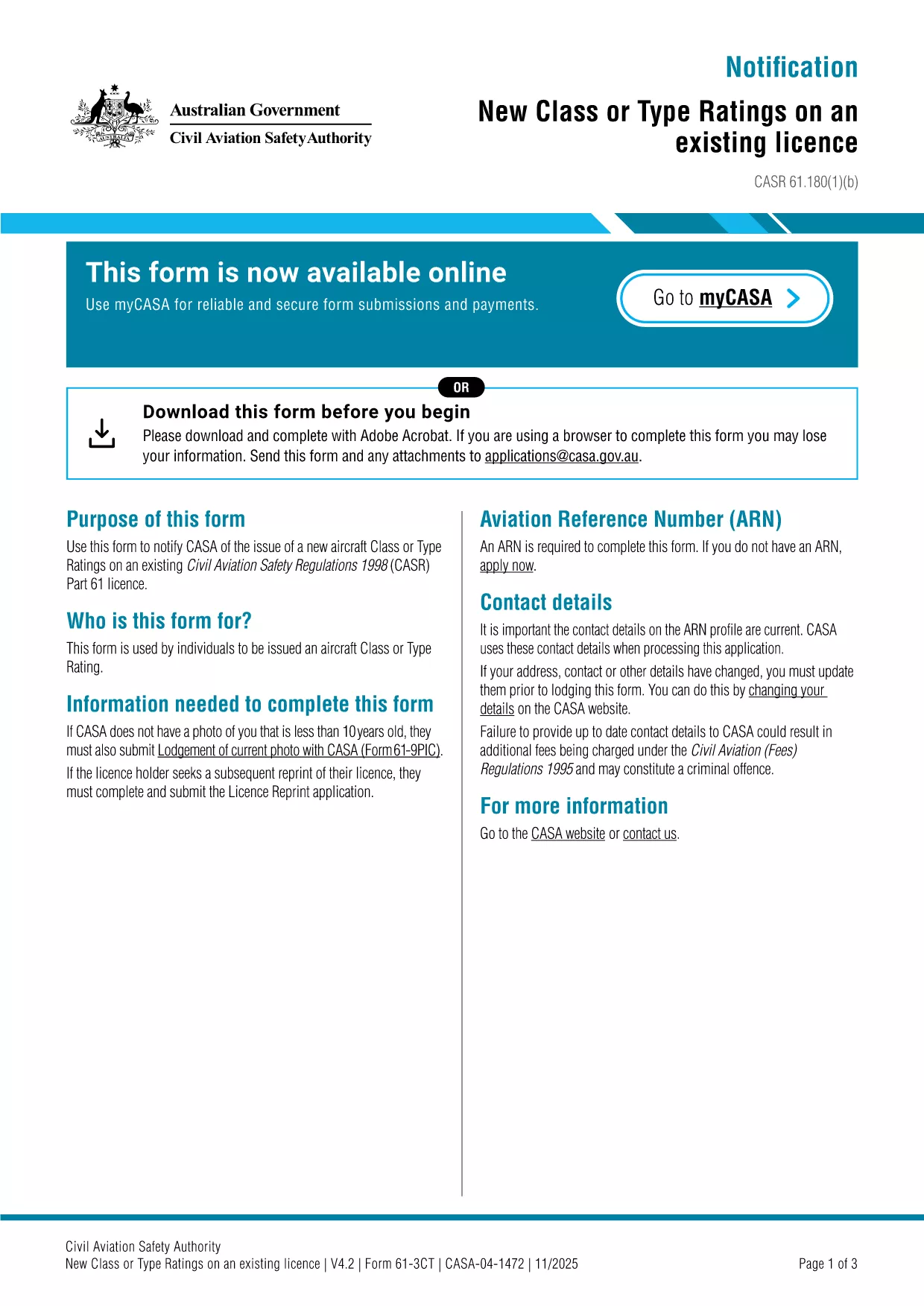
Form 3CT – New Aircraft Class or Type Rating (Fillable PDF)

  1. Language English
  2. Country Australia
  3. Activity Aviation Licensing
  4. Department Civil Aviation Safety Authority
Fill out this form
Form 3CT – New Aircraft Class or Type Rating (Fillable PDF)

The Form 3CT is the official CASA (Civil Aviation Safety Authority) document used to notify the authority of a new aircraft class or type rating on an existing Part 61 licence. This form is required whenever a pilot obtains a new rating that is not covered by their current licence.

What Is Form 3CT?

Form 3CT captures essential details such as the aircraft make, model, registration, and the specific class or type rating being added. It ensures that the CASA database stays up‑to‑date with each pilot’s qualifications.

Who Needs to Complete Form 3CT?

  • Pilots who have earned a new class rating (e.g., multi‑engine, turbine) on an existing licence.
  • Pilots adding a type rating for a specific aircraft model.
  • Flight instructors updating their qualifications.

How to Fill Out Form 3CT Online

Instead of downloading the PDF and opening a separate editor, simply click the "Fill out this form" button on this page. The Formize PDF Filler app will load automatically, allowing you to complete the form directly in your browser.

Common Mistakes to Avoid

  • Leaving the aircraft registration field blank.
  • Using an incorrect licence number – double‑check the number on your current licence.
  • Submitting the form without the required supporting documents (e.g., training certificates).

Where to Submit the Completed Form

Once you have saved the completed Form 3CT, upload the PDF through the CASA online portal or email it to licensing@casa.gov.au. You will receive a confirmation email within 3‑5 business days.

Need more help? Review the FAQs below or contact your local CASA office.

FAQ
  • Do I need a digital signature for Form 3CT?

    Yes. The Formize PDF Filler includes an electronic signature field that complies with CASA’s e‑signature requirements.

  • Can I edit the form after I have saved it?

    Absolutely. Open the saved PDF in Formize again, make the necessary changes, and re‑save before submission.

  • What supporting documents are required?

    Typically a copy of the training certificate for the new rating and the aircraft’s registration certificate are needed.

  • How long does CASA take to process the form?

    Processing usually takes 3‑5 business days after receipt of the completed form and supporting documents.

  • Is there a fee for submitting Form 3CT?

    No fee is charged for the submission itself, but any associated training or examination fees remain payable to the training provider.

HOW TO

How to fill out Form 3CT for free, online in 5 easy steps:

  1. 1
    Open the Fillable Form
    Click the "Fill out this form" button on the page. The Formize PDF Filler app loads in your browser.
  2. 2
    Enter Your Details
    Complete each field – licence number, aircraft registration, class/type rating, and dates. Use the drop‑down menus where available.
  3. 3
    Attach Supporting Documents
    Upload any required certificates or training records using the attachment field.
  4. 4
    Review and Save
    Double‑check all entries, then click "Save". The filled PDF is stored securely on Formize.
  5. 5
    Submit to CASA
    Download the saved PDF and upload it through the CASA portal or email it to licensing@casa.gov.au.
Formize PDF Filler app
ABOUT

Form 3CT template

With the traditional set of features for viewing and filling out a PDF document, combined with the benefits of a web application and responsive layout, you can complete Form 3CT in minutes.

FEATURES

PDF Filler

The easiest way to fill Form 3CT online

  • Quickly fill out Form 3CT
    Looking for a way to quickly fill Form 3CT online? With our online free PDF form filler, you’ll know how to how to edit and fill this pdf document in less than a minute.
  • Easy to use online PDF editor
    Fed up with printing out PDF files so you can edit them, before rescanning and sending them back? Edit PDF documents for free online. Use our online pdf editor to save time and paper.
  • Great tools, all platforms
    Wondering how to fill in Form 3CT on a Mac, or maybe how to use a PDF filler free? Our online PDF tools work on all platforms.
  • Secure file storage
    Completed "Form 3CT" files are stored in a secured database managed by Amazon Cloud hosting. You can delete your files from our system anytime. In any case, these files are automatically deleted after 24 hours.
  • Chat with Form 3CT
    Chat with "Form 3CT" on Chatize that is a free PDF reader assistant. Ask questions and get answers from "Form 3CT". Just click on Chat With Document button above.

Delete filling session

Delete the selected filling session? In this case, your progress in completing the form will be lost.

Delete editing session

Delete the selected editing session? In this case, your progress in creating and editing the form will be lost.