
Select language

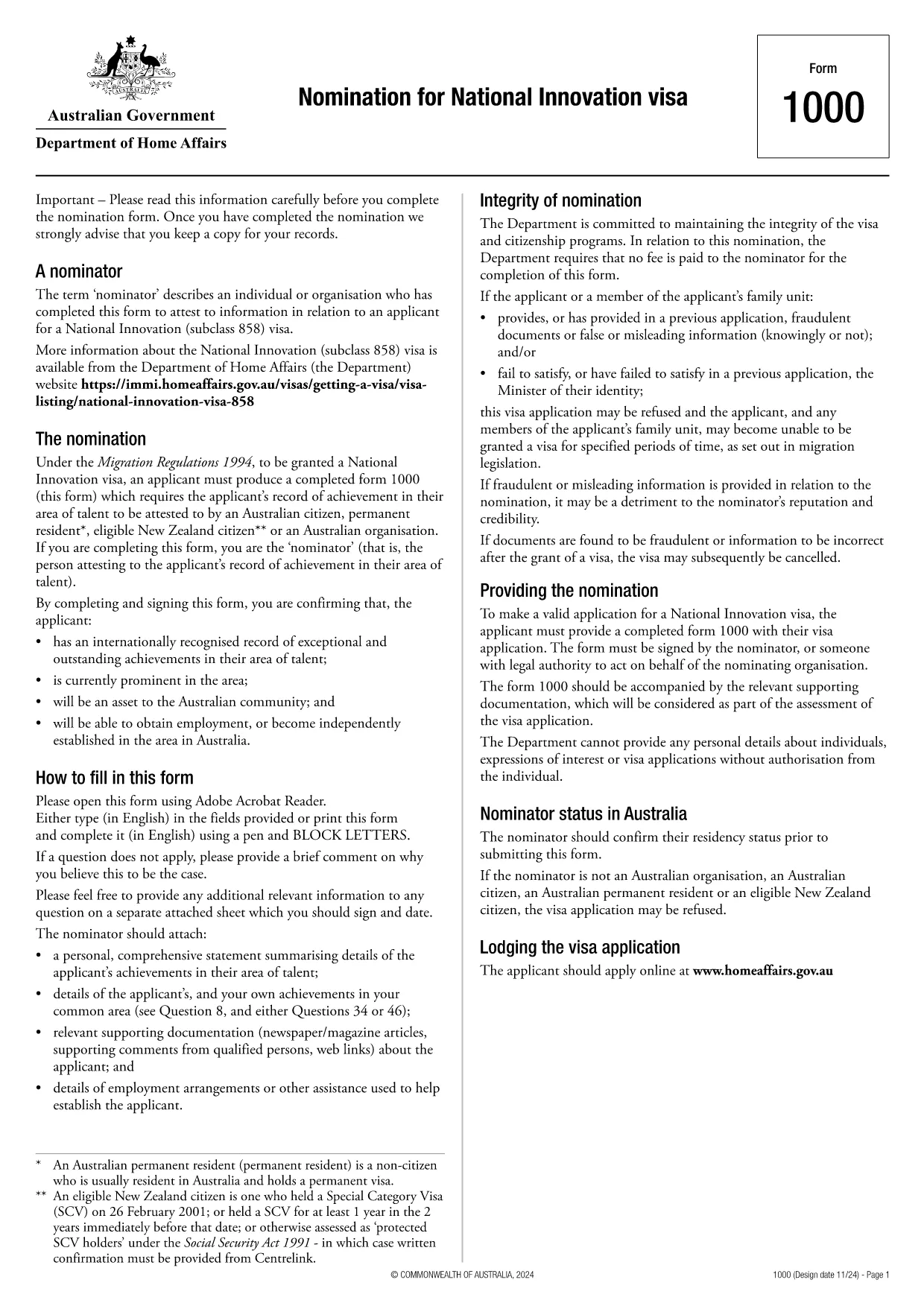
Form 1000 – Nomination for National Innovation Visa (Fillable PDF)

  1. Language English
  2. Country Australia
  3. Activity Visas
  4. Department Home Affairs
Fill out this form
Form 1000 – Nomination for National Innovation Visa (Fillable PDF)

Form 1000 is the official nomination form required for the Australian National Innovation Visa (subclass 888). The form must be signed by the nominator – usually a senior executive or a person with legal authority to act on behalf of the nominating organisation.

This fillable PDF lets you complete every field directly in your browser. No extra software is needed – simply click the “Fill out this form” button and let the Formize PDF Filler load.

Key sections of Form 1000

  • Organisation details – name, ABN, address, and contact information.
  • Nominator information – full name, position, and authority declaration.
  • Innovation project summary – brief description, commercial potential, and supporting evidence.
  • Signature block – electronic signature accepted by the Department of Home Affairs.

Completing the form accurately speeds up the visa processing time and reduces the chance of a request for additional information.

How to submit

After you finish the online fill‑out, download the completed PDF and attach it to your visa application through ImmiAccount, or email it to the case officer as instructed in your invitation letter.

FAQ
  • Can I sign Form 1000 electronically?

    Yes. The Formize PDF Filler supports electronic signatures that are accepted by the Department of Home Affairs.

  • Who is allowed to act as the nominator?

    The nominator must be a senior executive or a person with legal authority to bind the nominating organisation, such as a director or managing partner.

  • Do I need to attach supporting documents to Form 1000?

    Supporting evidence (e.g., business plan, patents) is uploaded separately in ImmiAccount. Form 1000 itself only contains summary information and the nominator’s declaration.

  • What happens if I make a mistake on the form?

    You can edit any field before downloading the final PDF. After download, the form cannot be edited, so double‑check all entries.

  • Is there a fee to use the Formize PDF Filler?

    No. Formize provides the fillable PDF service for free; you only pay any government visa fees that apply.

  • Can I save my progress and return later?

    Yes. The online filler automatically saves your inputs locally, allowing you to close the browser and resume later.

  • Where do I submit the completed Form 1000?

    Upload the completed PDF through your ImmiAccount visa application or email it to the case officer as instructed in your invitation letter.

HOW TO

How to fill out Form 1000 for free, online in 3 easy steps:

  1. 1
    Step 1 – Click the Fill‑out Button
    On this page, click the bright “Fill out this form” button. The Formize PDF Filler app will open in a new tab.
  2. 2
    Step 2 – Complete the Fields Online
    Enter all required information directly into the fillable fields. The app saves your progress automatically.
  3. 3
    Step 3 – Download and Submit
    When you’re finished, click “Download PDF”. Attach the completed Form 1000 to your visa application in ImmiAccount.
Formize PDF Filler app
ABOUT

Visa Forms

Form 1000 is one of Visa forms that are documents that are used to apply for a visa to enter a foreign country. A visa is a document that allows a foreign national to enter, stay, and sometimes work in a foreign country for a specified period of time. The exact forms and requirements for obtaining a visa vary by country and type of visa.

Visa forms typically require personal information such as name, date of birth, and passport information, as well as information about the purpose and length of the trip, intended destination, and whether the applicant has previously been refused a visa or deported from a country. The forms may also require supporting documents such as a passport, photographs, and proof of financial support.

In the United States, the most common visa forms are the DS-160 and DS-260 forms. The DS-160 form is used to apply for a nonimmigrant visa, while the DS-260 form is used to apply for an immigrant visa. These forms require detailed information about the applicant's personal and travel history, as well as supporting documentation such as a passport, travel itinerary, and financial records.

Other countries may have different visa forms and requirements, but the basic process typically involves completing a visa application, providing supporting documentation, and attending an interview with a consular officer at a U.S. embassy or consulate. It is important to note that the visa application process can be complex and time-consuming, and it is recommended that individuals seeking a visa consult with an immigration attorney or other qualified professional to ensure that all necessary forms and requirements are met.

FEATURES

PDF Filler

The easiest way to fill Form 1000 online

  • Quickly fill out Form 1000
    Looking for a way to quickly fill Form 1000 online? With our online free PDF form filler, you’ll know how to how to edit and fill this pdf document in less than a minute.
  • Easy to use online PDF editor
    Fed up with printing out PDF files so you can edit them, before rescanning and sending them back? Edit PDF documents for free online. Use our online pdf editor to save time and paper.
  • Great tools, all platforms
    Wondering how to fill in Form 1000 on a Mac, or maybe how to use a PDF filler free? Our online PDF tools work on all platforms.
  • Secure file storage
    Completed "Form 1000" files are stored in a secured database managed by Amazon Cloud hosting. You can delete your files from our system anytime. In any case, these files are automatically deleted after 24 hours.
  • Chat with Form 1000
    Chat with "Form 1000" on Chatize that is a free PDF reader assistant. Ask questions and get answers from "Form 1000". Just click on Chat With Document button above.

Delete filling session

Delete the selected filling session? In this case, your progress in completing the form will be lost.

Delete editing session

Delete the selected editing session? In this case, your progress in creating and editing the form will be lost.