
Application Form A template
With the traditional set of features for viewing and filling out a PDF document, combined with the benefits of a web application and responsive layout, you can complete Application Form A in minutes.


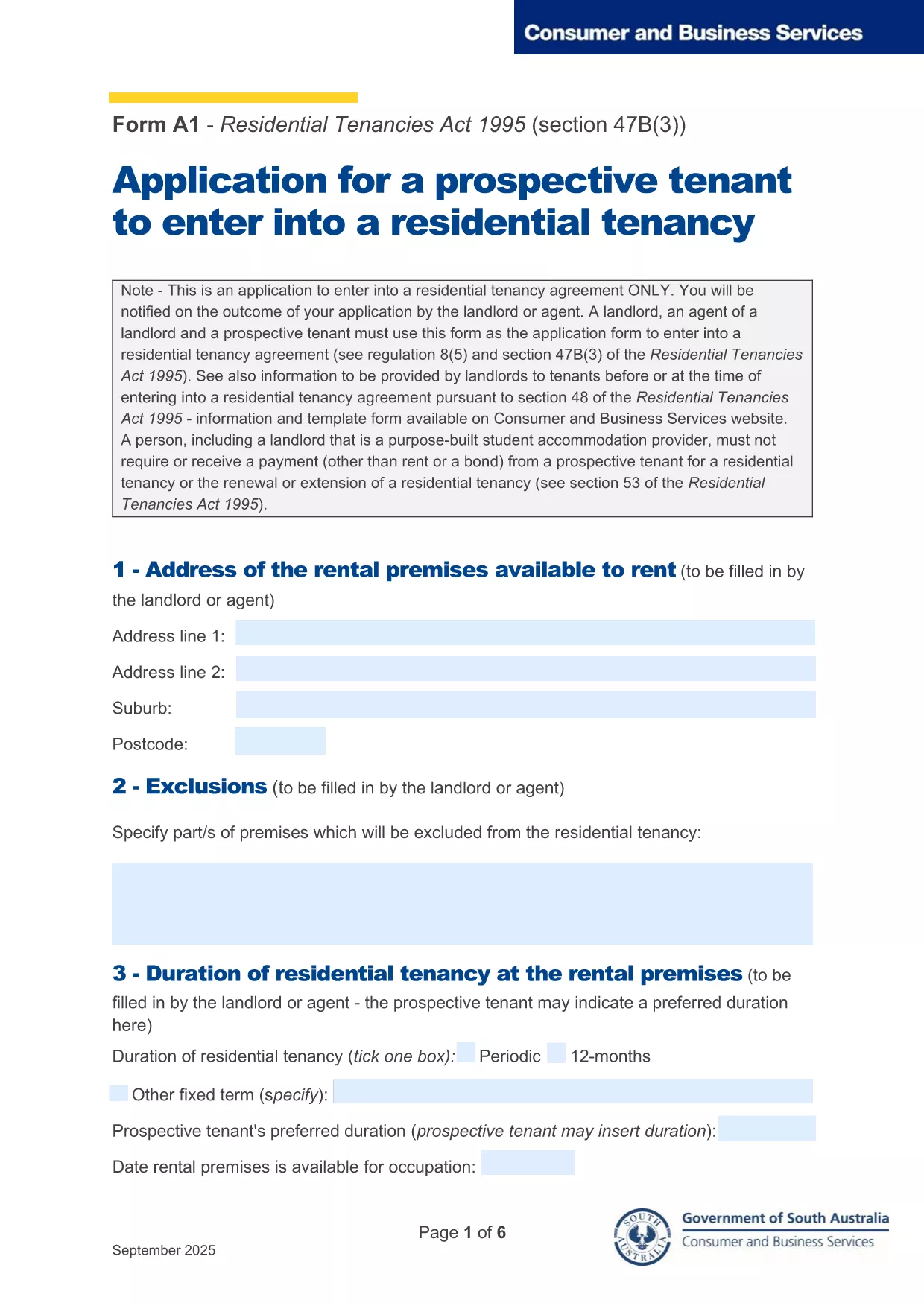
Looking for a quick, paper‑free way to submit a tenancy application? The Application Form A is the standard fillable PDF used by landlords and property managers across Australia. With Formize’s online PDF filler you can complete the form directly in your browser, save time, and reduce errors.
Why use the fillable version? It automatically validates dates, enforces required fields, and lets you sign electronically. No need to print, scan, or fax.
Key sections you’ll encounter:
Follow the step‑by‑step guide below to finish the form without any hassle.
Common mistakes to avoid: leaving required fields blank, uploading the wrong file type, or forgetting to sign. The online filler will flag these issues before you submit.
Once completed, you can download a copy for your records and email the PDF directly to the landlord or property manager.
Yes, the fillable PDF and Formize’s online filler are completely free for tenants.
The Formize app lets you save a draft locally on your device. Simply reopen the saved file to continue.
Contact the landlord to request a revised copy. You can also download the completed PDF, edit it in a PDF editor, and resend.
No. The online filler includes an electronic signature field that is legally accepted for most tenancy agreements.
Formize works on Chrome, Firefox, Edge, and Safari – all modern browsers.
The filler validates required fields and will show a green checkmark when every section is correctly filled.
With the traditional set of features for viewing and filling out a PDF document, combined with the benefits of a web application and responsive layout, you can complete Application Form A in minutes.
The easiest way to fill Application Form A online
Delete filling session
Delete editing session