
yesterday leave template
With the traditional set of features for viewing and filling out a PDF document, combined with the benefits of a web application and responsive layout, you can complete yesterday leave in minutes.


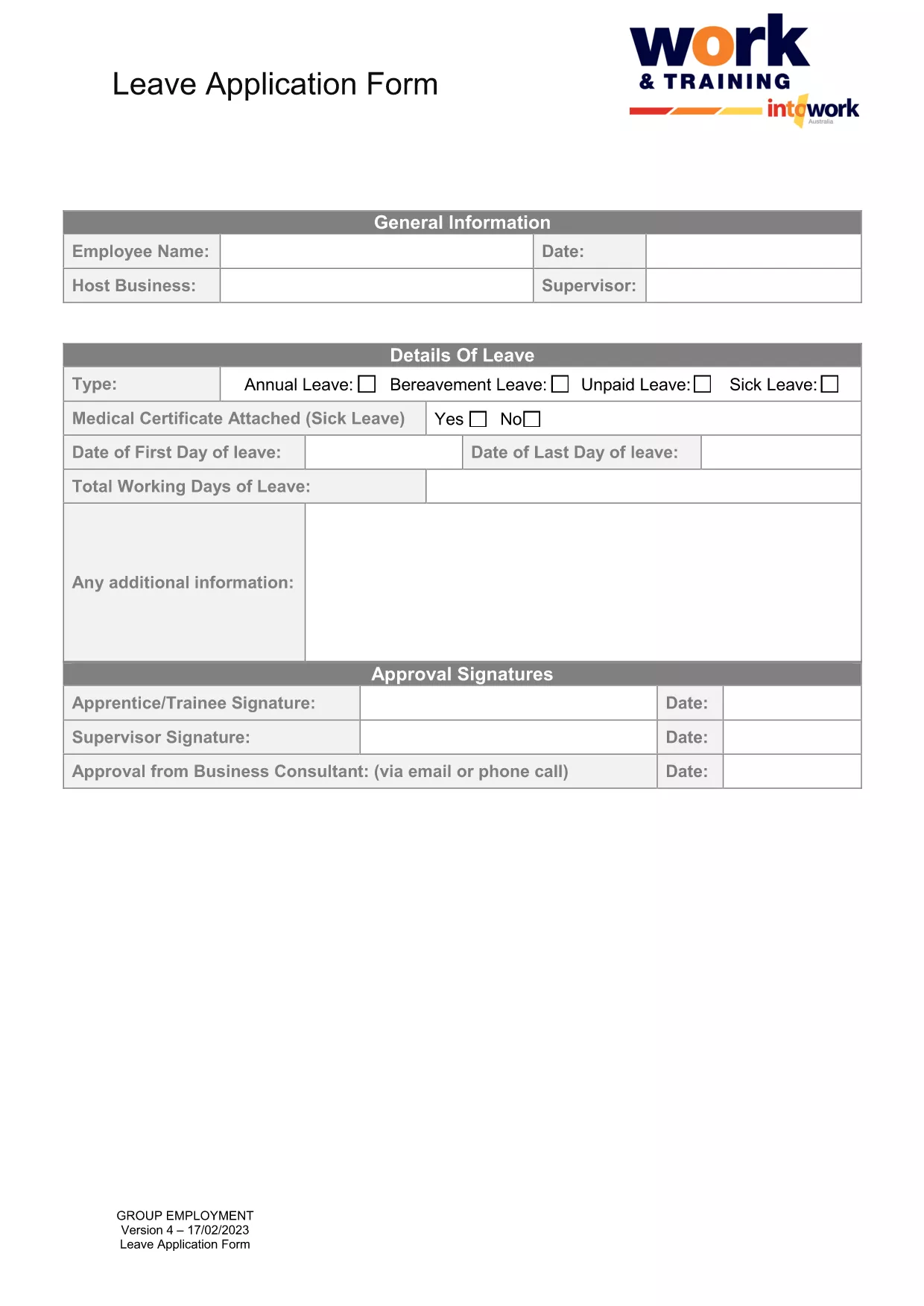
Need to request a day off that you missed yesterday? Our fillable PDF for a yesterday leave application lets you complete the form in minutes, without installing any software. Simply click the button below, fill out the required fields, and submit it to your HR department.
Follow the simple steps in the How‑To section below. The Formize PDF Filler app loads directly in your browser, so you can start typing right away.
Once you’ve filled out the form, you can:
Click the button below to open the fillable PDF in the Formize PDF Filler. No download required – the form is ready to use online.
A yesterday leave is a request to retroactively record a day off that was taken without prior approval, usually due to an emergency or oversight.
No. The Formize PDF Filler runs in your browser, so you can complete the form on any device without installing additional software.
Yes. Use the “Save” button to download a partially completed PDF, then reopen it later in the Formize filler to continue.
You’ll need your full name, employee ID, the exact date you were absent (yesterday), a brief reason, and optionally any supporting documents.
Most HR departments accept electronic signatures generated by the Formize filler. Check your company’s policy if you’re unsure.
Absolutely. After saving, you can print the PDF for a hard‑copy record or to submit it manually.
Contact your HR representative immediately. They can either void the submitted form or ask you to submit a corrected version.
Yes. The Formize filler processes the data locally in your browser and does not store it on external servers unless you choose to email it.
With the traditional set of features for viewing and filling out a PDF document, combined with the benefits of a web application and responsive layout, you can complete yesterday leave in minutes.
The easiest way to fill yesterday leave online
Delete filling session
Delete editing session