
membership application form template
With the traditional set of features for viewing and filling out a PDF document, combined with the benefits of a web application and responsive layout, you can complete membership application form in minutes.


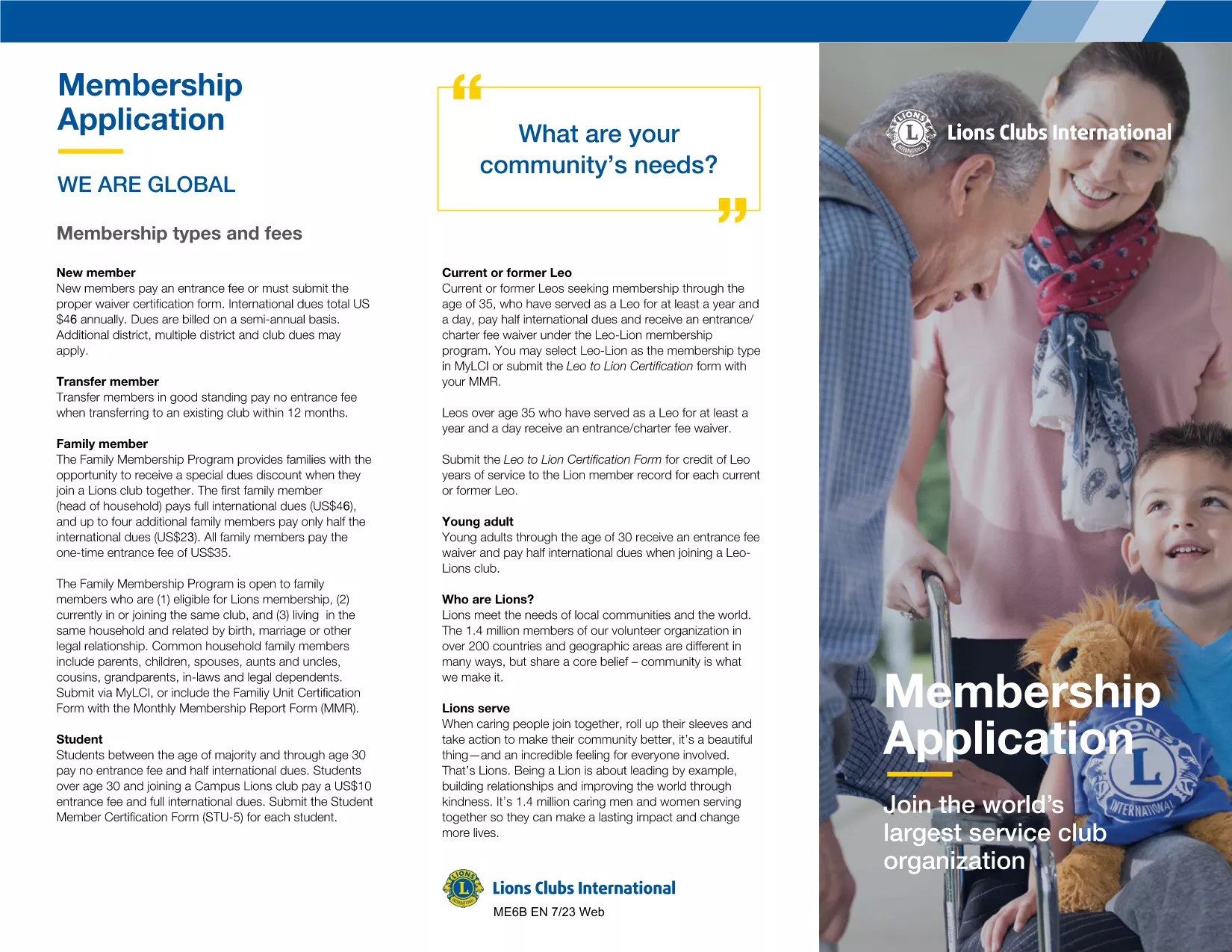
Looking for a quick way to submit your membership application and record your years of service? Our fillable PDF form lets you complete the entire application online, without the hassle of downloading, printing, or using a separate PDF editor.
Simply click the Fill out this form button below. The Formize PDF Filler will load the document, and you can start entering your answers right away.
When you finish, click Save & Download to get a completed PDF you can email to your organization, or use the built‑in Send button to forward it directly from the app.
Ready to start? Click the button below and fill out the form in seconds.
No. The Formize PDF Filler works in any modern browser, so you can complete the form without installing extra software.
Yes. Use the **Save** button to download a partially‑filled PDF, then reopen it later with the Formize app to continue.
Enter the total number of full years you have been a member (e.g., 5). If you have months, round down to the nearest whole year.
All data stays in your browser until you choose to download or send the file. Formize does not store your information on external servers.
Absolutely. After saving the filled PDF, you can print it using any standard printer.
Contact your organization’s membership officer. They can request a corrected form, which you can fill out again using the same PDF.
With the traditional set of features for viewing and filling out a PDF document, combined with the benefits of a web application and responsive layout, you can complete membership application form in minutes.
The easiest way to fill membership application form online
Delete filling session
Delete editing session