Select language

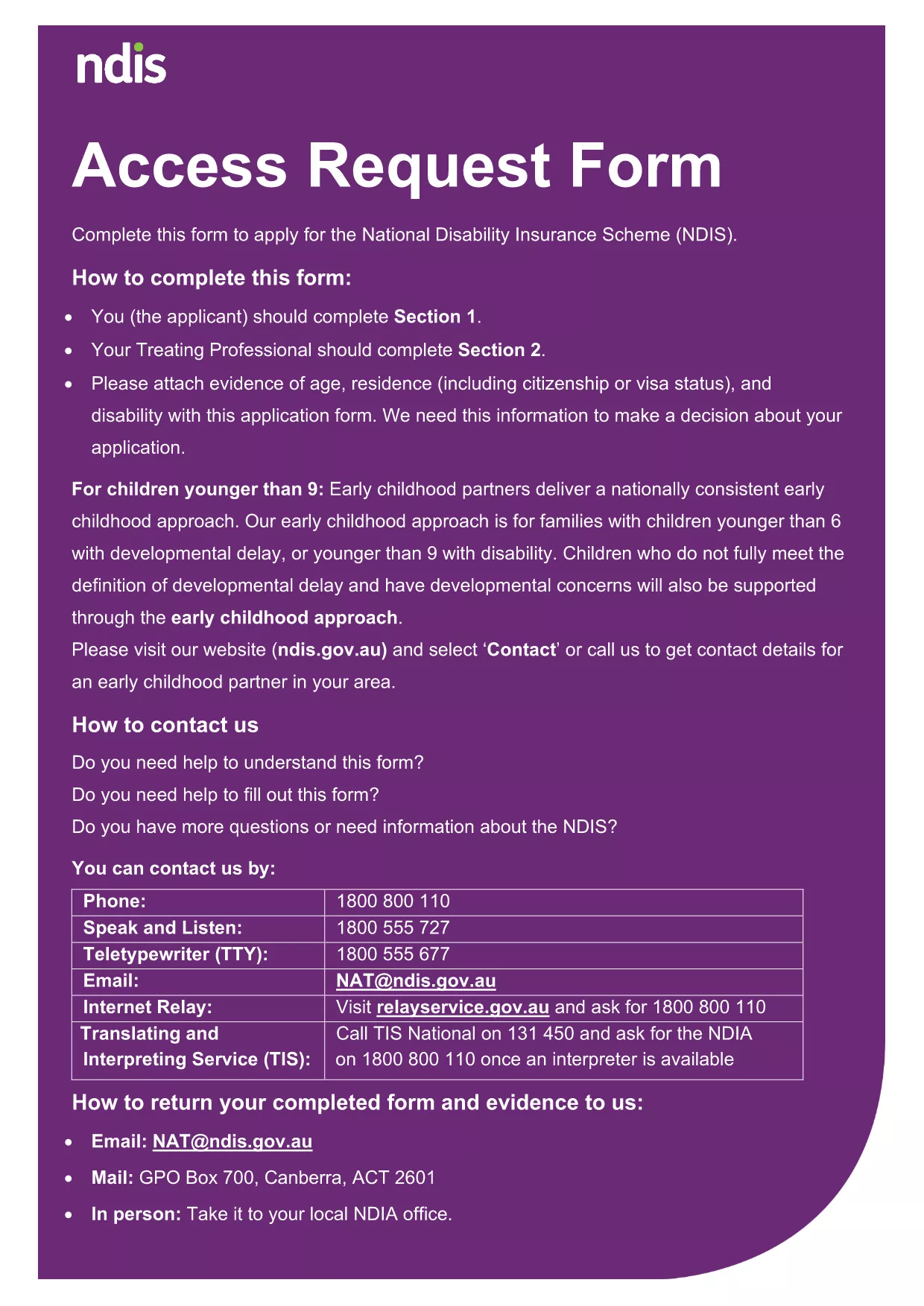
DAS Enrollment Application – Fillable PDF Form

  1. Language English
  2. Country Australia
  3. Department National Disability Insurance Agency
  4. Activity Disability Services
Fill out this form
DAS Enrollment Application – Fillable PDF Form

The DAS enrollment application is the official form used to apply for the Disability Assistance Scheme in Australia. Our page provides a direct link to the fillable PDF version and a seamless online experience powered by the Formize PDF Filler app.

How to Fill the DAS Enrollment Form Online

Instead of downloading the PDF and opening it in a separate editor, simply click the "Fill out this form" button on this page. The Formize PDF Filler loads instantly in your browser, allowing you to enter data, add signatures, and save progress without any software installation.

Key Sections of the DAS Application

  • Personal Details: Name, date of birth, contact information, and Medicare number.
  • Disability Information: Type of disability, supporting medical documentation, and required supports.
  • Financial Assessment: Income, assets, and any existing benefits.
  • Declaration & Signature: Applicant’s consent and electronic signature.

Common Mistakes to Avoid

  • Leaving required fields blank – the Formize filler highlights missing information before you can submit.
  • Uploading unsupported file types for supporting documents – use PDF, JPG, or PNG only.
  • Signing with a handwritten image that is not clear – the built‑in e‑signature tool ensures legibility.

Submitting Your Completed Form

Once you have filled out every section, click "Submit". The completed PDF is encrypted and sent directly to the National Disability Insurance Agency’s enrollment inbox. You will receive an automatic confirmation email with a reference number for tracking.

Why Choose Formize for PDF Filling

Formize provides a fast, secure, and fully‑accessible environment. No downloads, no printer, and no need to certify documents manually. Your data is stored temporarily in a secure session and never retained after submission.

FAQ
  • Do I need to print the DAS enrollment form?

    No. With Formize you can complete, sign, and submit the entire form online without printing.

  • What file formats are accepted for supporting documents?

    PDF, JPG, and PNG files are accepted. Each file must be under 10 MB.

  • Can I save my progress and finish later?

    Yes. The Formize filler lets you download a partially completed PDF to resume later.

  • Is my personal information secure?

    All data is transmitted over SSL encryption and is not stored after the submission is completed.

  • What if I make a mistake after submitting?

    Contact the NDIA’s enrollment help desk with your reference number to request a correction.

  • Do I need a digital signature certificate?

    No. Formize’s built‑in e‑signature complies with Australian government electronic signing standards.

  • Will I receive a copy of my submitted application?

    After submission you can download a read‑only copy of the completed PDF for your records.

HOW TO

How to fill out DAS enrollment application for free, online in 5 easy steps:

  1. 1
    Open the Fillable Form
    Click the "Fill out this form" button on the page. The Formize PDF Filler app loads directly in your browser.
  2. 2
    Enter Your Information
    Use the on‑screen fields to type your personal, disability, and financial details. The app validates required fields in real time.
  3. 3
    Add Supporting Documents
    Upload PDFs, JPGs, or PNGs for medical reports and proof of income using the built‑in upload button.
  4. 4
    Sign Electronically
    Create an e‑signature with your mouse, touchpad, or stylus. The signature is embedded securely in the PDF.
  5. 5
    Submit the Application
    Press the "Submit" button. Your completed DAS enrollment PDF is encrypted and sent to the NDIA. You’ll receive a confirmation email with a reference number.
Formize PDF Filler app
ABOUT

DAS enrollment application template

With the traditional set of features for viewing and filling out a PDF document, combined with the benefits of a web application and responsive layout, you can complete DAS enrollment application in minutes.

FEATURES

PDF Filler

The easiest way to fill DAS enrollment application online

  • Quickly fill out DAS enrollment application
    Looking for a way to quickly fill DAS enrollment application online? With our online free PDF form filler, you’ll know how to how to edit and fill this pdf document in less than a minute.
  • Easy to use online PDF editor
    Fed up with printing out PDF files so you can edit them, before rescanning and sending them back? Edit PDF documents for free online. Use our online pdf editor to save time and paper.
  • Great tools, all platforms
    Wondering how to fill in DAS enrollment application on a Mac, or maybe how to use a PDF filler free? Our online PDF tools work on all platforms.
  • Secure file storage
    Completed "DAS enrollment application" files are stored in a secured database managed by Amazon Cloud hosting. You can delete your files from our system anytime. In any case, these files are automatically deleted after 24 hours.
  • Chat with DAS enrollment application
    Chat with "DAS enrollment application" on Chatize that is a free PDF reader assistant. Ask questions and get answers from "DAS enrollment application". Just click on Chat With Document button above.

Delete filling session

Delete the selected filling session? In this case, your progress in completing the form will be lost.

Delete editing session

Delete the selected editing session? In this case, your progress in creating and editing the form will be lost.