
Common Application Form XI template
With the traditional set of features for viewing and filling out a PDF document, combined with the benefits of a web application and responsive layout, you can complete Common Application Form XI in minutes.


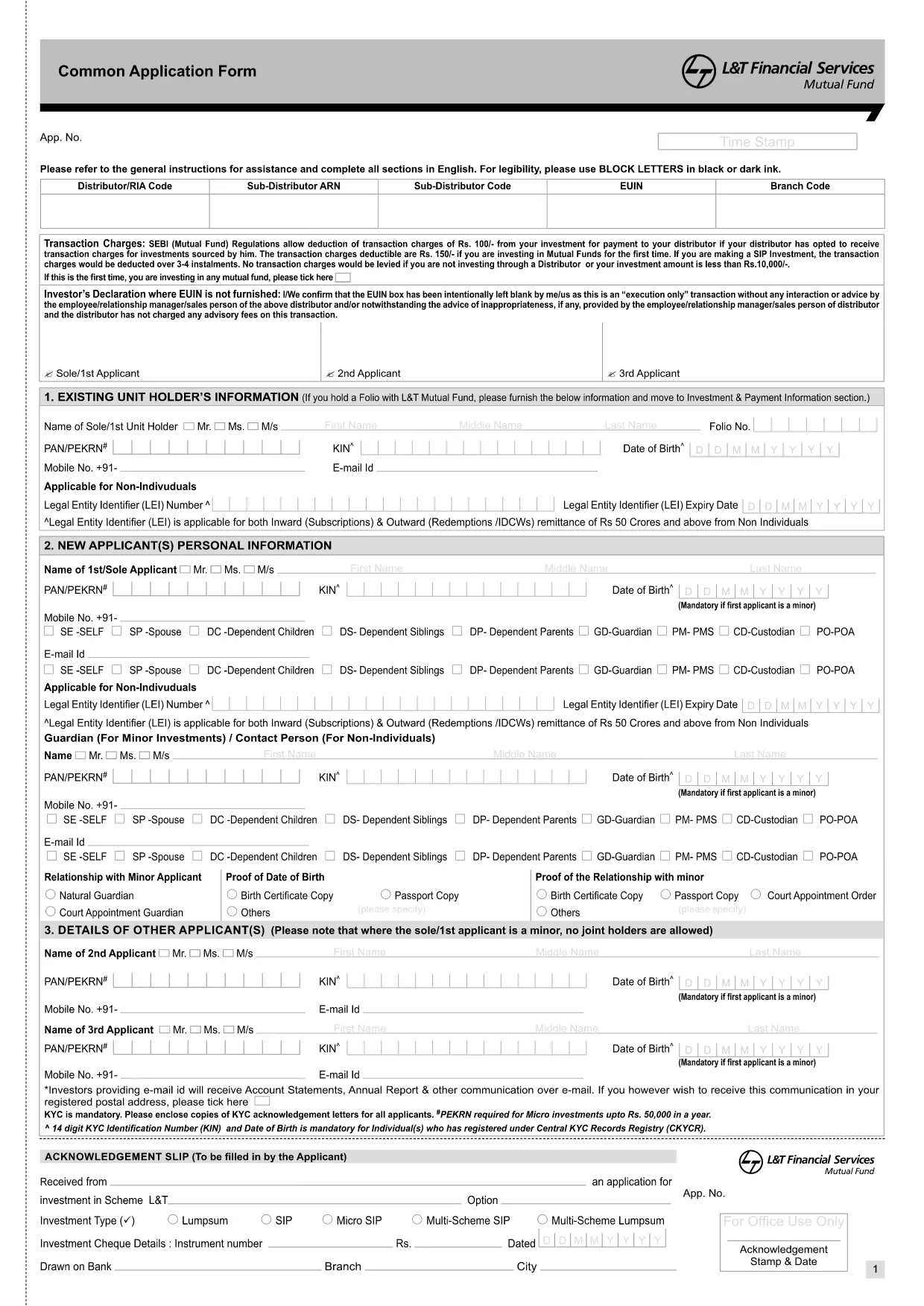
The Common Application Form XI is a standard document used by HSBC for a variety of banking and investment requests. Whether you are opening a new account, updating personal details, or authorising transactions, this form captures all essential information in one place.
This form serves as an acknowledgment of receipt and a formal request for HSBC services. It includes sections for personal identification, contact details, financial information, and the specific service you are applying for.
With Formize, you can complete the form directly in your browser—no PDF editor required. Simply click the "Fill out this form" button below, wait for the Formize PDF Filler to load, and start entering your data.
If you prefer to work offline, you can download the original PDF from HSBC and upload it to Formize later. The link below provides the official document.
No. Formize provides a built‑in fillable PDF editor that works directly in your browser.
Yes. All data is encrypted during transmission and never stored on our servers after you download the completed form.
You can download a partially completed PDF at any time and re‑upload it to Formize to continue filling it out.
Simply use the backspace or delete key to correct any field before saving the final version.
A digital signature is accepted in most cases. If HSBC requires a wet signature, download the PDF and print it.
No. Filling out the Common Application Form XI with Formize is completely free.
With the traditional set of features for viewing and filling out a PDF document, combined with the benefits of a web application and responsive layout, you can complete Common Application Form XI in minutes.
The easiest way to fill Common Application Form XI online
Delete filling session
Delete editing session