
Form 13436 template
With the traditional set of features for viewing and filling out a PDF document, combined with the benefits of a web application and responsive layout, you can complete Form 13436 in minutes.


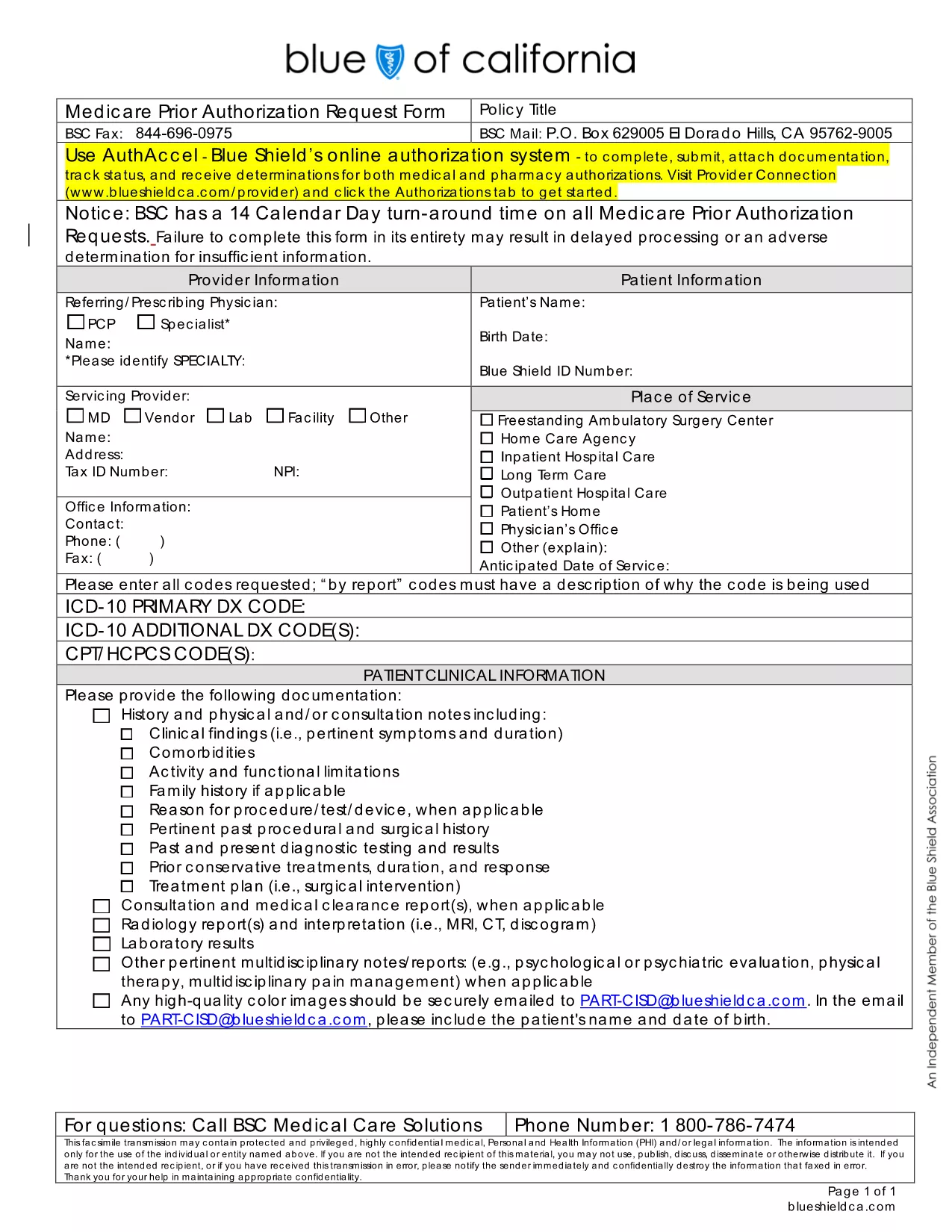
Form 13436 is the standard Medicare Medical Service Prior Authorization document used by providers to request approval for covered services. Instead of printing, scanning, or faxing, you can now complete this form directly in your browser with the Formize PDF Filler.
Follow the simple steps below to complete the form in minutes.
Once you have saved the completed PDF, upload it through your Medicare provider portal or fax it to the address listed on the form’s cover page. Keep a copy for audit purposes.
Need more help? Review the FAQ section below or start filling the form now.
Yes. The PDF hosted on Formize is fully interactive, allowing you to type, select checkboxes, and sign without any additional software.
No. The Formize PDF Filler works in all modern browsers, so you can complete the form directly on the web page.
Absolutely. Use the “Save” button to download a partially completed copy, then reopen it later with Formize.
Both the download and the online filling tool are completely free.
You receive a standard PDF that can be emailed, uploaded, or printed as needed.
Follow the submission instructions on the form’s cover page – typically through your Medicare provider portal or the fax number listed.
With the traditional set of features for viewing and filling out a PDF document, combined with the benefits of a web application and responsive layout, you can complete Form 13436 in minutes.
The easiest way to fill Form 13436 online
Delete filling session
Delete editing session