
DCTC license application template
With the traditional set of features for viewing and filling out a PDF document, combined with the benefits of a web application and responsive layout, you can complete DCTC license application in minutes.


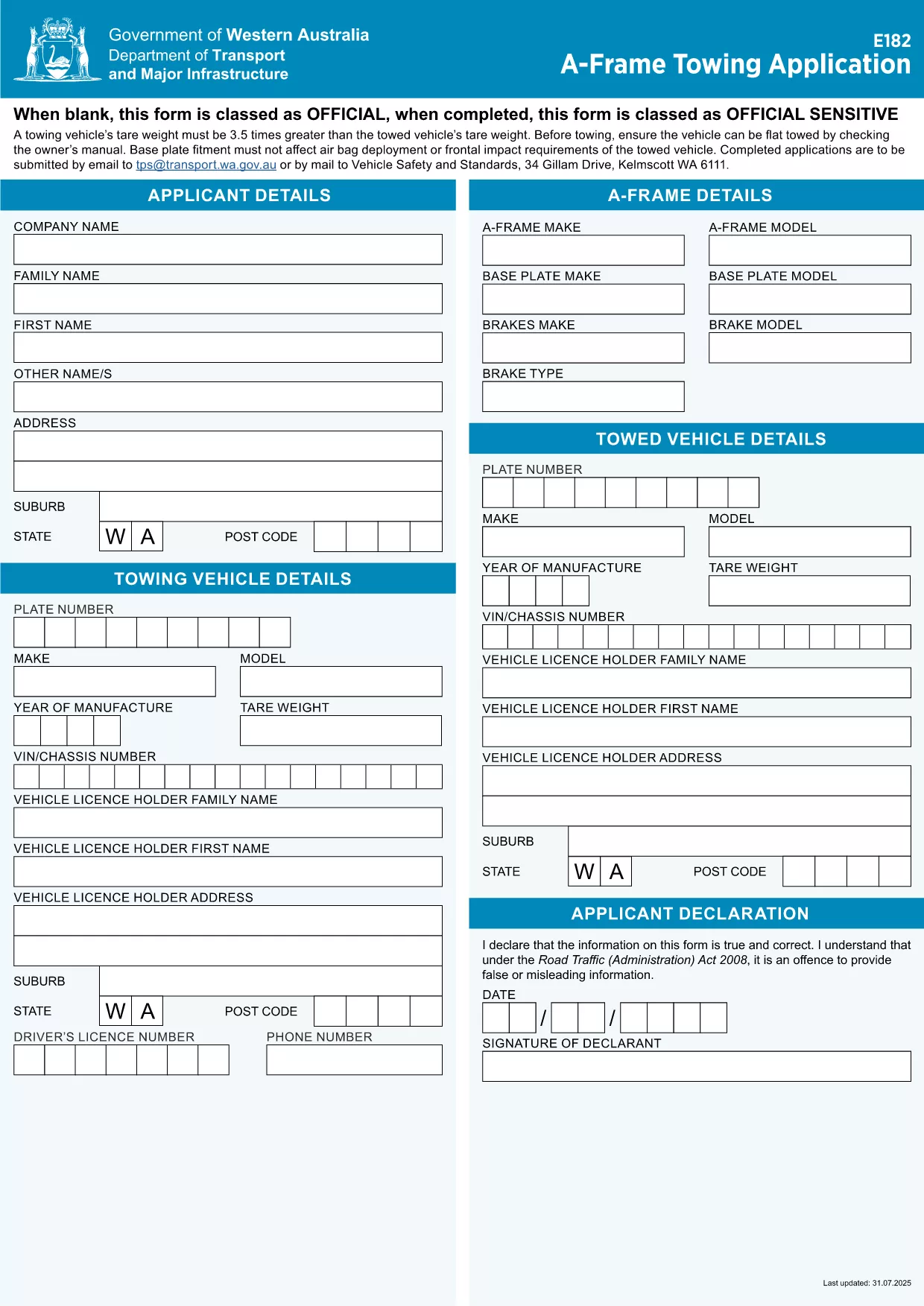
Looking for a fast, error‑free way to submit your DCTC (Department of Commercial Transportation & Compliance) license application? Our fillable PDF form lets you enter data directly in your browser, eliminates hand‑written errors, and integrates with the Formize PDF Filler app for a seamless experience.
Simply click the Fill out this form button below. The Formize PDF Filler app will load, presenting the same fields you see in the PDF. Enter your details, review the auto‑validation messages, and click Save when you’re done.
After you’ve saved the completed form, you can either:
Keep a copy for your records and note the submission deadline printed on the form.
No. The Formize PDF Filler works in any modern browser, so you don’t need separate software.
Yes. Click the “Save” button at any time to download a partially completed PDF and reopen it later in the filler.
The DCTC form accepts electronic signatures when submitted online. If you mail the form, print the signature field and sign with a black pen.
Upload the saved PDF file exactly as it is. Do not convert it to Word or image formats.
Processing times vary by jurisdiction, but most applications are reviewed within 10‑15 business days after receipt.
Refresh the page, reopen the filler, and ensure all required fields are filled. If the problem persists, contact the DCTC office directly.
With the traditional set of features for viewing and filling out a PDF document, combined with the benefits of a web application and responsive layout, you can complete DCTC license application in minutes.
The easiest way to fill DCTC license application online
Delete filling session
Delete editing session