Select language

Harvard College First‑Year Application Form (Fillable PDF)

  1. Language English
  2. Country USA
  3. Activity College Admissions
  4. Department Education
Fill out this form
Harvard College First‑Year Application Form (Fillable PDF)

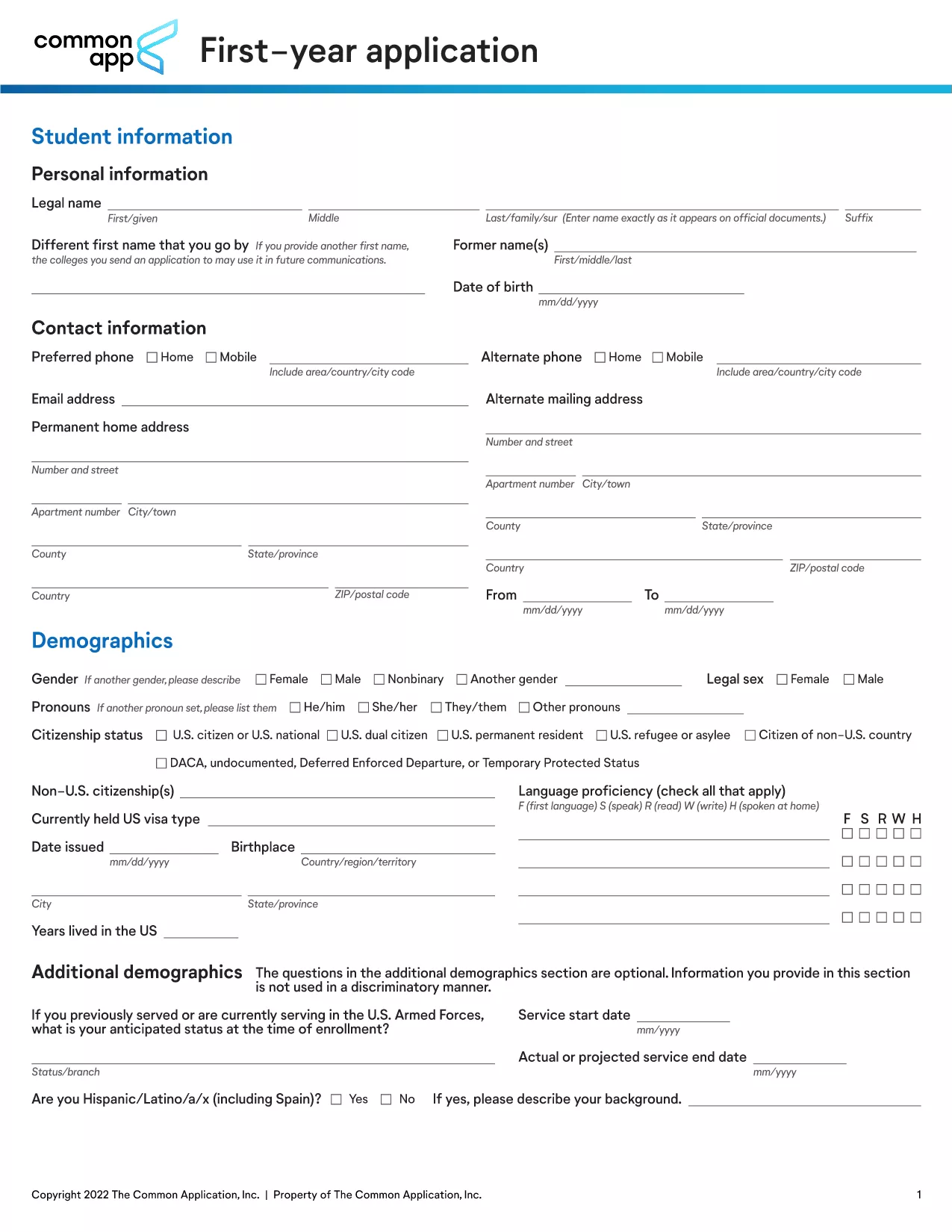
Harvard College’s first‑year application is the gateway to one of the world’s most prestigious undergraduate programs. This fillable PDF lets you complete every required field online, save progress, and submit without printing.

What Is This Application Form?

The PDF (FY_APP.pdf) is the official first‑year application used by Harvard College for the upcoming academic year. It gathers personal details, academic records, essays, and supplemental information.

How to Fill Out the Form Online

Instead of downloading the PDF and opening a desktop editor, simply click the “Fill out this form” button on this page. The Formize PDF Filler app loads directly in your browser, allowing you to type, select, and save without any additional software.

Key Sections to Complete

  • Personal Information – name, address, contact details.
  • Academic History – schools attended, GPA, test scores.
  • Essays – personal statement and supplemental questions.
  • Extracurricular Activities – leadership roles, community service.

Common Mistakes to Avoid

  • Leaving required fields blank.
  • Using non‑standard date formats.
  • Exceeding word limits on essays.
  • Forgetting to save your progress before closing the browser.

Download vs. Fill Online – Which Is Faster?

Downloading the PDF is an option, but filling it out online with Formize eliminates the need for a PDF editor, reduces errors, and lets you submit instantly. Choose the online method for the quickest, most reliable experience.

FAQ
  • Do I need Adobe Acrobat to fill this form?

    No. The Formize PDF Filler works entirely in your web browser, so you don’t need any additional software.

  • Can I save my work and return later?

    Yes. Use the “Save” button at any time. Your progress is stored in the browser, and you can reopen the form later to continue.

  • What file formats are accepted for supplemental documents?

    Harvard accepts PDF, JPG, and PNG for transcripts, essays, and other supporting files.

  • Is there a deadline for submitting the first‑year application?

    Harvard’s regular admission deadline is typically in early January. Check the official Harvard admissions calendar for the exact date each year.

  • Will my data be secure while using Formize?

    Formize uses SSL encryption to protect your information during transmission. Your data is never stored on our servers after you submit the form.

HOW TO

How to fill out Harvard application form for free, online in 4 easy steps:

  1. 1
    Click the Fill Button
    On this page, locate the bright “Fill out this form” button and click it. The Formize PDF Filler will open in a new browser tab.
  2. 2
    Wait for the Filler to Load
    The app loads the PDF automatically. You’ll see all fields highlighted and ready for input.
  3. 3
    Complete Each Section
    Type directly into the fields, use drop‑down menus where provided, and upload any required documents (e.g., transcripts).
  4. 4
    Save and Submit
    Periodically click “Save” to store your progress. When finished, click “Submit” to send the completed application to Harvard College.
Formize PDF Filler app
ABOUT

Harvard application form template

With the traditional set of features for viewing and filling out a PDF document, combined with the benefits of a web application and responsive layout, you can complete Harvard application form in minutes.

FEATURES

PDF Filler

The easiest way to fill Harvard application form online

  • Quickly fill out Harvard application form
    Looking for a way to quickly fill Harvard application form online? With our online free PDF form filler, you’ll know how to how to edit and fill this pdf document in less than a minute.
  • Easy to use online PDF editor
    Fed up with printing out PDF files so you can edit them, before rescanning and sending them back? Edit PDF documents for free online. Use our online pdf editor to save time and paper.
  • Great tools, all platforms
    Wondering how to fill in Harvard application form on a Mac, or maybe how to use a PDF filler free? Our online PDF tools work on all platforms.
  • Secure file storage
    Completed "Harvard application form" files are stored in a secured database managed by Amazon Cloud hosting. You can delete your files from our system anytime. In any case, these files are automatically deleted after 24 hours.
  • Chat with Harvard application form
    Chat with "Harvard application form" on Chatize that is a free PDF reader assistant. Ask questions and get answers from "Harvard application form". Just click on Chat With Document button above.

Delete filling session

Delete the selected filling session? In this case, your progress in completing the form will be lost.

Delete editing session

Delete the selected editing session? In this case, your progress in creating and editing the form will be lost.