
employment application PDF template
With the traditional set of features for viewing and filling out a PDF document, combined with the benefits of a web application and responsive layout, you can complete employment application PDF in minutes.


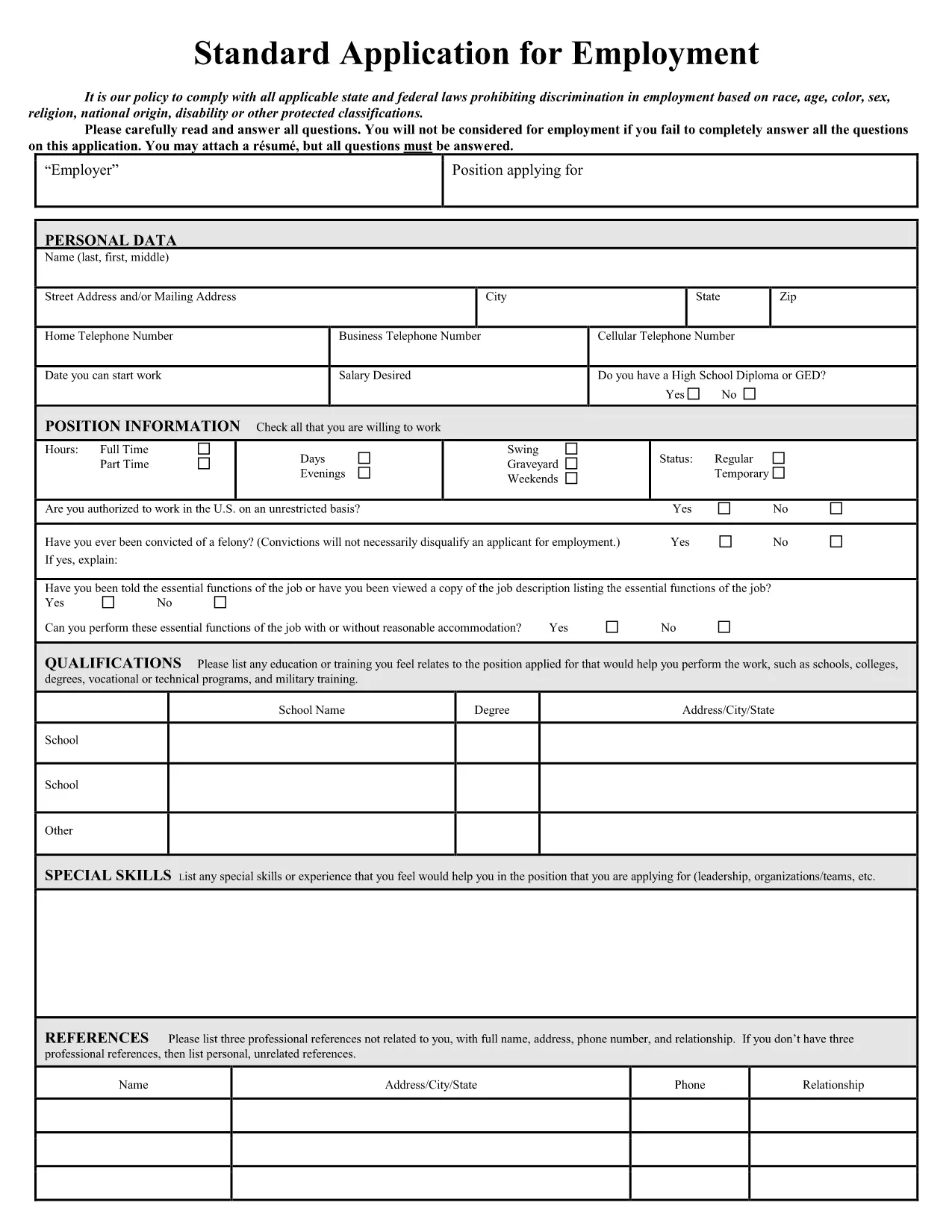
Looking for a professional, easy‑to‑complete job application form? Our fillable employment application PDF lets you capture all essential personal, education, and work‑history details in a clean, printable format. The form complies with U.S. employment‑law standards and can be completed directly in your browser – no extra software required.
The PDF is designed for HR departments across the United States. It includes sections for:
All fields are interactive, so you can type, select dates, and check boxes without printing first.
Instead of downloading the file and opening a PDF editor, simply click the "Fill out this form" button on this page. The Formize PDF Filler app will load in seconds, and you can start entering data right away.
Once you’ve saved the completed PDF, you can:
Having a polished, error‑free application increases your chances of moving to the interview stage.
No. The Formize PDF Filler works entirely in your web browser, so you don’t need Adobe Acrobat or any other software.
Yes. The saved PDF remains fully editable with any standard PDF editor, but you can also reopen it in Formize for quick changes.
All data entered in the Formize PDF Filler is processed locally in your browser and is not stored on our servers unless you choose to save or email it.
Each section includes tooltip hints. For further assistance, refer to the instructions built into the PDF itself.
The form follows a general U.S. employment‑application layout, making it suitable for most private‑sector and non‑profit positions.
With the traditional set of features for viewing and filling out a PDF document, combined with the benefits of a web application and responsive layout, you can complete employment application PDF in minutes.
The easiest way to fill employment application PDF online
Delete filling session
Delete editing session