
PO Box application template
With the traditional set of features for viewing and filling out a PDF document, combined with the benefits of a web application and responsive layout, you can complete PO Box application in minutes.


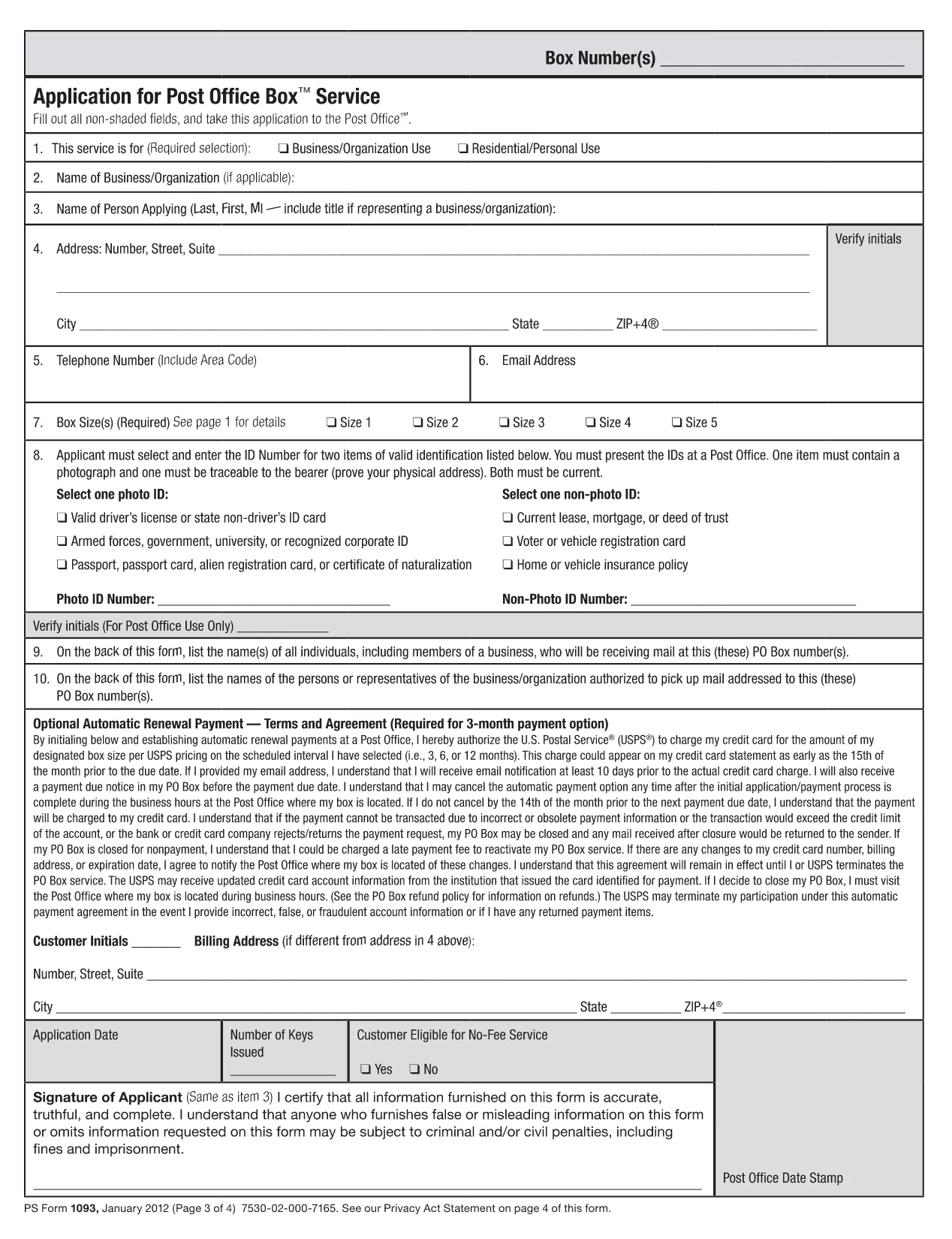
Looking for the official PO Box application form? Our page offers the exact fillable PDF used by the United States Postal Service. With Formize’s PDF Filler, you can complete the form directly in your browser—no download, no printing, no scanning.
Whether you need a new box for personal mail, a business address, or a temporary mailbox while traveling, this form covers all standard USPS requirements.
After completing the form, simply print it out and bring it to your local post office, or follow the submission instructions provided at the end of the form.
Yes. The PDF is the same form used by United States Postal Service locations for PO Box requests.
USPS requires a printed copy with your signature. After completing the form in Formize, download and print it for submission.
Most USPS locations still require a physical copy, but some larger facilities accept a scanned PDF. Check with your local branch.
You’ll need your name, mailing address, phone number, email, preferred box size, and a payment method for the rental fee.
No. Formize’s online filler is free for this public form; you only pay the standard PO Box rental fee to USPS.
With the traditional set of features for viewing and filling out a PDF document, combined with the benefits of a web application and responsive layout, you can complete PO Box application in minutes.
The easiest way to fill PO Box application online
Delete filling session
Delete editing session