


Formularze podatkowe
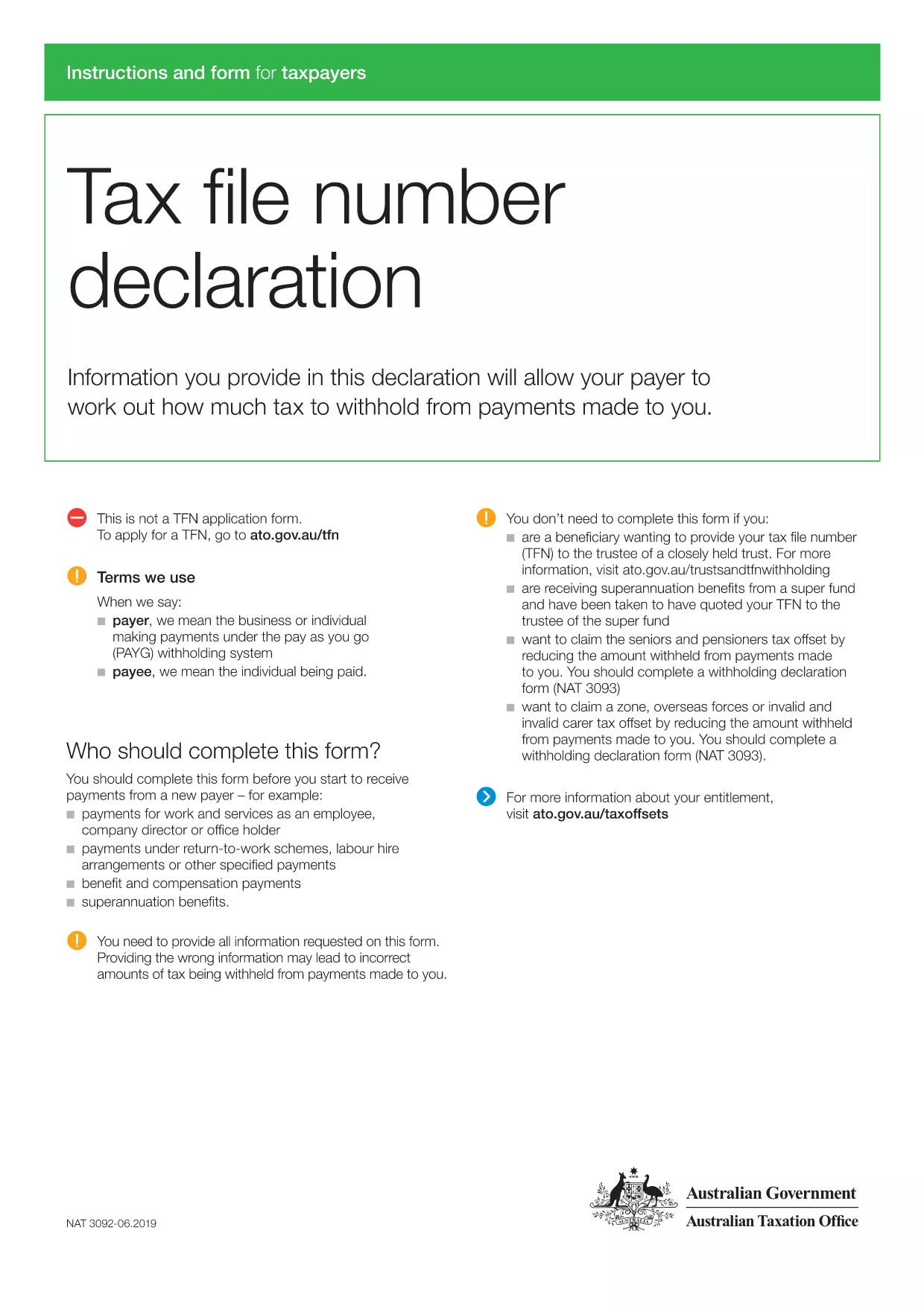
tax form for new employees pdf to jeden z formularzy podatkowych, czyli dokumentów służących do zgłaszania właściwym organom podatkowym informacji o dochodach, odliczeniach i zobowiązaniach podatkowych osoby fizycznej lub firmy. Formularze te są niezbędne w celu zachowania zgodności z przepisami podatkowymi i wypełnienia obowiązków podatkowych. Formularze podatkowe różnią się w zależności od kraju i obowiązujących wymogów podatkowych. Oto kilka popularnych typów formularzy podatkowych:
Indywidualne formularze podatkowe: formularze te są wykorzystywane przez podatników indywidualnych do zgłaszania swoich dochodów osobistych oraz ubiegania się o odliczenia, ulgi i zwolnienia. Przykładami są formularz 1040 w Stanach Zjednoczonych lub formularz zeznania podatkowego Self-Assessment w Wielkiej Brytanii.
Formularze podatku od działalności gospodarczej: formularze podatku od działalności gospodarczej są wykorzystywane przez spółki, spółki osobowe lub osoby prowadzące działalność na własny rachunek do zgłaszania przychodów, wydatków i innych informacji związanych z podatkami. Przykłady obejmują formularz Schedule C (Zysk lub strata z działalności gospodarczej) w Stanach Zjednoczonych lub formularz CT600 (zeznanie podatkowe firmy) w Wielkiej Brytanii.
Formularze podatku od wynagrodzeń: Formularze te są wykorzystywane przez pracodawców do zgłaszania wynagrodzeń i podatków potrącanych z wypłat pracowników. Przykładami są formularz W-2 w Stanach Zjednoczonych lub formularz P60 w Wielkiej Brytanii.
Formularze podatku od sprzedaży: formularze podatku od sprzedaży są używane przez firmy do zgłaszania i odprowadzania podatku od sprzedaży pobranego od towarów lub usług podlegających opodatkowaniu. Konkretne formularze podatku od sprzedaży różnią się w zależności od jurysdykcji.
Formularze podatku od wartości dodanej (VAT): formularze VAT są używane w krajach, które nakładają podatek od wartości dodanej w celu zgłaszania i odprowadzania podatku VAT pobranego od sprzedaży oraz ubiegania się o ulgi VAT za zakupy. Przykładami są formularze deklaracji VAT stosowane w wielu krajach.
Szacunkowe formularze podatkowe: szacunkowe formularze podatkowe służą do zgłaszania i płacenia szacunkowych podatków od dochodów, które nie podlegają potrąceniu u źródła, takich jak dochód z samozatrudnienia lub dochód z inwestycji.
To tylko kilka przykładów z licznych form podatkowych, jakie mogą istnieć. Konkretne wymagane formularze zależą od przepisów i regulacji podatkowych obowiązujących w Twoim kraju lub jurysdykcji. Ważne jest, aby zapoznać się z wytycznymi organów podatkowych lub zasięgnąć profesjonalnej porady, aby określić, które formularze mają zastosowanie w Twojej sytuacji.