
Wybierz język

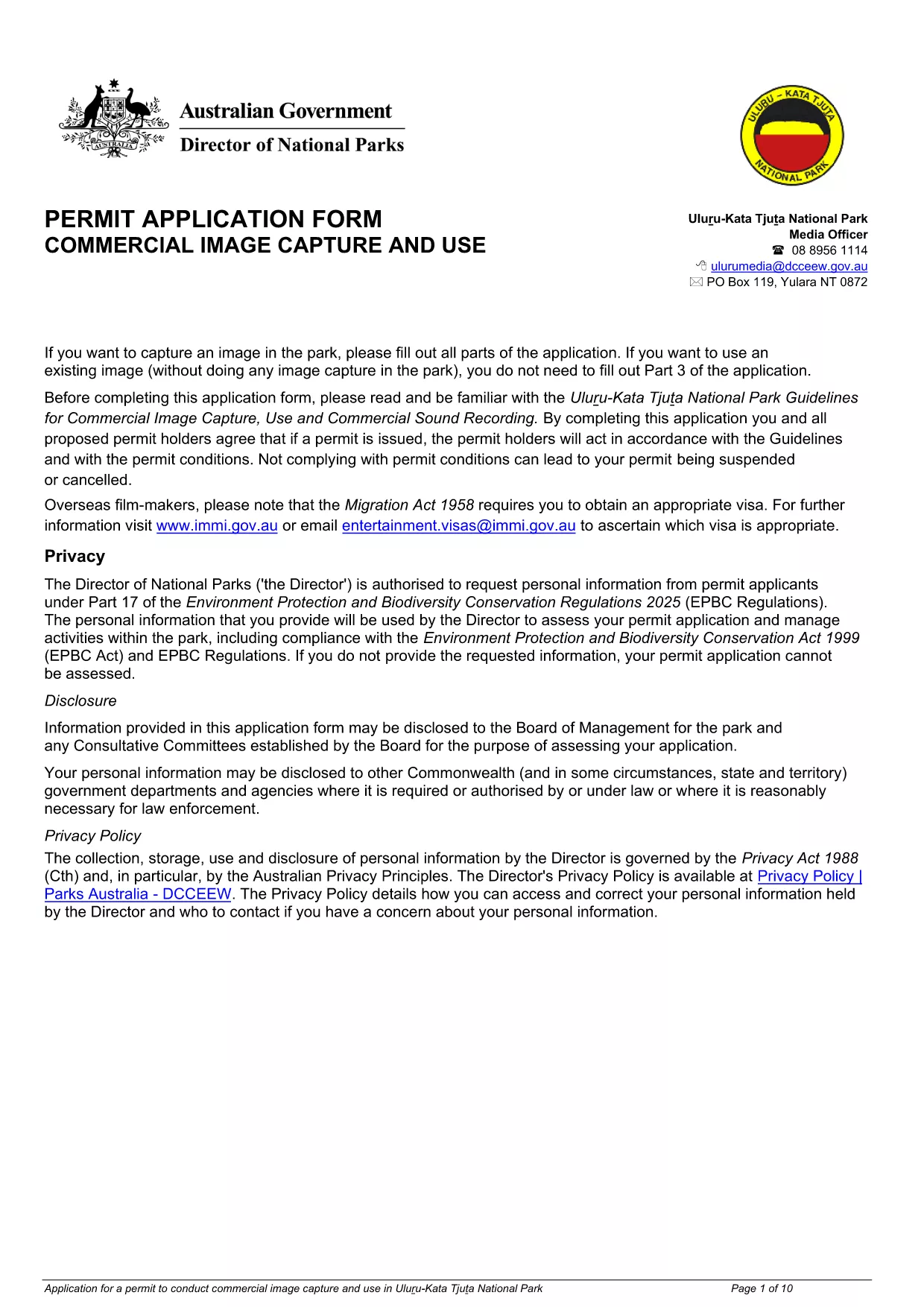
Uluru Image Capture & Use Permit Application (Fillable PDF)

  1. Język język angielski
  2. Kraj Australia
  3. Działalność Permits
  4. Dział Department of Climate Change, Energy, the Environment and Water
Uluru Image Capture & Use Permit Application (Fillable PDF)

Planning to photograph or record footage in the iconic Uluru‑Kata Tjuta National Park? You need an Image Capture and Use Permit approved by the Department of Climate Change, Energy, the Environment and Water. Our fillable PDF makes the application quick, paper‑free, and ready for instant online submission.

The permit ensures that commercial image‑capture activities respect cultural heritage, environmental guidelines, and park safety rules. With the downloadable fillable PDF, you can enter all required details, attach supporting documents, and submit the form directly through Formize’s secure PDF Filler.

Below you’ll find everything you need to know – from the purpose of the permit to step‑by‑step instructions, common pitfalls, and answers to the most frequently asked questions.

CZĘSTO ZADAWANE PYTANIA
  • Do I need a permit for personal (non‑commercial) photography?

    Personal, non‑commercial photography for private use does not require this permit, but any commercial or promotional use must be authorized through this application.

  • What is the processing time for the permit?

    Typical processing takes 10‑15 business days after submission, provided all required information and attachments are complete.

  • Can I edit the form after I have submitted it?

    Once submitted, the form cannot be edited. If you need to make changes, contact the Department to withdraw the application and resubmit a new one.

  • Is there a fee for the Image Capture Permit?

    Yes, a standard processing fee applies. The exact amount is listed on the last page of the form and must be paid via the Department’s online portal.

  • What types of equipment need to be listed?

    All camera gear, drones, lighting rigs, and any recording equipment used for the project must be detailed in the equipment section.

  • Do I need to provide a cultural heritage impact statement?

    If your project involves areas of cultural significance, a brief impact statement and consultation evidence must be attached.

  • Can I submit the form on a mobile device?

    Yes. The Formize PDF Filler works on smartphones and tablets, allowing you to complete the application anywhere with an internet connection.

JAK

Jak wypełnić Uluru image capture permit za darmo online w 5 prostych krokach:

  1. 1
    Open the Fillable Form
    Click the **Fill out this form** button on this page. The Formize PDF Filler app will load instantly in your browser.
  2. 2
    Enter Your Details
    Complete each field – applicant information, project description, dates, equipment list, and any required supporting images.
  3. 3
    Attach Supporting Documents
    Use the attachment icons to upload your project plan, insurance certificates, and any cultural heritage assessments.
  4. 4
    Review and Sign
    Double‑check every entry, then add your electronic signature in the designated field.
  5. 5
    Submit the Application
    Press **Submit**. The filled PDF is securely sent to the Department’s review team, and you receive a confirmation email with a copy of your submission.
Aplikacja Formize PDF Filler
O

szablon Uluru image capture permit

Dzięki tradycyjnemu zestawowi funkcji do przeglądania i wypełniania dokumentów PDF, w połączeniu z zaletami aplikacji internetowej i responsywnego układu, możesz ukończyć Uluru image capture permit w ciągu kilku minut.

CECHY

Wypełniacz PDF

Najłatwiejszy sposób wypełniania formularzy PDF online

  • Szybko wypełnij Uluru image capture permit
    Szukasz sposobu na szybkie wypełnienie Uluru image capture permit online? Dzięki naszemu bezpłatnemu wypełniaczowi formularzy PDF online dowiesz się, jak edytować i wypełniać ten dokument PDF w mniej niż minutę.
  • Łatwy w użyciu edytor PDF online
    Masz dość drukowania plików PDF, aby móc je edytować przed ponownym zeskanowaniem i odesłaniem? Edytuj dokumenty PDF za darmo online. Skorzystaj z naszego internetowego edytora pdf, aby zaoszczędzić czas i papier.
  • Świetne narzędzia, wszystkie platformy
    Zastanawiasz się, jak wypełnić Uluru image capture permit na komputerze Mac, a może jak bezpłatnie skorzystać z wypełniacza PDF? Nasze narzędzia PDF online działają na wszystkich platformach.
  • Bezpieczne przechowywanie plików
    Gotowe pliki „Uluru image capture permit” są przechowywane w zabezpieczonej bazie danych zarządzanej przez hosting Amazon Cloud. W każdej chwili możesz usunąć swoje pliki z naszego systemu. W każdym przypadku pliki te są automatycznie usuwane po 24 godzinach.
  • Czatuj z Uluru image capture permit
    Porozmawiaj z „Uluru image capture permit” na Chatize, który jest bezpłatnym asystentem czytnika plików PDF. Zadawaj pytania i uzyskuj odpowiedzi od „Uluru image capture permit”. Po prostu kliknij przycisk Czatuj z dokumentem powyżej.

Usuń sesję napełniania

Usunąć wybraną sesję napełniania? W takim przypadku Twoje postępy w wypełnianiu formularza zostaną utracone.

Usuń sesję edycji

Usunąć wybraną sesję edycji? W takim przypadku Twój postęp w tworzeniu i edytowaniu formularza zostanie utracony.