Wybierz język

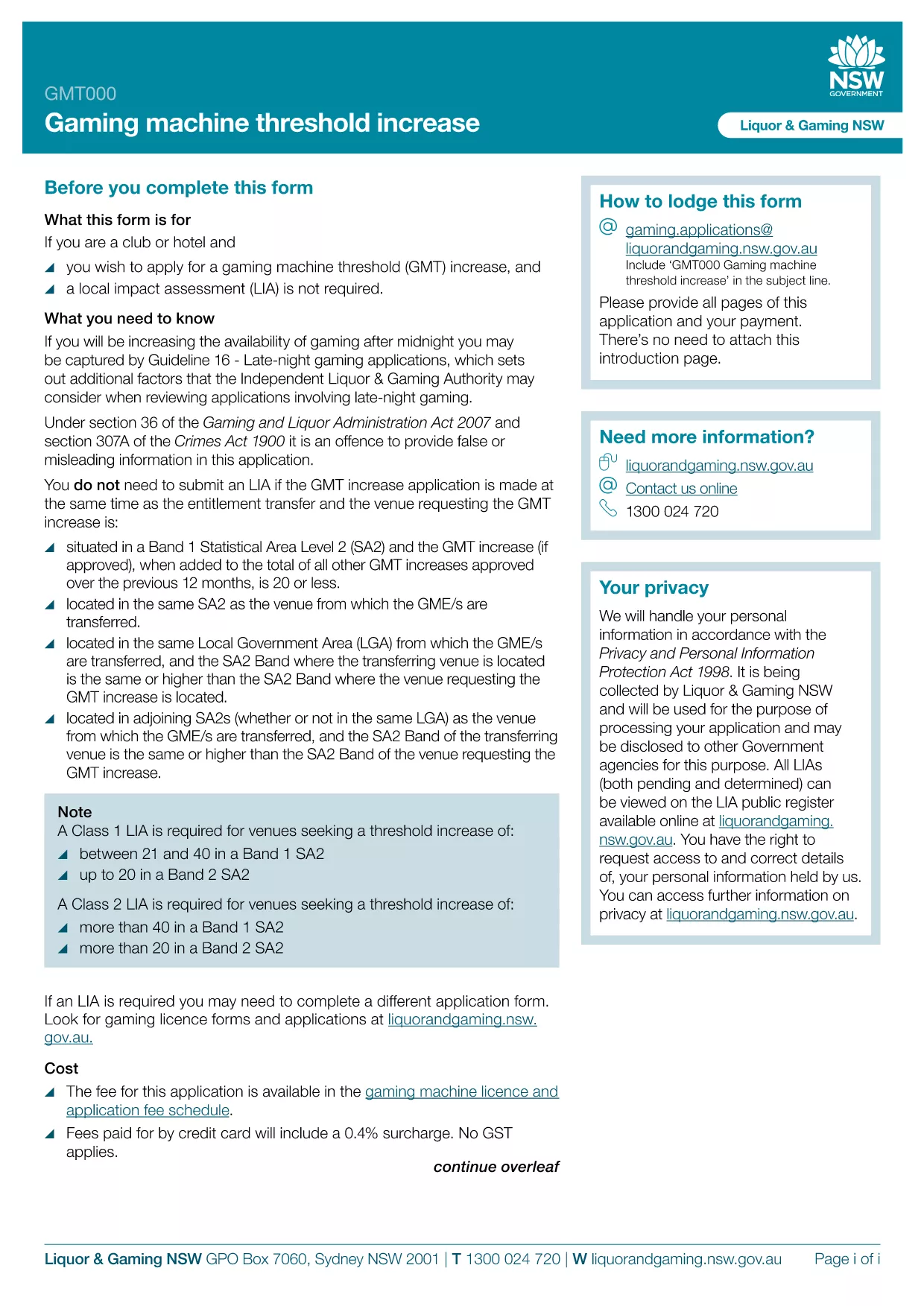
GMT000 Gaming Machine Threshold Increase Form (Fillable PDF)

  1. Język język angielski
  2. Kraj Australia
  3. Działalność Gaming Regulation
  4. Dział Liquor & Gaming NSW
GMT000 Gaming Machine Threshold Increase Form (Fillable PDF)

The GMT000 Gaming Machine Threshold Increase form is required when a licensee wants to raise the monetary limit on a gaming machine in New South Wales. This fillable PDF lets you submit the request quickly, without printing or scanning.

Why You Need the GMT000 Threshold Increase

Increasing the threshold allows higher‑value wagers, which can boost revenue and improve player experience. The regulator, Liquor & Gaming NSW, must approve any change, and the GMT000 form is the official channel.

How to Complete the Form Online

Instead of downloading the PDF to a desktop editor, simply click the "Fill out this form" button on this page. The Formize PDF Filler app will load in your browser, presenting an intuitive, field‑by‑field interface.

  • Enter the licence number and holder details.
  • Specify the current threshold and the requested new limit.
  • Provide supporting documentation links or attachments.
  • Sign electronically and submit.

Common Mistakes & Tips

  • Incorrect licence number: Double‑check the licence reference on the back of your current permit.
  • Missing signatures: The electronic signature field must be completed; otherwise the submission is rejected.
  • Unsupported file types: Attach only PDF, JPG or PNG files for supporting evidence.

Submission & Follow‑Up

After you click Submit, you will receive an automated acknowledgement email. The regulator typically reviews the request within 10‑15 business days. Keep the confirmation number handy for any follow‑up inquiries.

Need more help? Review the FAQs below or contact Liquor & Gaming NSW directly.

CZĘSTO ZADAWANE PYTANIA
  • What is the GMT000 form used for?

    It is the official request to increase the monetary threshold limit on a gaming machine in NSW.

  • Can I fill out the form on a mobile device?

    Yes. The Formize PDF Filler works on modern smartphones and tablets.

  • Do I need a digital signature?

    An electronic signature is required. The form will not accept a blank signature field.

  • How long does the approval process take?

    Liquor & Gaming NSW typically reviews threshold increase requests within 10‑15 business days.

  • What supporting documents are required?

    Attach a copy of the current licence, a financial justification for the increase, and any relevant audit reports.

  • What happens if I make a mistake after submitting?

    Contact Liquor & Gaming NSW with your reference number. They may allow a corrected resubmission.

  • Is there a fee to submit the GMT000 form?

    Yes, a processing fee applies. Check the latest fee schedule on the Liquor & Gaming NSW website.

  • Can I save my progress and finish later?

    The Formize app lets you save a draft locally. Return to the saved file, reopen it in the filler, and continue.

JAK

Jak wypełnić GMT000 za darmo online w 5 prostych krokach:

  1. 1
    Open the Fillable Form
    Click the "Fill out this form" button on the page. The Formize PDF Filler app will launch directly in your browser.
  2. 2
    Enter Your Details
    Complete each field – licence number, current threshold, requested increase, and any supporting information.
  3. 3
    Add Attachments
    Upload required documents (PDF, JPG, PNG) using the attachment button.
  4. 4
    Sign Electronically
    Use the electronic signature field to sign the form. This replaces a handwritten signature.
  5. 5
    Submit & Receive Confirmation
    Press "Submit". An acknowledgement email with a reference number will be sent to the address you provided.
Aplikacja Formize PDF Filler
O

szablon GMT000

Dzięki tradycyjnemu zestawowi funkcji do przeglądania i wypełniania dokumentów PDF, w połączeniu z zaletami aplikacji internetowej i responsywnego układu, możesz ukończyć GMT000 w ciągu kilku minut.

CECHY

Wypełniacz PDF

Najłatwiejszy sposób wypełniania formularzy PDF online

  • Szybko wypełnij GMT000
    Szukasz sposobu na szybkie wypełnienie GMT000 online? Dzięki naszemu bezpłatnemu wypełniaczowi formularzy PDF online dowiesz się, jak edytować i wypełniać ten dokument PDF w mniej niż minutę.
  • Łatwy w użyciu edytor PDF online
    Masz dość drukowania plików PDF, aby móc je edytować przed ponownym zeskanowaniem i odesłaniem? Edytuj dokumenty PDF za darmo online. Skorzystaj z naszego internetowego edytora pdf, aby zaoszczędzić czas i papier.
  • Świetne narzędzia, wszystkie platformy
    Zastanawiasz się, jak wypełnić GMT000 na komputerze Mac, a może jak bezpłatnie skorzystać z wypełniacza PDF? Nasze narzędzia PDF online działają na wszystkich platformach.
  • Bezpieczne przechowywanie plików
    Gotowe pliki „GMT000” są przechowywane w zabezpieczonej bazie danych zarządzanej przez hosting Amazon Cloud. W każdej chwili możesz usunąć swoje pliki z naszego systemu. W każdym przypadku pliki te są automatycznie usuwane po 24 godzinach.
  • Czatuj z GMT000
    Porozmawiaj z „GMT000” na Chatize, który jest bezpłatnym asystentem czytnika plików PDF. Zadawaj pytania i uzyskuj odpowiedzi od „GMT000”. Po prostu kliknij przycisk Czatuj z dokumentem powyżej.

Usuń sesję napełniania

Usunąć wybraną sesję napełniania? W takim przypadku Twoje postępy w wypełnianiu formularza zostaną utracone.

Usuń sesję edycji

Usunąć wybraną sesję edycji? W takim przypadku Twój postęp w tworzeniu i edytowaniu formularza zostanie utracony.