
Wybierz język

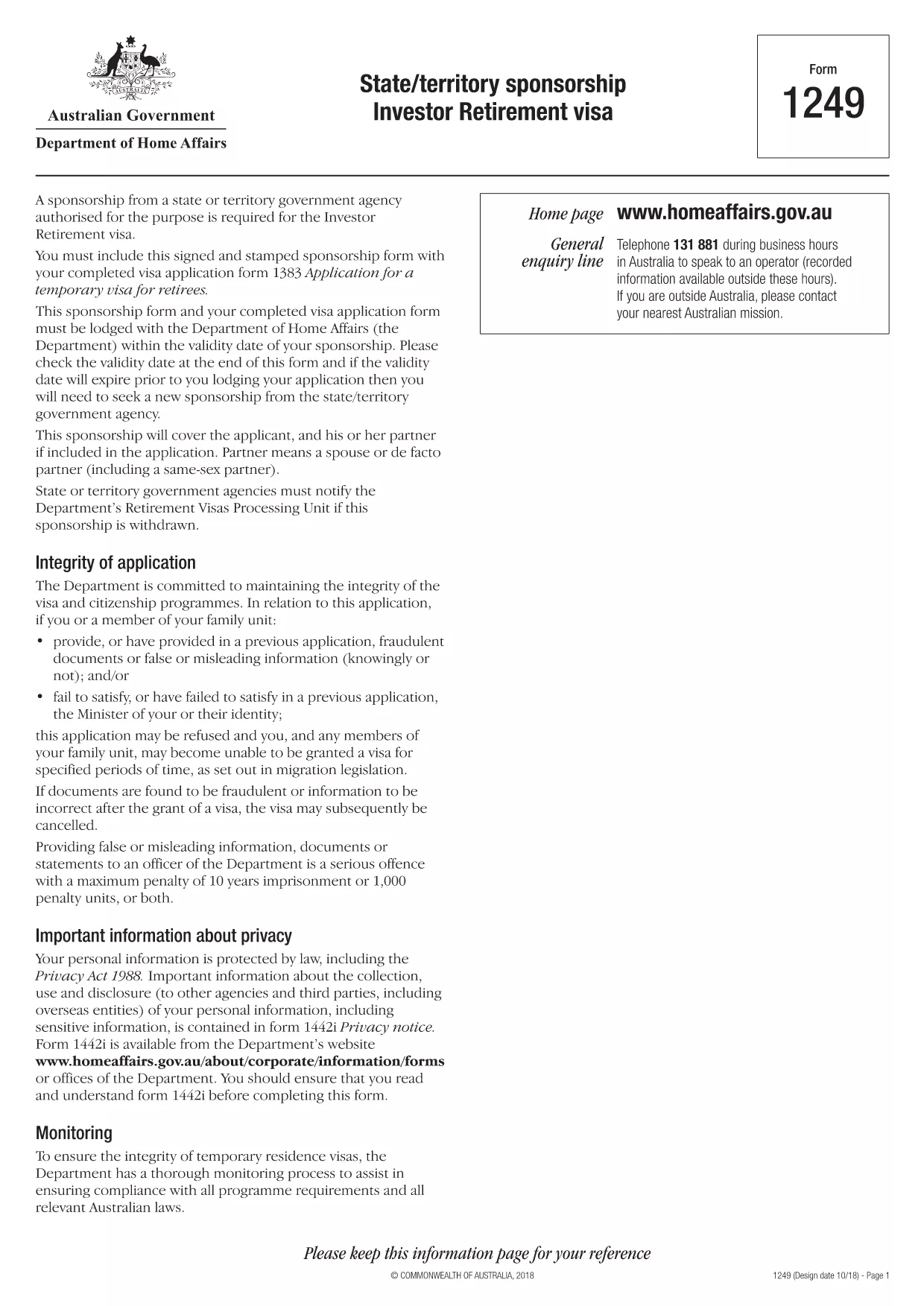
Form 1249 – State/Territory Sponsorship for the Investor Retirement Visa

  1. Język język angielski
  2. Kraj Australia
  3. Działalność Wizy
Form 1249 – State/Territory Sponsorship for the Investor Retirement Visa

Form 1249 is the official State/Territory Sponsorship document required for the Australian Investor Retirement Visa (subclass 188‑IR). The sponsoring state or territory government must approve the applicant’s investment plan before the Department of Home Affairs processes the visa.

This landing page lets you view, fill, and download the fillable PDF directly in your browser – no extra software needed. Just click the “Fill out this form” button and the Formize PDF Filler will load the form for you.

What Is Form 1249 and Who Needs It?

The form captures details about the applicant’s proposed investment, the sponsoring government’s commitment, and the validity period of the sponsorship. It is required for:

  • Applicants of the Investor Retirement visa (subclass 188‑IR)
  • State or territory agencies that are sponsoring the applicant
  • Legal representatives preparing a visa package

How to Complete Form 1249 Online with Formize

Follow these simple steps to fill the form without downloading any software:

  1. Click the “Fill out this form” button on this page.
  2. Wait a few seconds while the Formize PDF Filler loads the fillable PDF.
  3. Enter all required information in the highlighted fields. The filler validates dates and numeric entries automatically.
  4. When you finish, click **Save & Download** to get a completed PDF ready for submission.

Common Mistakes & Tips for a Successful Submission

  • Validity date – Double‑check the sponsorship validity at the bottom of the form. If it expires before you lodge your visa, you’ll need a new sponsorship.
  • Signature fields – Use the built‑in signature tool in Formize or print, sign, and scan the final PDF.
  • Investment details – Provide exact figures and currency; rounding errors cause delays.
  • Supporting documents – Attach the required business plan, proof of funds, and any state‑specific endorsement letters.

Where to Submit the Completed Sponsorship Form

After saving the filled PDF, include it with your visa application package and lodge it through the Department of Home Affairs portal. The sponsoring state/territory must also retain a copy for their records.

Need a printable version? Use the direct download link below.

CZĘSTO ZADAWANE PYTANIA
  • What is the purpose of Form 1249?

    Form 1249 records the sponsorship commitment from an Australian state or territory for an Investor Retirement visa applicant.

  • Can I fill Form 1249 on a mobile device?

    Yes. The Formize PDF Filler works on modern smartphones and tablets as long as the browser supports PDF rendering.

  • Do I need to print the form to sign it?

    You can sign electronically using the Formize signature tool, or print, sign, and scan the final PDF before submission.

  • How long is the sponsorship validity?

    The validity period is printed on the last page of the form. It must remain active until the visa is granted; otherwise a new sponsorship is required.

  • What happens if I make a mistake after downloading?

    Open the saved PDF again with Formize, edit the incorrect fields, and re‑download the corrected version.

  • Is there a fee to use Formize’s filler?

    No, the Formize PDF Filler is free for all users on this page.

  • Where do I send the completed Form 1249?

    Include the completed form with your visa application package and lodge it through the Department of Home Affairs online portal.

  • Do I need a separate form for each state or territory?

    Form 1249 is the same nationwide, but the sponsoring agency (state or territory) must complete the sponsorship section.

JAK

Jak wypełnić Form 1249 za darmo online w 4 prostych krokach:

  1. 1
    Open the Fillable Form
    Click the “Fill out this form” button on the page. The Formize PDF Filler will open the fillable Form 1249 in your browser.
  2. 2
    Enter Your Information
    Complete each highlighted field. The filler checks dates, numbers and required formats automatically.
  3. 3
    Save and Download
    When all sections are filled, press “Save & Download” to get a completed PDF ready for submission to the Department of Home Affairs.
  4. 4
    Submit with Your Visa Application
    Attach the saved PDF to your Investor Retirement visa (subclass 188‑IR) application through the Home Affairs online portal.
Aplikacja Formize PDF Filler
O

Formularze wizowe

Form 1249 to jeden z formularzy wizowych, które są dokumentami służącymi do ubiegania się o wizę na wjazd do obcego kraju. Wiza jest dokumentem uprawniającym cudzoziemca do wjazdu, pobytu, a czasem pracy w obcym kraju przez określony czas. Dokładne formularze i wymagania dotyczące uzyskania wizy różnią się w zależności od kraju i rodzaju wizy.

Formularze wizowe zazwyczaj wymagają danych osobowych, takich jak imię i nazwisko, data urodzenia i dane paszportowe, a także informacje o celu i długości podróży, zamierzonym miejscu docelowym oraz o tym, czy wnioskodawcy wcześniej odmówiono wydania wizy lub wydalono go z kraju. Formularze mogą również wymagać dokumentów potwierdzających, takich jak paszport, zdjęcia i dowód wsparcia finansowego.

W Stanach Zjednoczonych najpopularniejszymi formularzami wizowymi są formularze DS-160 i DS-260. Formularz DS-160 służy do ubiegania się o wizę nieimigracyjną, natomiast formularz DS-260 służy do ubiegania się o wizę imigracyjną. Formularze te wymagają szczegółowych informacji na temat historii osobistej i podróży wnioskodawcy, a także dokumentacji uzupełniającej, takiej jak paszport, plan podróży i dokumentacja finansowa.

Inne kraje mogą mieć różne formularze wizowe i wymagania, ale podstawowy proces zazwyczaj obejmuje wypełnienie wniosku wizowego, dostarczenie dokumentacji uzupełniającej i udział w rozmowie z urzędnikiem konsularnym w ambasadzie lub konsulacie USA. Należy zauważyć, że proces ubiegania się o wizę może być złożony i czasochłonny, dlatego zaleca się, aby osoby ubiegające się o wizę skonsultowały się z prawnikiem imigracyjnym lub innym wykwalifikowanym specjalistą, aby upewnić się, że wszystkie niezbędne formularze i wymagania zostały spełnione.

CECHY

Wypełniacz PDF

Najłatwiejszy sposób wypełniania formularzy PDF online

  • Szybko wypełnij Form 1249
    Szukasz sposobu na szybkie wypełnienie Form 1249 online? Dzięki naszemu bezpłatnemu wypełniaczowi formularzy PDF online dowiesz się, jak edytować i wypełniać ten dokument PDF w mniej niż minutę.
  • Łatwy w użyciu edytor PDF online
    Masz dość drukowania plików PDF, aby móc je edytować przed ponownym zeskanowaniem i odesłaniem? Edytuj dokumenty PDF za darmo online. Skorzystaj z naszego internetowego edytora pdf, aby zaoszczędzić czas i papier.
  • Świetne narzędzia, wszystkie platformy
    Zastanawiasz się, jak wypełnić Form 1249 na komputerze Mac, a może jak bezpłatnie skorzystać z wypełniacza PDF? Nasze narzędzia PDF online działają na wszystkich platformach.
  • Bezpieczne przechowywanie plików
    Gotowe pliki „Form 1249” są przechowywane w zabezpieczonej bazie danych zarządzanej przez hosting Amazon Cloud. W każdej chwili możesz usunąć swoje pliki z naszego systemu. W każdym przypadku pliki te są automatycznie usuwane po 24 godzinach.
  • Czatuj z Form 1249
    Porozmawiaj z „Form 1249” na Chatize, który jest bezpłatnym asystentem czytnika plików PDF. Zadawaj pytania i uzyskuj odpowiedzi od „Form 1249”. Po prostu kliknij przycisk Czatuj z dokumentem powyżej.

Usuń sesję napełniania

Usunąć wybraną sesję napełniania? W takim przypadku Twoje postępy w wypełnianiu formularza zostaną utracone.

Usuń sesję edycji

Usunąć wybraną sesję edycji? W takim przypadku Twój postęp w tworzeniu i edytowaniu formularza zostanie utracony.