
Selecione o idioma

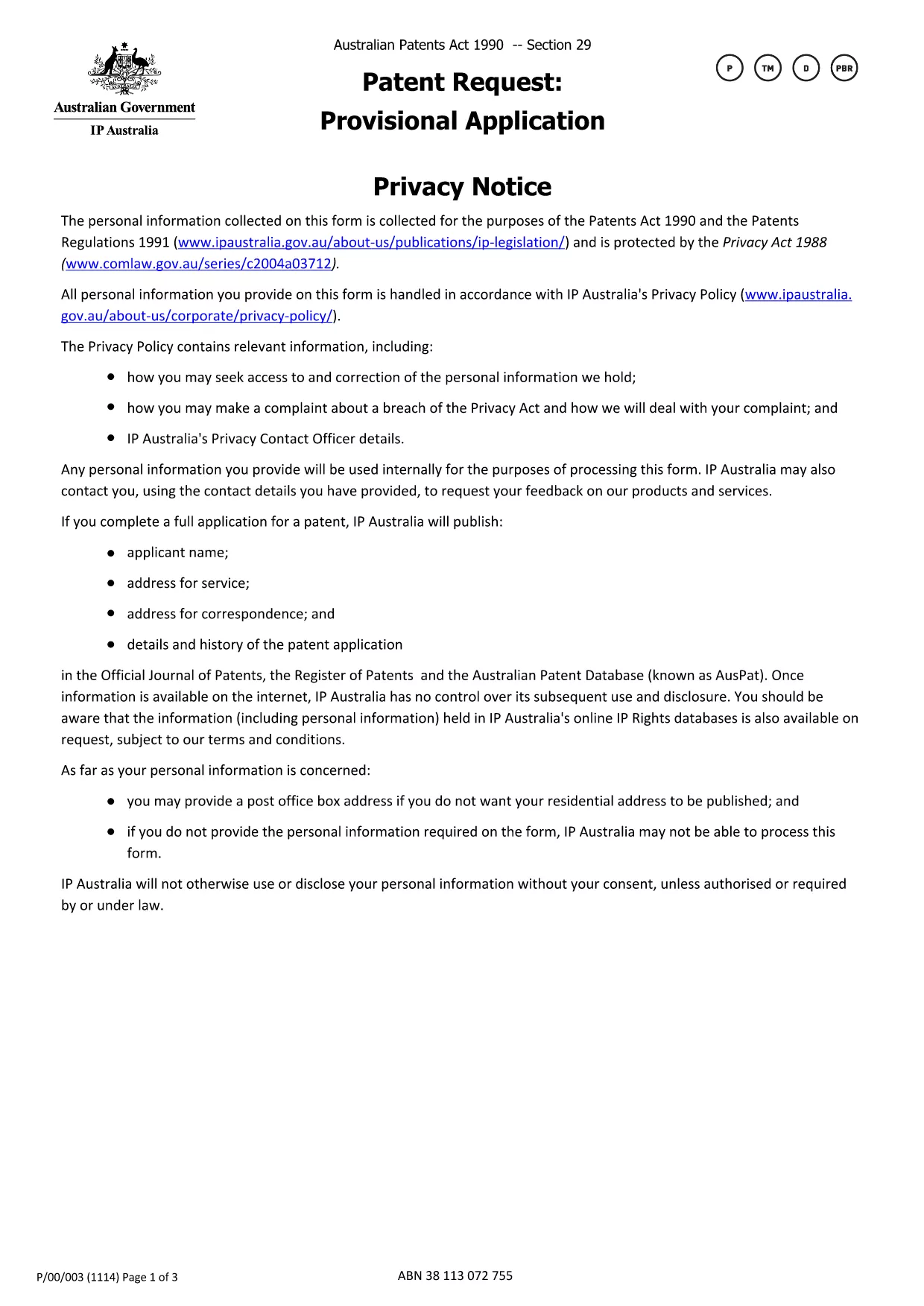
Provisional Patent Application Form (Fillable PDF)

  1. País Austrália
  2. Linguagem Inglês
  3. Atividade Patents
  4. Departamento IP Australia
Provisional Patent Application Form (Fillable PDF)

If you are ready to protect your invention in Australia, the first step is to submit a provisional patent application. The official form is available as a downloadable PDF, and with Formize you can complete it entirely online—no extra software required.

This page walks you through every part of the provisional patent application form, highlights common pitfalls, and shows how the Formize PDF Filler makes the process fast and secure.

How to Fill the Provisional Patent Application Online

Simply click the "Fill out this form" button below. The Formize PDF Filler loads the official IP Australia document, and you can start typing directly into each field.

Key Sections of the Form Explained

  • Applicant Details – Name, address, and contact information. Use a business address if you want to keep your home address private.
  • Invention Title – A concise title that captures the essence of the invention.
  • Brief Description – Summarize the invention in 150 words or less.
  • Inventor(s) Information – Full names and citizenship details.
  • Declaration – Signature section confirming the truthfulness of the filing.

Common Mistakes & Tips for Successful Submission

Avoid these frequent errors:

  • Leaving mandatory fields blank (they are highlighted in red by Formize).
  • Using non‑Australian addresses for the service address unless you have a local PO Box.
  • Submitting a document that exceeds the 655 KB file size limit—Formize automatically compresses the PDF.
  • Misspelling inventor names; they must match the details on the supporting specification.

Why Use Formize’s Fillable PDF Filler

Formize turns a static PDF into an interactive form that saves your progress, validates entries in real time, and lets you download a completed PDF ready for submission to IP Australia. No printing, scanning, or third‑party editors needed.

PERGUNTAS FREQUENTES
  • Do I need to print the provisional patent form after filling it online?

    No. The Formize PDF Filler lets you download a fully completed PDF that can be submitted electronically or printed if you prefer postal filing.

  • Is the fillable PDF version the official document accepted by IP Australia?

    Yes. The online version uses the exact PDF published by IP Australia, so the content and layout meet the office’s requirements.

  • Can I save my progress and return later?

    Absolutely. Formize stores your entries locally in the browser, allowing you to pause and resume without losing any data.

  • What if I make a mistake after I’ve downloaded the PDF?

    You can reopen the same PDF in Formize, correct the fields, and download a new version. The original file remains unchanged.

  • Is there a fee to use Formize’s PDF filler?

    Formize offers a free basic version that includes all features needed to complete and download the provisional patent application.

  • Do I need a separate PDF editor like Adobe Acrobat?

    No. Formize provides all the editing tools you need directly in the browser—no extra software required.

  • How do I keep my personal address private?

    Enter a PO Box or a business address in the “Address for service” field. IP Australia allows non‑residential addresses for privacy.

  • What size is the PDF file after I fill it out?

    The completed form stays under 655 KB, the same size as the original, ensuring quick upload and easy email attachment.

COMO

Como preencher provisional patent application gratuitamente, online em 5 etapas fáceis:

  1. 1
    Click the Fill‑out Button
    Press the "Fill out this form" button on the page to launch the Formize PDF Filler.
  2. 2
    Wait for the Filler to Load
    The fillable version of the official IP Australia provisional patent form loads in seconds.
  3. 3
    Complete Each Section
    Enter your details, invention title, description, and inventor information directly into the PDF fields.
  4. 4
    Validate and Review
    Formize checks mandatory fields and highlights any errors before you finish.
  5. 5
    Download or Submit
    When satisfied, download the completed PDF or print it for postal submission to IP Australia.
Aplicativo Formize PDF Filler
SOBRE

modelo provisional patent application

Com o conjunto tradicional de recursos para visualizar e preencher um documento PDF, combinado com os benefícios de um aplicativo da web e layout responsivo, você pode preencher provisional patent application em minutos.

RECURSOS

Preenchimento de PDF

A maneira mais fácil de preencher formulários PDF online

  • Preencha provisional patent application rapidamente
    Procurando uma maneira de preencher rapidamente provisional patent application online? Com nosso preenchedor de formulário PDF online gratuito, você saberá como editar e preencher este documento PDF em menos de um minuto.
  • Editor de PDF online fácil de usar
    Cansado de imprimir arquivos PDF para poder editá-los antes de digitalizá-los novamente e enviá-los de volta? Edite documentos PDF gratuitamente online. Use nosso editor de PDF online para economizar tempo e papel.
  • Ótimas ferramentas, todas as plataformas
    Quer saber como preencher provisional patent application em um Mac, ou talvez como usar um preenchimento de PDF grátis? Nossas ferramentas online de PDF funcionam em todas as plataformas.
  • Armazenamento seguro de arquivos
    Os arquivos "provisional patent application" concluídos são armazenados em um banco de dados seguro gerenciado pela hospedagem Amazon Cloud. Você pode excluir seus arquivos do nosso sistema a qualquer momento. Em qualquer caso, esses arquivos são excluídos automaticamente após 24 horas.
  • Converse com {palavra-chave}
    Converse com "provisional patent application" no Chatize, que é um assistente gratuito de leitura de PDF. Faça perguntas e obtenha respostas de "provisional patent application". Basta clicar no botão Bate-papo com documento acima.

Excluir sessão de preenchimento

Excluir a sessão de preenchimento selecionada? Nesse caso, seu progresso no preenchimento do formulário será perdido.

Excluir sessão de edição

Excluir a sessão de edição selecionada? Neste caso, o seu progresso na criação e edição do formulário será perdido.