
Selecione o idioma

Fillable Scholarship Application Form (PDF) – Download & Complete Online

  1. País EUA
  2. Linguagem Inglês
  3. Departamento Department of Education
  4. Atividade Scholarships
Fillable Scholarship Application Form (PDF) – Download & Complete Online

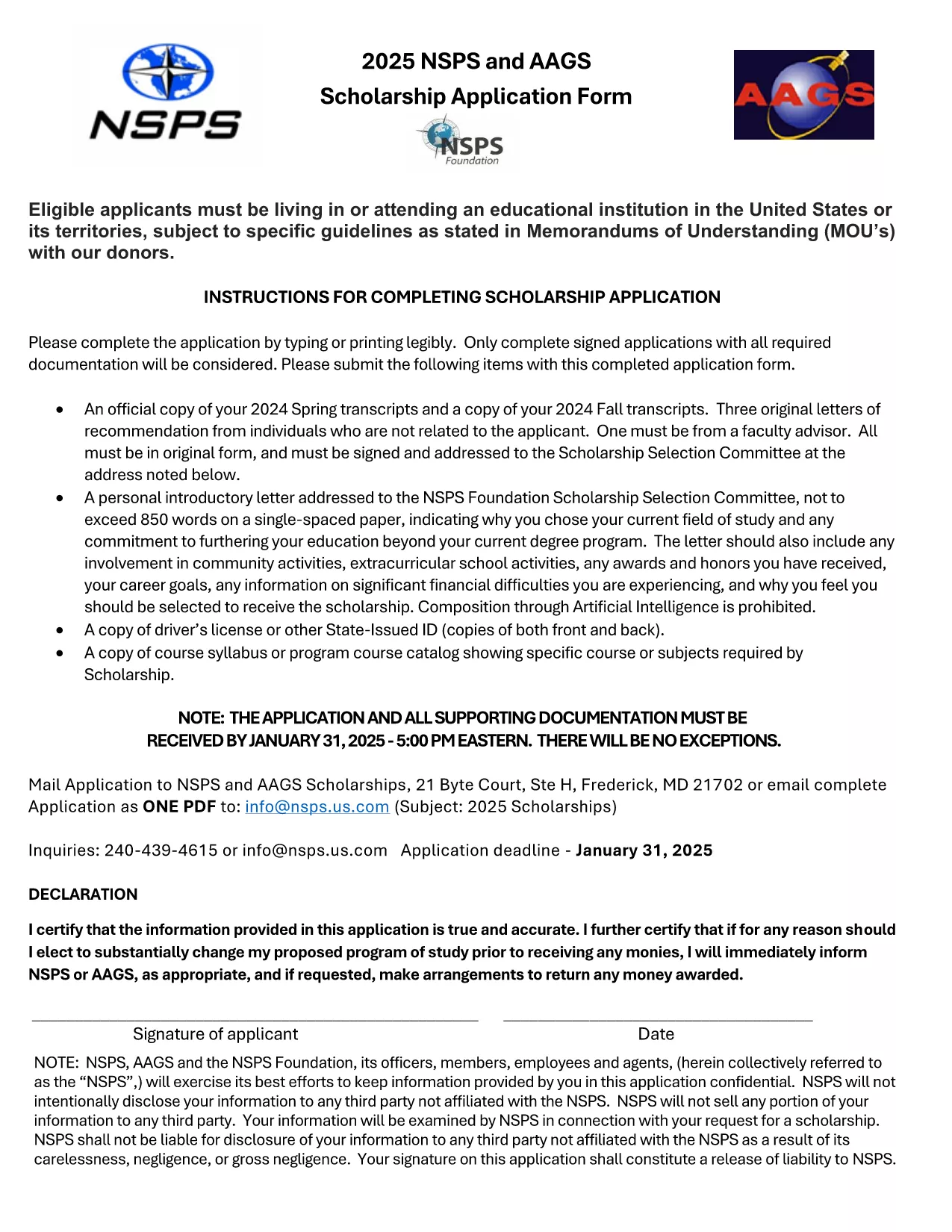
Looking for a hassle‑free way to apply for a scholarship? Our fillable scholarship application form lets you download a ready‑to‑use PDF, fill it out directly in your browser, and submit it with confidence. No printing, scanning, or re‑typing required.

Why Use a Fillable PDF for Scholarship Applications

Fillable PDFs preserve the exact layout of the original scholarship form while allowing you to type, select, and save your answers. This ensures:

  • Accurate data entry – no illegible handwriting.
  • Instant validation – required fields are highlighted.
  • Easy saving and sharing – keep a copy for your records.

How to Fill Out the Scholarship Application Online

Simply click the Fill out this form button on this page. The Formize PDF Filler app will load the document, and you can start entering your information right away.

Common Mistakes to Avoid When Completing Your Scholarship Form

Before you hit submit, double‑check these points:

  • All required fields are completed.
  • Numbers (GPA, test scores) are entered in the correct format.
  • Attachments such as transcripts or recommendation letters are attached as separate files if requested.
  • You have signed the form where required (digital signature works in the filler).

Where to Submit Your Completed Application

After saving the filled PDF, follow the scholarship’s submission guidelines—usually an email attachment or an upload portal on the sponsor’s website. Keep the saved copy for future reference.

Ready to start? Click the button below and let Formize do the heavy lifting.

PERGUNTAS FREQUENTES
  • Do I need special software to fill out the PDF?

    No. The Formize PDF Filler works in any modern browser, so you can complete the form without installing anything.

  • Can I save my progress and finish later?

    Yes. Use the "Save" button in the filler to download a partially completed PDF and reload it when you’re ready.

  • Is my personal information secure?

    Formize uses SSL encryption, and the PDF is stored locally on your device unless you choose to upload it.

  • What if I make a mistake after saving?

    Open the saved PDF again in the Formize filler, correct the error, and re‑save the file.

  • Do I need to print and sign the form?

    A digital signature is accepted by most scholarship programs. Check the specific instructions of the scholarship you’re applying for.

  • Can I attach supporting documents through the filler?

    Yes. Use the attachment fields in the form to upload transcripts, essays, or letters of recommendation.

COMO

Como preencher scholarship application form gratuitamente, online em 4 etapas fáceis:

  1. 1
    Click "Fill out this form"
    Press the button on this page to open the Formize PDF Filler. The fillable scholarship PDF loads instantly.
  2. 2
    Enter your information
    Type directly into each field, select options from drop‑down menus, and upload any required documents.
  3. 3
    Review and sign
    Check all entries for accuracy, add a digital signature if needed, and save the completed form.
  4. 4
    Download or submit
    Download the finished PDF for your records or follow the scholarship’s submission instructions to send it.
Aplicativo Formize PDF Filler
SOBRE

modelo scholarship application form

Com o conjunto tradicional de recursos para visualizar e preencher um documento PDF, combinado com os benefícios de um aplicativo da web e layout responsivo, você pode preencher scholarship application form em minutos.

RECURSOS

Preenchimento de PDF

A maneira mais fácil de preencher formulários PDF online

  • Preencha scholarship application form rapidamente
    Procurando uma maneira de preencher rapidamente scholarship application form online? Com nosso preenchedor de formulário PDF online gratuito, você saberá como editar e preencher este documento PDF em menos de um minuto.
  • Editor de PDF online fácil de usar
    Cansado de imprimir arquivos PDF para poder editá-los antes de digitalizá-los novamente e enviá-los de volta? Edite documentos PDF gratuitamente online. Use nosso editor de PDF online para economizar tempo e papel.
  • Ótimas ferramentas, todas as plataformas
    Quer saber como preencher scholarship application form em um Mac, ou talvez como usar um preenchimento de PDF grátis? Nossas ferramentas online de PDF funcionam em todas as plataformas.
  • Armazenamento seguro de arquivos
    Os arquivos "scholarship application form" concluídos são armazenados em um banco de dados seguro gerenciado pela hospedagem Amazon Cloud. Você pode excluir seus arquivos do nosso sistema a qualquer momento. Em qualquer caso, esses arquivos são excluídos automaticamente após 24 horas.
  • Converse com {palavra-chave}
    Converse com "scholarship application form" no Chatize, que é um assistente gratuito de leitura de PDF. Faça perguntas e obtenha respostas de "scholarship application form". Basta clicar no botão Bate-papo com documento acima.

Excluir sessão de preenchimento

Excluir a sessão de preenchimento selecionada? Nesse caso, seu progresso no preenchimento do formulário será perdido.

Excluir sessão de edição

Excluir a sessão de edição selecionada? Neste caso, o seu progresso na criação e edição do formulário será perdido.