
modelo application form x
Com o conjunto tradicional de recursos para visualizar e preencher um documento PDF, combinado com os benefícios de um aplicativo da web e layout responsivo, você pode preencher application form x em minutos.


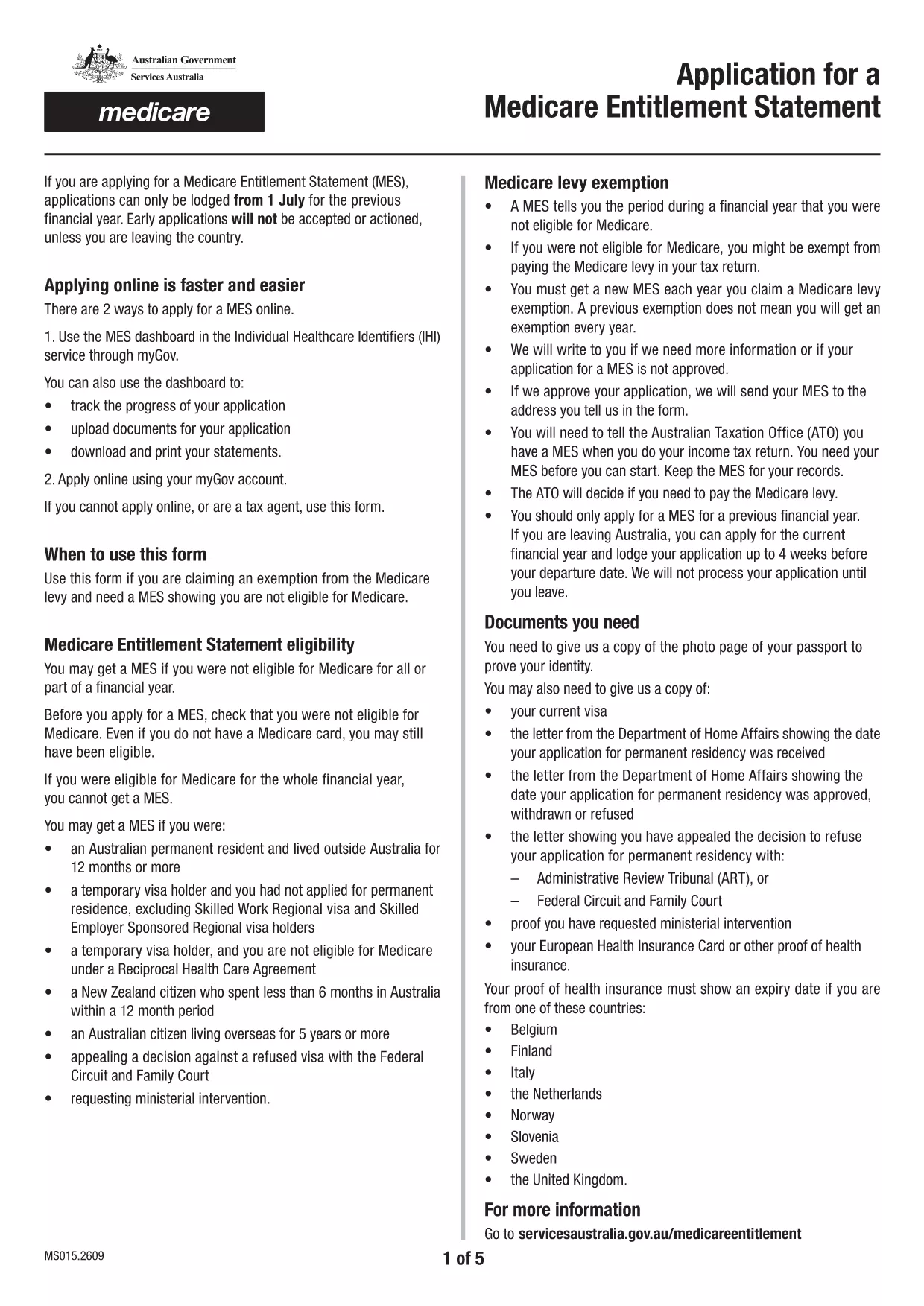
Looking for a quick, secure way to fill out Application Form X? Our free fillable PDF lets you complete the form directly in your browser – no printing, scanning, or faxing required. Simply click the button below, let the Formize PDF Filler load, and start typing.
Follow these simple steps to finish your application in minutes:
Prepare clear, legible copies of any supporting documents before you start. Accepted formats are PDF, JPG, PNG, GIF, or BMP, each under 5 MB and the total under 10 MB.
After downloading the filled PDF, you can submit it via your online portal, email, or by mailing it to the address listed on the form. Keep a copy for your records.
Need extra help? Our Services Australia page provides additional guidance for applicants using assistive technology.
No. The Formize PDF Filler works in any modern browser, so you don’t need Acrobat or any extra software.
For the best experience, use a desktop or laptop. Mobile browsers may not support all fillable fields.
Open the downloaded PDF in the Formize filler again, make the corrections, and re‑download the updated file.
Yes. All data is processed locally in your browser; nothing is stored on our servers.
Each file must be under 5 MB, and the total attachment size cannot exceed 10 MB.
Absolutely. After downloading, you can print the PDF just like any regular document.
Com o conjunto tradicional de recursos para visualizar e preencher um documento PDF, combinado com os benefícios de um aplicativo da web e layout responsivo, você pode preencher application form x em minutos.
A maneira mais fácil de preencher formulários PDF online
Excluir sessão de preenchimento
Excluir sessão de edição