
Selecione o idioma

BLC-54 Blue Light Permit Application – Fillable PDF

  1. Linguagem Inglês
  2. País EUA
  3. Atividade Registro de Veículo
  4. Estado Nova Jersey
BLC-54 Blue Light Permit Application – Fillable PDF

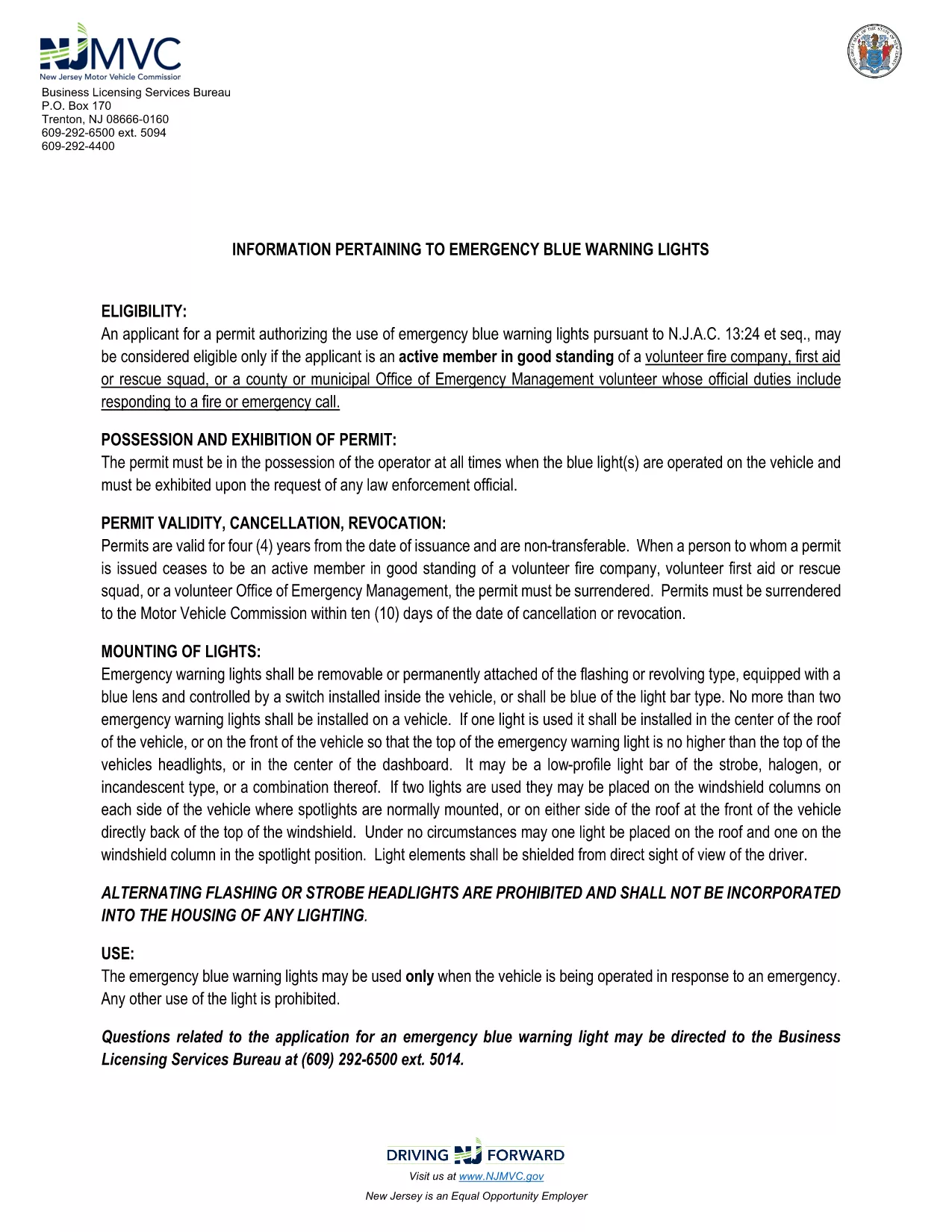
The BLC-54 is the official New Jersey Motor Vehicle Commission (MVC) application for a blue light permit. This permit allows volunteer fire companies, first‑aid squads, rescue units, and municipal emergency management officials to use emergency blue warning lights on their response vehicles.

What Is the BLC-54 Form?

The BLC-54 is a fillable PDF that captures essential information about the applicant, the volunteer organization, and the vehicle that will display the blue lights. It includes sections for:

  • Applicant’s name, title, and contact details
  • Volunteer fire or rescue organization details
  • Vehicle description, VIN, and registration information
  • Signature of the mayor, chief executive officer, or authorized municipal official

Who Can Apply for a Blue Light Permit?

Eligibility is limited to active members in good standing of:

  • Volunteer fire companies
  • First‑aid or rescue squads
  • County or municipal Office of Emergency Management volunteers whose duties include fire response

The application must be signed by the municipality’s mayor or chief executive officer.

How to Complete the BLC-54 Online

Instead of downloading the PDF and editing it in a separate program, simply click the “Fill out this form” button on this page. The Formize PDF Filler app will load automatically, letting you complete every field directly in your browser.

Common Mistakes to Avoid

  • Leaving required fields blank – the form will not submit until all mandatory sections are filled.
  • Incorrect vehicle VIN – double‑check the VIN on the vehicle registration.
  • Missing signatures – the mayor or authorized official must sign; an unsigned form is rejected.

Submit Your Application

After completing the form, review all entries for accuracy, then click the “Submit” button. You can either download the completed PDF for mailing or submit it electronically if your municipality accepts digital submissions.

Need help? Review the FAQs below or contact your local municipal office for further assistance.

PERGUNTAS FREQUENTES
  • What does BLC-54 stand for?

    BLC-54 is the New Jersey MVC’s Blue Light Permit application used by volunteer fire, rescue, and emergency management organizations.

  • Can I submit the form electronically?

    Many municipalities accept electronic submissions. Check with your local office; the Formize filler lets you download a completed PDF for mailing if needed.

  • Who must sign the BLC-54 form?

    The form must be signed by the mayor, chief executive officer, or another authorized municipal official responsible for the volunteer fire department.

  • Is the PDF truly fillable online?

    Yes. By clicking the “Fill out this form” button, Formize loads a secure, browser‑based PDF filler that lets you type, select, and sign without extra software.

  • What happens after I submit the form?

    Your municipal office will review the application. If approved, they will issue a blue light permit and provide instructions for attaching the lights to your vehicle.

  • Can I edit the form after I’ve submitted it?

    Once submitted, you’ll need to request a new application from your municipality for any changes.

COMO

Como preencher BLC-54 gratuitamente, online em 5 etapas fáceis:

  1. 1
    Click the Fill Out Button
    On this page, click the “Fill out this form” button. The Formize PDF Filler will open instantly in your browser.
  2. 2
    Wait for the Filler to Load
    The app loads the fillable BLC-54 PDF. This usually takes a few seconds depending on your connection.
  3. 3
    Enter Your Information
    Complete each section: applicant details, organization info, vehicle data, and required signatures.
  4. 4
    Review and Sign
    Double‑check all entries for accuracy, then use the digital signature field for the mayor or authorized official.
  5. 5
    Submit or Download
    Click “Submit” to send the form to your municipal office, or download the completed PDF for mailing.
Aplicativo Formize PDF Filler
SOBRE

Formulários de registro de veículos

Se você possui ou aluga um veículo motorizado, reboque ou barco, você deve cumprir certas obrigações para manter seu veículo legalmente registrado e seguro.

BLC-54 é um dos formulários de registro de veículos que são documentos usados ​​para registrar um veículo motorizado junto à autoridade estadual ou provincial relevante. Esses formulários são normalmente exigidos quando uma pessoa compra um veículo novo ou usado ou quando se muda para um novo estado ou província com um veículo.

Os requisitos e formulários exatos necessários para o registro do veículo podem variar de acordo com o local, mas geralmente o processo envolve o fornecimento de informações sobre o veículo, o proprietário e quaisquer ônus sobre o veículo.

Depois que os formulários de registro e as taxas forem enviados, a autoridade estadual ou provincial emitirá um certificado de registro ou placa ao proprietário do veículo. Este registro permite que o veículo seja conduzido legalmente em vias públicas e rodovias.

RECURSOS

Preenchimento de PDF

A maneira mais fácil de preencher formulários PDF online

  • Preencha BLC-54 rapidamente
    Procurando uma maneira de preencher rapidamente BLC-54 online? Com nosso preenchedor de formulário PDF online gratuito, você saberá como editar e preencher este documento PDF em menos de um minuto.
  • Editor de PDF online fácil de usar
    Cansado de imprimir arquivos PDF para poder editá-los antes de digitalizá-los novamente e enviá-los de volta? Edite documentos PDF gratuitamente online. Use nosso editor de PDF online para economizar tempo e papel.
  • Ótimas ferramentas, todas as plataformas
    Quer saber como preencher BLC-54 em um Mac, ou talvez como usar um preenchimento de PDF grátis? Nossas ferramentas online de PDF funcionam em todas as plataformas.
  • Armazenamento seguro de arquivos
    Os arquivos "BLC-54" concluídos são armazenados em um banco de dados seguro gerenciado pela hospedagem Amazon Cloud. Você pode excluir seus arquivos do nosso sistema a qualquer momento. Em qualquer caso, esses arquivos são excluídos automaticamente após 24 horas.
  • Converse com {palavra-chave}
    Converse com "BLC-54" no Chatize, que é um assistente gratuito de leitura de PDF. Faça perguntas e obtenha respostas de "BLC-54". Basta clicar no botão Bate-papo com documento acima.

Excluir sessão de preenchimento

Excluir a sessão de preenchimento selecionada? Nesse caso, seu progresso no preenchimento do formulário será perdido.

Excluir sessão de edição

Excluir a sessão de edição selecionada? Neste caso, o seu progresso na criação e edição do formulário será perdido.