
Selecteaza limba

Punjab Solemnization of Marriage Form (Fillable PDF)

  1. Limba Engleză hindi
  2. Țară India
  3. Stat Punjab
  4. Departament Departamentul Afacerilor Interne și Justiției
Completează acest formular
Punjab Solemnization of Marriage Form (Fillable PDF)

Punjab Solemnization of Marriage Form (Fillable PDF)

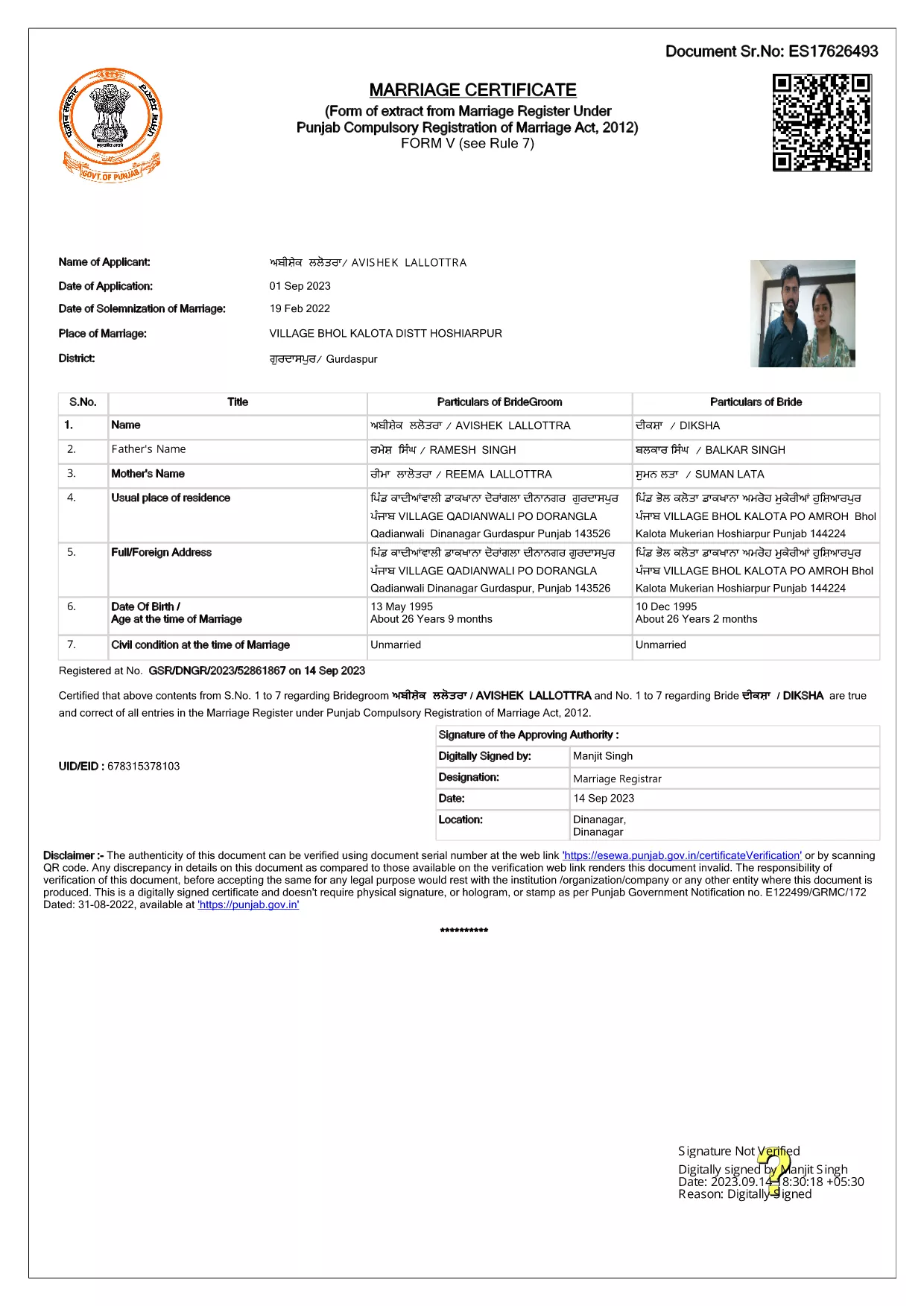
Getting married in Punjab requires you to submit the official Punjab Solemnization of Marriage form. This form records essential details of the bride, groom, and witnesses, and it is mandatory under the Punjab Compulsory Registration of Marriage Act, 2012.

What Is the Punjab Solemnization of Marriage Form?

The form is a government‑issued marriage certificate that captures personal information, parental details, and the date and place of the marriage ceremony. It is the legal proof needed for future documentation such as passport applications, property registration, and visa requests.

How to Fill Out the Form Online with Formize

Instead of printing, printing‑and‑scanning, or using a third‑party PDF editor, you can complete the form directly in your browser:

  1. Click the **"Fill out this form"** button on this page.
  2. Wait a few seconds while the Formize PDF Filler app loads.
  3. Enter the required information in each fillable field. The interface guides you through mandatory sections.
  4. Review your entries, then click **"Save & Download"** to get a completed PDF copy.

Common Mistakes to Avoid When Completing the Form

  • Incorrect spelling of names: Verify the spelling exactly as it appears on official ID documents.
  • Missing witness details: All three witnesses must be fully listed; incomplete entries will cause rejection.
  • Wrong date format: Use DD‑MM‑YYYY as required by the Punjab Registration Department.
  • Leaving optional fields blank: Even optional fields should be filled with "N/A" if not applicable.

Where to Submit the Completed Form

After you have saved the filled PDF, submit it to the nearest Punjab Registration Office or the designated online portal of the Punjab Registration Department. Bring original identity proofs for both parties and witnesses.

Download the Official PDF

Click the button below to download the original, government‑approved PDF. The file is hosted securely and matches the exact layout required by the registration authority.

FAQ
  • Is the Punjab marriage form available in Punjabi?

    The official PDF is printed in English, but you may fill it out in any language. For official submissions, the English version is accepted.

  • Do I need a digital signature?

    A digital signature is not required for the fillable PDF. You must sign the printed copy in the presence of a registrar.

  • Can I edit the form after I download it?

    Yes. The saved PDF remains fully editable with any standard PDF editor, but the Formize filler already lets you complete the form without extra software.

  • How many witnesses are required?

    Three adult witnesses are mandatory. Their full names, addresses, and signatures must be entered in the designated sections.

  • What documents do I need to submit with the form?

    Both parties must provide a valid ID (Aadhar, PAN, or passport), proof of residence, and the original signed marriage certificate.

  • Is there a fee for downloading the PDF?

    No. The PDF is provided free of charge. Any registration fees are paid directly to the Punjab Registration Office.

CUM SĂ

Cum să completați Punjab marriage form gratuit, online, în 4 pași simpli:

  1. 1
    Click the Fill‑Out Button
    Press the **"Fill out this form"** button on the page to launch the Formize PDF Filler.
  2. 2
    Wait for the Filler to Load
    The app loads in a few seconds; you’ll see a clean, searchable interface with all form fields highlighted.
  3. 3
    Enter Your Information
    Type the required details for the bride, groom, and witnesses. The filler validates dates and mandatory fields automatically.
  4. 4
    Save and Download
    After reviewing, click **"Save & Download"** to get a completed PDF you can print or submit electronically.
Aplicația Formize PDF Filler
DESPRE

Formulare de cerere pentru Ministerul Afacerilor Externe

Punjab marriage form este unul dintre formularele de cerere ale Ministerului Afacerilor Externe. Ministerul indian al Afacerilor Externe oferă diverse formulare de cerere pentru diferite servicii legate de afaceri externe și relații internaționale. Unele formulare comune de cerere includ:

Cerere de pașaport: acest formular este folosit pentru a solicita un pașaport indian. Acesta colectează detalii personale, cum ar fi numele, adresa, data nașterii și naționalitatea.

Cerere de cetățenie de peste mări a Indiei (OCI): acest formular este folosit pentru a solicita statutul OCI, care permite persoanelor de origine indiană să trăiască și să lucreze în India pe termen nelimitat. Acesta colectează detalii personale, inclusiv dovada originii indiane.

Cerere de viză: Acest formular este folosit pentru a solicita o viză de călătorie într-o țară străină. Acesta colectează detalii personale, informații de călătorie și scopul călătoriei.

Cerere de autorizare pentru emigrare: acest formular este folosit de persoanele care caută autorizație de emigrare pentru un loc de muncă în anumite țări. Colectează informații personale și detalii de angajare.

Cerere de atestare: acest formular este utilizat pentru a solicita atestarea diferitelor documente, cum ar fi certificate de studii, certificate de căsătorie și documente comerciale. Acesta colectează detalii despre documentul care trebuie atestat și scopul atestării.

Cerere pentru servicii consulare: acest formular este utilizat pentru diferite servicii consulare, inclusiv eliberarea de certificate de urgență, asistență pentru cetățenii indieni aflați în străinătate și înregistrarea cetățenilor indieni. Detaliile specifice necesare depind de natura serviciului solicitat.

CARACTERISTICI

Filler PDF

Cel mai simplu mod de a completa Punjab marriage form online

  • Completați rapid Punjab marriage form
    Căutați o modalitate de a completa rapid Punjab marriage form online? Cu ajutorul nostru online gratuit de completare a formularelor PDF, veți ști cum să editați și să completați acest document pdf în mai puțin de un minut.
  • Editor PDF online ușor de utilizat
    Sătul de tipărirea fișierelor PDF pentru a le putea edita, înainte de a le rescana și a le trimite înapoi? Editați documente PDF gratuit online. Utilizați editorul nostru online de pdf pentru a economisi timp și hârtie.
  • Instrumente grozave, toate platformele
    Vă întrebați cum să completați Punjab marriage form pe un Mac sau poate cum să utilizați un fișier PDF gratuit? Instrumentele noastre PDF online funcționează pe toate platformele.
  • Stocare securizată a fișierelor
    Fișierele „Punjab marriage form” finalizate sunt stocate într-o bază de date securizată gestionată de Amazon Cloud hosting. Puteți șterge oricând fișierele din sistemul nostru. În orice caz, aceste fișiere sunt șterse automat după 24 de ore.
  • Chat cu Punjab marriage form
    Conversați cu „Punjab marriage form” pe Chatize, care este un asistent de citire PDF gratuit. Puneți întrebări și obțineți răspunsuri de la „Punjab marriage form”. Doar faceți clic pe butonul Conversați cu documentul de mai sus.

Ștergeți sesiunea de umplere

Ștergeți sesiunea de umplere selectată? În acest caz, progresul dumneavoastră în completarea formularului se va pierde.

Ștergeți sesiunea de editare

Ștergeți sesiunea de editare selectată? În acest caz, progresul dvs. în crearea și editarea formularului se va pierde.