
șablon PSPE application form
Cu setul tradițional de caracteristici pentru vizualizarea și completarea unui document PDF, combinat cu beneficiile unei aplicații web și a unui aspect receptiv, puteți completa PSPE application form în câteva minute.


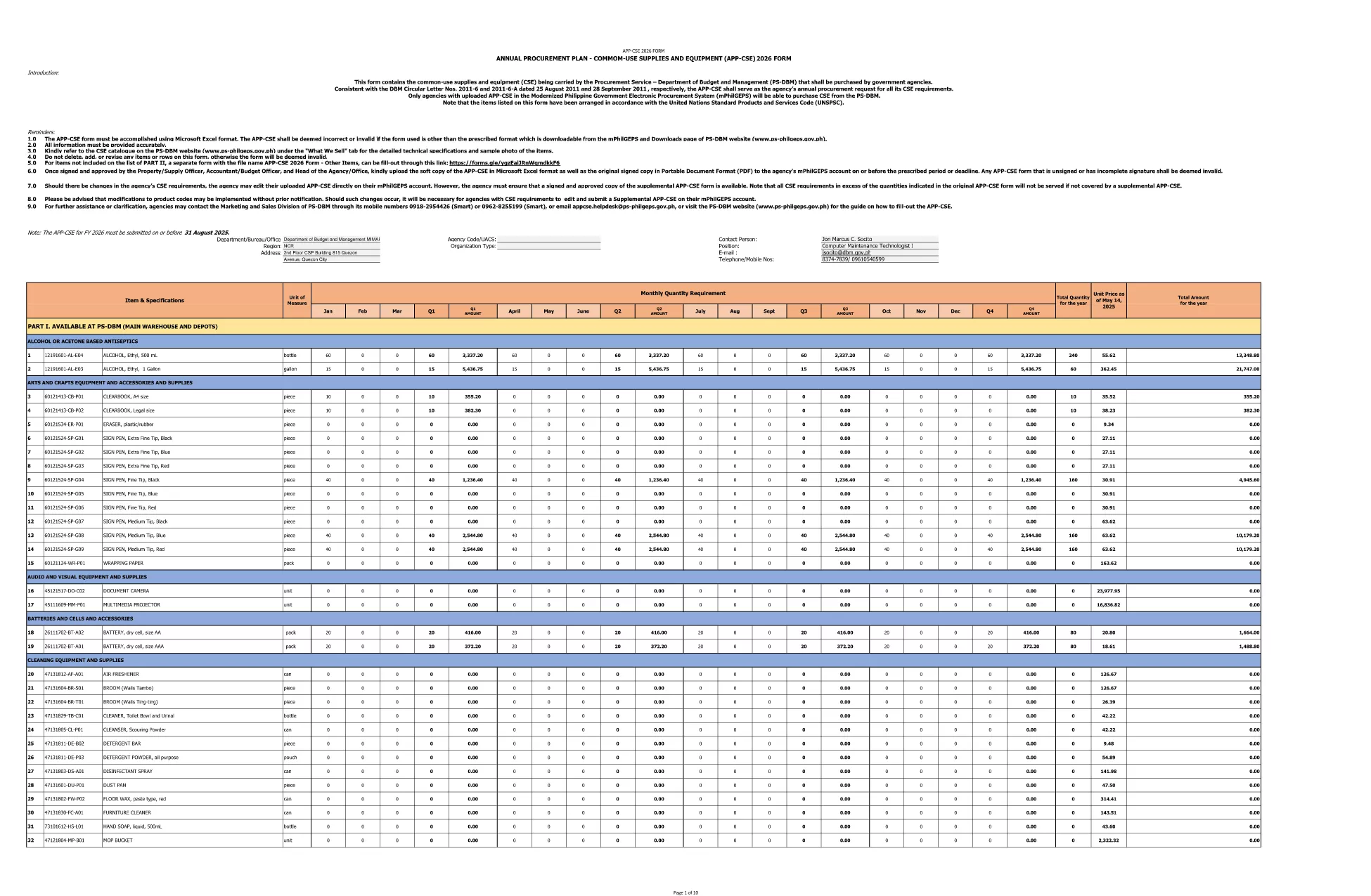
Looking for a fast, secure way to submit your PSPE (Public Service Procurement Entity) application? Formize lets you open the official PDF, fill it out directly in your browser, and save or submit without printing. Our fillable PDF solution eliminates errors, saves time, and keeps your data safe.
The fillable version of the PSPE application offers:
Follow these simple steps to finish the form in minutes:
The official PSPE application form is provided by the Department of Budget and Management. Click the button below to open the fillable version, or download the original PDF for reference.
Below are answers to the most common questions about the PSPE application form.
No. Formize’s online filler works in any modern browser without additional software.
You can download the completed PDF and upload it to the agency’s portal, or email it as instructed in the form’s instructions.
Yes. All data stays in your browser session and is encrypted when you save or download the file.
Open the saved PDF again with Formize, edit the fields, and re‑save. The filler allows unlimited edits before final submission.
No. The fillable PDF feature is free for all users.
This is the latest 2026 version released by the Department of Budget and Management.
Cu setul tradițional de caracteristici pentru vizualizarea și completarea unui document PDF, combinat cu beneficiile unei aplicații web și a unui aspect receptiv, puteți completa PSPE application form în câteva minute.
Cel mai simplu mod de a completa PSPE application form online
Ștergeți sesiunea de umplere
Ștergeți sesiunea de editare