Выберите язык

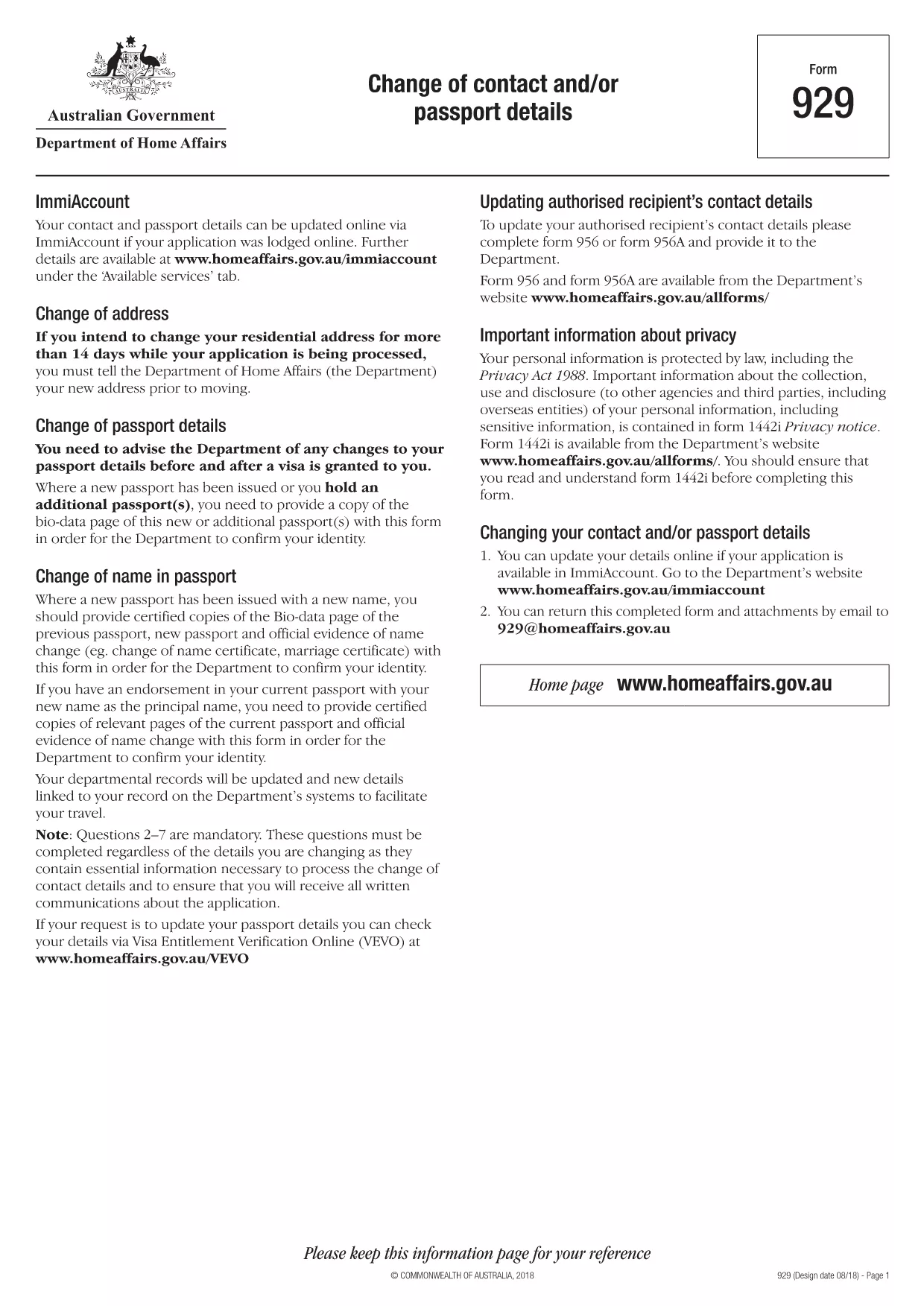
Australian Passport Change of Details Form (Form 929) – Fillable PDF

  1. Язык Английский
  2. Страна Австралия
  3. Вид деятельности Passports
  4. Департамент Home Affairs
Australian Passport Change of Details Form (Form 929) – Fillable PDF

When you need to update your Australian passport – whether it’s a new name, a change of address, or a correction to personal details – you must use Form 929: Change of Contact and/or Passport Details. This official form from the Department of Home Affairs is now available as a fillable PDF, so you can complete it quickly from any device.

Why You Need Form 929

The Australian government requires a certified copy of the new passport bio‑data page together with Form 929 to verify any changes. Using the correct form helps avoid processing delays and ensures your passport reflects the most up‑to‑date information.

How to Complete the Form Online

Instead of downloading the PDF and opening a separate editor, simply click the "Fill out this form" button on this page. The Formize PDF Filler app will load directly in your browser, allowing you to type into each field, attach required documents, and save your progress.

Common Mistakes to Avoid

  • Leaving any mandatory field blank – the filler will highlight missing information.
  • Uploading unclear or un‑certified copies of your passport pages.
  • Using the wrong form (Form 929 is only for changes, not a brand‑new passport application).

Where to Submit the Form

After completing the form, print the final PDF, sign where required, and attach certified copies of the new passport bio‑data page and any supporting evidence (e.g., marriage certificate). Mail the package to the address listed on the form or submit it in person at an Australian Passport Office.

Download the Fillable PDF

If you prefer to work offline, you can download the official fillable PDF directly from the Department of Home Affairs using the link below.

ЧАСТО ЗАДАВАЕМЫЕ ВОПРОСЫ
  • Is Form 929 used for a brand‑new passport application?

    No. Form 929 is only for updating existing passport details such as name, address, or contact information. New passport applications require a different form (Form 1410).

  • Can I submit Form 929 electronically?

    The Department of Home Affairs currently requires a printed and signed copy with certified passport pages. You can fill it out online, then print and mail it.

  • What documents must I attach to Form 929?

    Attach a certified copy of the new passport’s bio‑data page and any official evidence of the change (e.g., marriage certificate, deed poll, change of address notice).

  • How long does it take to process a change of details?

    Processing times vary, but generally it takes 5‑10 business days once the complete form and supporting documents are received.

  • Do I need to pay a fee to use Form 929?

    There is no separate fee for the form itself, but standard passport service fees apply when the updated passport is re‑issued.

  • What if I make a mistake on the form?

    If you notice an error after submission, you must fill out a new Form 929 and include a brief explanation of the correction.

  • Can I use a scanner app to create the certified copies?

    Yes, as long as the scanned images are clear, legible, and meet the Department’s certification requirements.

КАК ПОЛЬЗОВАТЬСЯ

Как бесплатно заполнить Australian passport form онлайн за 4 простых шагов:

  1. 1
    Open the Fillable Form
    Click the "Fill out this form" button on this page. The Formize PDF Filler app will load directly in your browser.
  2. 2
    Enter Your Information
    Type into each highlighted field, attach certified copies of your new passport bio‑data page and any supporting documents.
  3. 3
    Review and Sign
    Double‑check all entries for accuracy, then add your electronic signature where required.
  4. 4
    Save or Print
    Save the completed PDF to your device or print it for submission to an Australian Passport Office.
Приложение Formize PDF Filler
О ПРИЛОЖЕНИИ

Шаблон Australian passport form

С традиционный набор функций для просмотра и заполнения PDF-документа в сочетании с преимуществами веб-приложения и адаптивной верстки вы сможете заполнить Australian passport form за считанные минуты.

ФУНКЦИИ

Инструмент для запролнения PDF форм

Самый простой способ заполнить Australian passport form онлайн

  • Быстрое заполнение Australian passport form
    Ищете способ быстро заполнить Australian passport form онлайн? С нашим бесплатным онлайн-инструментом вы узнаете, как редактировать заполнить этот PDF-документ менее чем за минуту.
  • Простой в использовании онлайн-редактор PDF
    Надоело распечатывать PDF-файлы, чтобы их можно было отредактировать перед повторным сканированием и отправкой обратно? Редактируйте документы PDF бесплатно онлайн. Используйте наш онлайн-редактор PDF, чтобы сэкономить время и бумагу.
  • Отличные инструменты, все платформы
    Хотите знать, как заполнить Australian passport form на Mac или, может быть, как использовать бесплатный заполнитель PDF? Наши онлайн-инструменты PDF работают на всех платформах.
  • Безопасное хранение файлов
    Файлы заполненных "Australian passport form" хранятся в защищенной базе данных, управляемой облачным хостингом Amazon. Вы можете удалить свои файлы из нашей системы в любое время. В любом случае эти файлы автоматически удаляются через 24 часа.
  • Чат с Australian passport form
    Откройте чат с "Australian passport form" в Chatize — бесплатном помощнике для чтения PDF-файлов. Задавайте вопросы и получайте ответы от "Australian passport form". Просто нажмите кнопку Чат с документом выше.

Удалить данные о заполненной форме

Удалить данные о заполненной форме? В этом случае Ваш прогресс заполнения этой формы будет утерян.

Удалить сеанс редактирования

Удалить выбранный сеанс редактирования? В этом случае ваш прогресс в создании и редактировании формы будет утерян.