Выберите язык

Application for Yesterday Leave – Fillable PDF Form

  1. Язык Английский
  2. Страна Австралия
  3. Департамент Human Resources
  4. Вид деятельности Leave Management
Application for Yesterday Leave – Fillable PDF Form

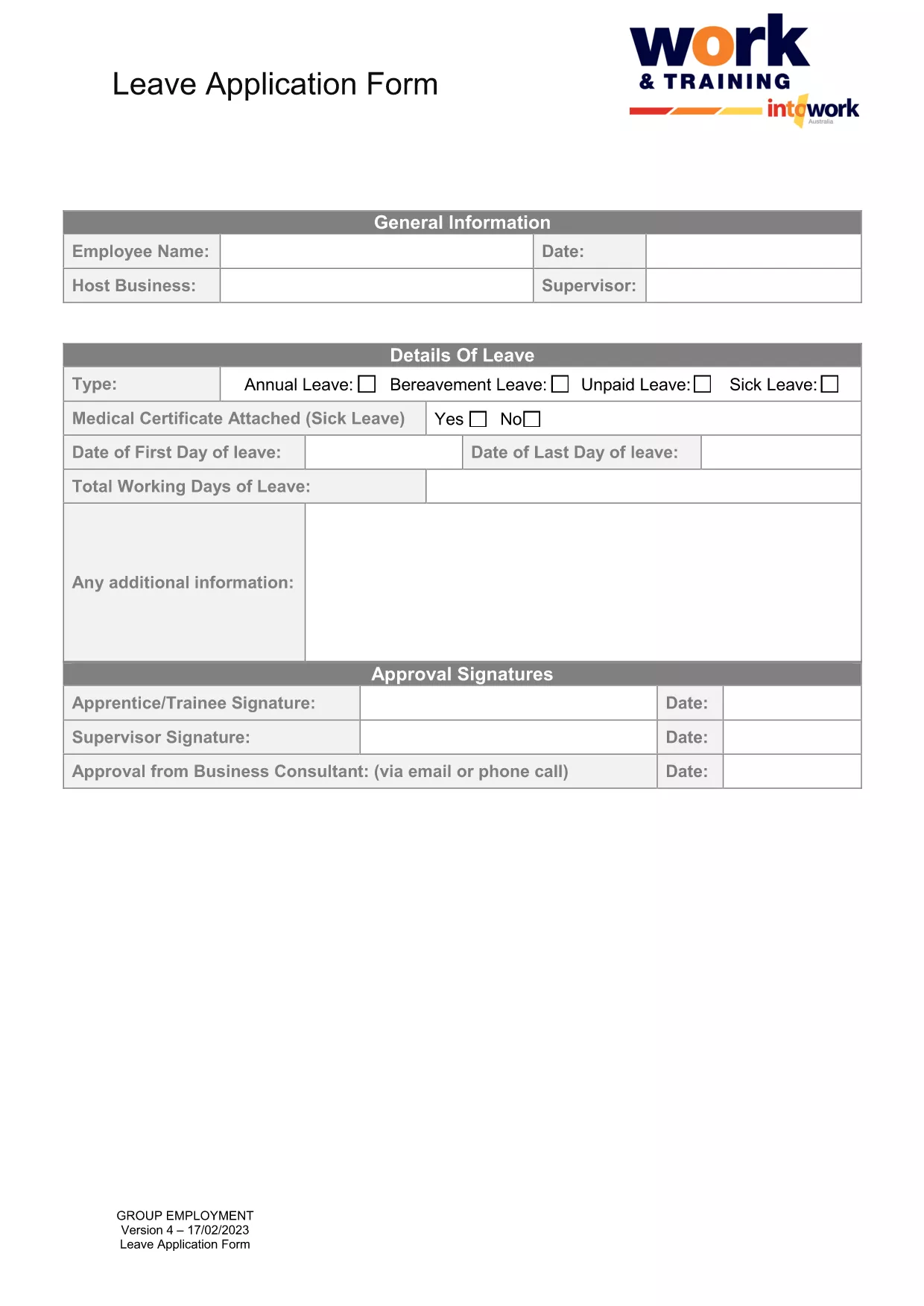
Need to request a day off that you missed yesterday? Our fillable PDF for a yesterday leave application lets you complete the form in minutes, without installing any software. Simply click the button below, fill out the required fields, and submit it to your HR department.

Why Use a Fillable PDF for Yesterday Leave?

  • Instantly editable – no need for a PDF editor.
  • Auto‑save feature keeps your data safe.
  • Professional layout matches standard HR requirements.
  • Works on any device – desktop, tablet, or phone.

How to Complete the Yesterday Leave Form Online

Follow the simple steps in the How‑To section below. The Formize PDF Filler app loads directly in your browser, so you can start typing right away.

Common Mistakes to Avoid

  • Leaving the "Date of Absence" field blank or entering the wrong date.
  • Not providing a brief reason for the missed day.
  • Forgetting to sign the form electronically.
  • Submitting the form without attaching any required supporting documents.

Where to Submit Your Completed Form

Once you’ve filled out the form, you can:

  • Email it directly to your HR inbox.
  • Upload it to your company’s employee portal.
  • Print and hand‑deliver it if your organization requires a hard copy.

Download the Fillable PDF Instantly

Click the button below to open the fillable PDF in the Formize PDF Filler. No download required – the form is ready to use online.

ЧАСТО ЗАДАВАЕМЫЕ ВОПРОСЫ
  • What is a “yesterday leave”?

    A yesterday leave is a request to retroactively record a day off that was taken without prior approval, usually due to an emergency or oversight.

  • Do I need special software to fill the form?

    No. The Formize PDF Filler runs in your browser, so you can complete the form on any device without installing additional software.

  • Can I save my progress and finish later?

    Yes. Use the “Save” button to download a partially completed PDF, then reopen it later in the Formize filler to continue.

  • What information is required?

    You’ll need your full name, employee ID, the exact date you were absent (yesterday), a brief reason, and optionally any supporting documents.

  • Is an electronic signature acceptable?

    Most HR departments accept electronic signatures generated by the Formize filler. Check your company’s policy if you’re unsure.

  • Can I print the completed form?

    Absolutely. After saving, you can print the PDF for a hard‑copy record or to submit it manually.

  • What if I make a mistake after submitting?

    Contact your HR representative immediately. They can either void the submitted form or ask you to submit a corrected version.

  • Is my personal data secure?

    Yes. The Formize filler processes the data locally in your browser and does not store it on external servers unless you choose to email it.

КАК ПОЛЬЗОВАТЬСЯ

Как бесплатно заполнить yesterday leave онлайн за 5 простых шагов:

  1. 1
    Open the Fillable Form
    Click the “Fill out this form” button on the page. The Formize PDF Filler app will load directly in your browser.
  2. 2
    Wait for the Filler to Load
    Give the app a few seconds to initialize. All fields will become editable automatically.
  3. 3
    Enter Your Details
    Fill in your name, employee ID, date of absence (yesterday’s date), reason for the leave, and any supporting notes.
  4. 4
    Review and Sign
    Double‑check every field for accuracy, then add your electronic signature using the built‑in signature tool.
  5. 5
    Save or Submit
    Click “Save” to download a copy for your records, or click “Submit” to email the completed form directly to HR.
Приложение Formize PDF Filler
О ПРИЛОЖЕНИИ

Шаблон yesterday leave

С традиционный набор функций для просмотра и заполнения PDF-документа в сочетании с преимуществами веб-приложения и адаптивной верстки вы сможете заполнить yesterday leave за считанные минуты.

ФУНКЦИИ

Инструмент для запролнения PDF форм

Самый простой способ заполнить yesterday leave онлайн

  • Быстрое заполнение yesterday leave
    Ищете способ быстро заполнить yesterday leave онлайн? С нашим бесплатным онлайн-инструментом вы узнаете, как редактировать заполнить этот PDF-документ менее чем за минуту.
  • Простой в использовании онлайн-редактор PDF
    Надоело распечатывать PDF-файлы, чтобы их можно было отредактировать перед повторным сканированием и отправкой обратно? Редактируйте документы PDF бесплатно онлайн. Используйте наш онлайн-редактор PDF, чтобы сэкономить время и бумагу.
  • Отличные инструменты, все платформы
    Хотите знать, как заполнить yesterday leave на Mac или, может быть, как использовать бесплатный заполнитель PDF? Наши онлайн-инструменты PDF работают на всех платформах.
  • Безопасное хранение файлов
    Файлы заполненных "yesterday leave" хранятся в защищенной базе данных, управляемой облачным хостингом Amazon. Вы можете удалить свои файлы из нашей системы в любое время. В любом случае эти файлы автоматически удаляются через 24 часа.
  • Чат с yesterday leave
    Откройте чат с "yesterday leave" в Chatize — бесплатном помощнике для чтения PDF-файлов. Задавайте вопросы и получайте ответы от "yesterday leave". Просто нажмите кнопку Чат с документом выше.

Удалить данные о заполненной форме

Удалить данные о заполненной форме? В этом случае Ваш прогресс заполнения этой формы будет утерян.

Удалить сеанс редактирования

Удалить выбранный сеанс редактирования? В этом случае ваш прогресс в создании и редактировании формы будет утерян.