Выберите язык

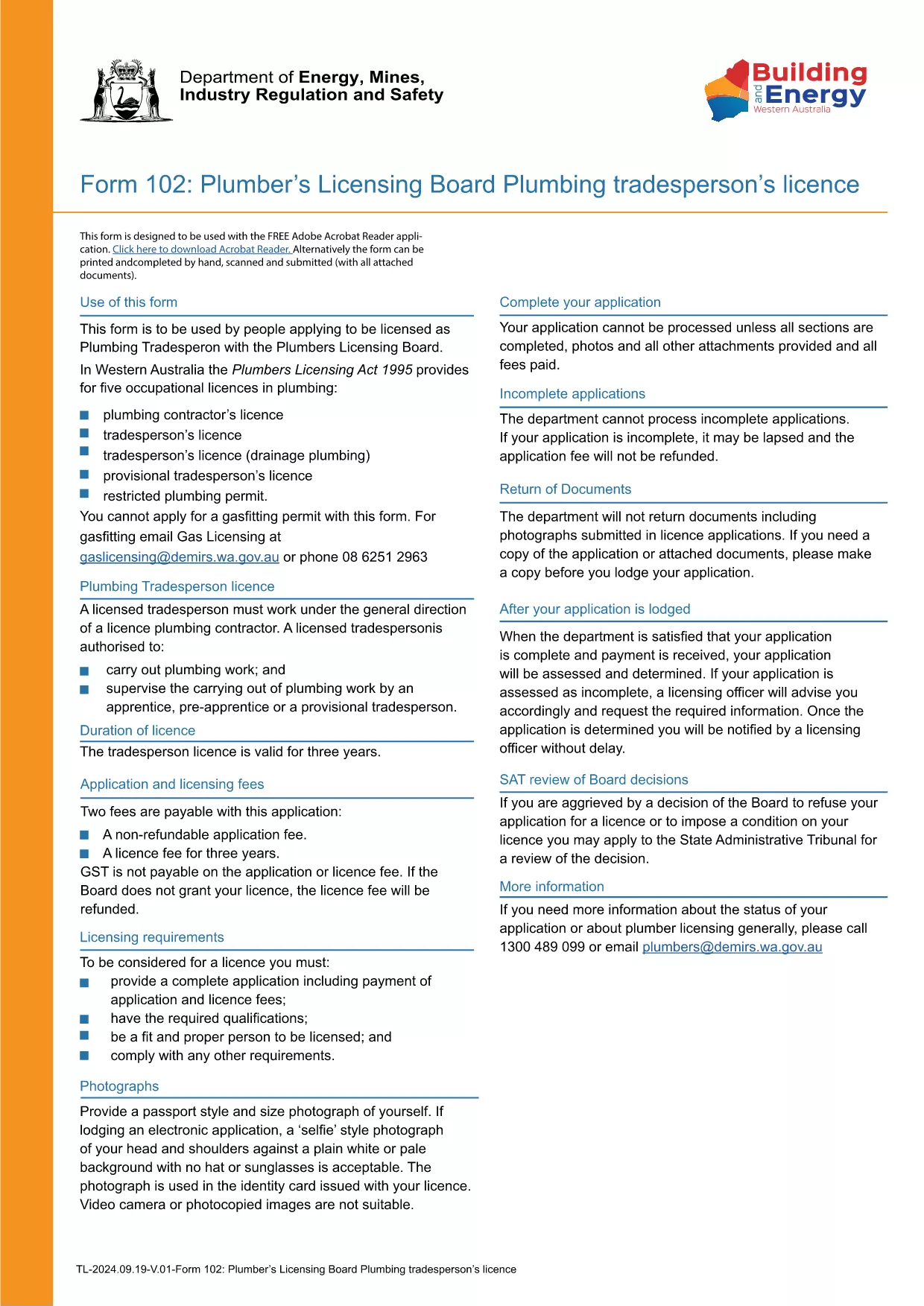
Form TR-102 – Plumbing Tradesperson Licence (Western Australia)

  1. Страна Австралия
  2. Язык Английский
  3. Вид деятельности Licensing
  4. Департамент Plumbers Licensing Board
Form TR-102 – Plumbing Tradesperson Licence (Western Australia)

Form TR-102 is the official application used by individuals in Western Australia who want to obtain a new Plumbing Tradesperson Licence. The form is available as a fillable PDF, making it easy to complete on any device.

What is Form TR-102?

This form is issued by the Plumbers Licensing Board under the Plumbers Licensing Act 1995. It captures personal details, qualifications, work experience, and authorisations needed for a licence to practice plumbing trades in WA.

How to Fill Form TR-102 Online

Instead of downloading the PDF and editing it with a separate editor, simply click the "Fill out this form" button on this page. The Formize PDF Filler app will load the document directly in your browser, allowing you to:

  • Enter data into each field with keyboard or touch input.
  • Save progress and return later.
  • Validate entries in real‑time (e.g., date formats, numeric limits).
  • Download the completed, signed PDF for submission.

Common Mistakes to Avoid

  • Leaving required fields blank – the filler will highlight missing information before you can save.
  • Using the wrong licence class – ensure you select the correct trade (e.g., drainage, gas).
  • Incorrect dates or licence numbers – double‑check all numbers against your certificates.
  • Submitting an unsigned PDF – sign electronically in the Formize app or print and sign before sending.

Where to Submit Your Application

After completing the form, you can either:

Processing times vary, but most applications are reviewed within 10‑15 business days.

ЧАСТО ЗАДАВАЕМЫЕ ВОПРОСЫ
  • What does the "TR-102" code mean?

    "TR-102" is the reference number for the Plumbing Tradesperson Licence application used by the Western Australian Plumbers Licensing Board.

  • Can I edit the PDF on a mobile device?

    Yes. The Formize PDF Filler works on smartphones and tablets, allowing you to fill the form on any device.

  • Do I need to pay a fee when I submit Form TR-102?

    A licence application fee is required. The exact amount is listed on the Plumbers Licensing Board website and must be paid when you submit the form.

  • How long does it take to get the licence after submission?

    Processing typically takes 10‑15 business days, provided all required information and supporting documents are included.

  • What if I make a mistake after I’ve submitted the form?

    Contact the Plumbers Licensing Board immediately. You may need to submit a corrected form or provide additional documentation.

  • Is an electronic signature accepted?

    Yes. The Formize PDF Filler allows you to add a legally accepted electronic signature, which the Board accepts for most applications.

КАК ПОЛЬЗОВАТЬСЯ

Как бесплатно заполнить Form TR-102 онлайн за 5 простых шагов:

  1. 1
    Click the Fill Out Button
    Press the "Fill out this form" button on this page to launch the Formize PDF Filler.
  2. 2
    Wait for the Filler to Load
    The app loads the fillable PDF in your browser; this usually takes a few seconds.
  3. 3
    Complete Each Section
    Enter your personal details, qualifications, and licence preferences in the highlighted fields.
  4. 4
    Review and Sign
    Use the built‑in validation to check for errors, then add an electronic signature or print to sign.
  5. 5
    Download or Submit
    Save the completed PDF to your device or submit it directly through the Plumbers Licensing Board portal.
Приложение Formize PDF Filler
О ПРИЛОЖЕНИИ

Шаблон Form TR-102

С традиционный набор функций для просмотра и заполнения PDF-документа в сочетании с преимуществами веб-приложения и адаптивной верстки вы сможете заполнить Form TR-102 за считанные минуты.

ФУНКЦИИ

Инструмент для запролнения PDF форм

Самый простой способ заполнить Form TR-102 онлайн

  • Быстрое заполнение Form TR-102
    Ищете способ быстро заполнить Form TR-102 онлайн? С нашим бесплатным онлайн-инструментом вы узнаете, как редактировать заполнить этот PDF-документ менее чем за минуту.
  • Простой в использовании онлайн-редактор PDF
    Надоело распечатывать PDF-файлы, чтобы их можно было отредактировать перед повторным сканированием и отправкой обратно? Редактируйте документы PDF бесплатно онлайн. Используйте наш онлайн-редактор PDF, чтобы сэкономить время и бумагу.
  • Отличные инструменты, все платформы
    Хотите знать, как заполнить Form TR-102 на Mac или, может быть, как использовать бесплатный заполнитель PDF? Наши онлайн-инструменты PDF работают на всех платформах.
  • Безопасное хранение файлов
    Файлы заполненных "Form TR-102" хранятся в защищенной базе данных, управляемой облачным хостингом Amazon. Вы можете удалить свои файлы из нашей системы в любое время. В любом случае эти файлы автоматически удаляются через 24 часа.
  • Чат с Form TR-102
    Откройте чат с "Form TR-102" в Chatize — бесплатном помощнике для чтения PDF-файлов. Задавайте вопросы и получайте ответы от "Form TR-102". Просто нажмите кнопку Чат с документом выше.

Удалить данные о заполненной форме

Удалить данные о заполненной форме? В этом случае Ваш прогресс заполнения этой формы будет утерян.

Удалить сеанс редактирования

Удалить выбранный сеанс редактирования? В этом случае ваш прогресс в создании и редактировании формы будет утерян.