
Шаблон Google application form
С традиционный набор функций для просмотра и заполнения PDF-документа в сочетании с преимуществами веб-приложения и адаптивной верстки вы сможете заполнить Google application form за считанные минуты.


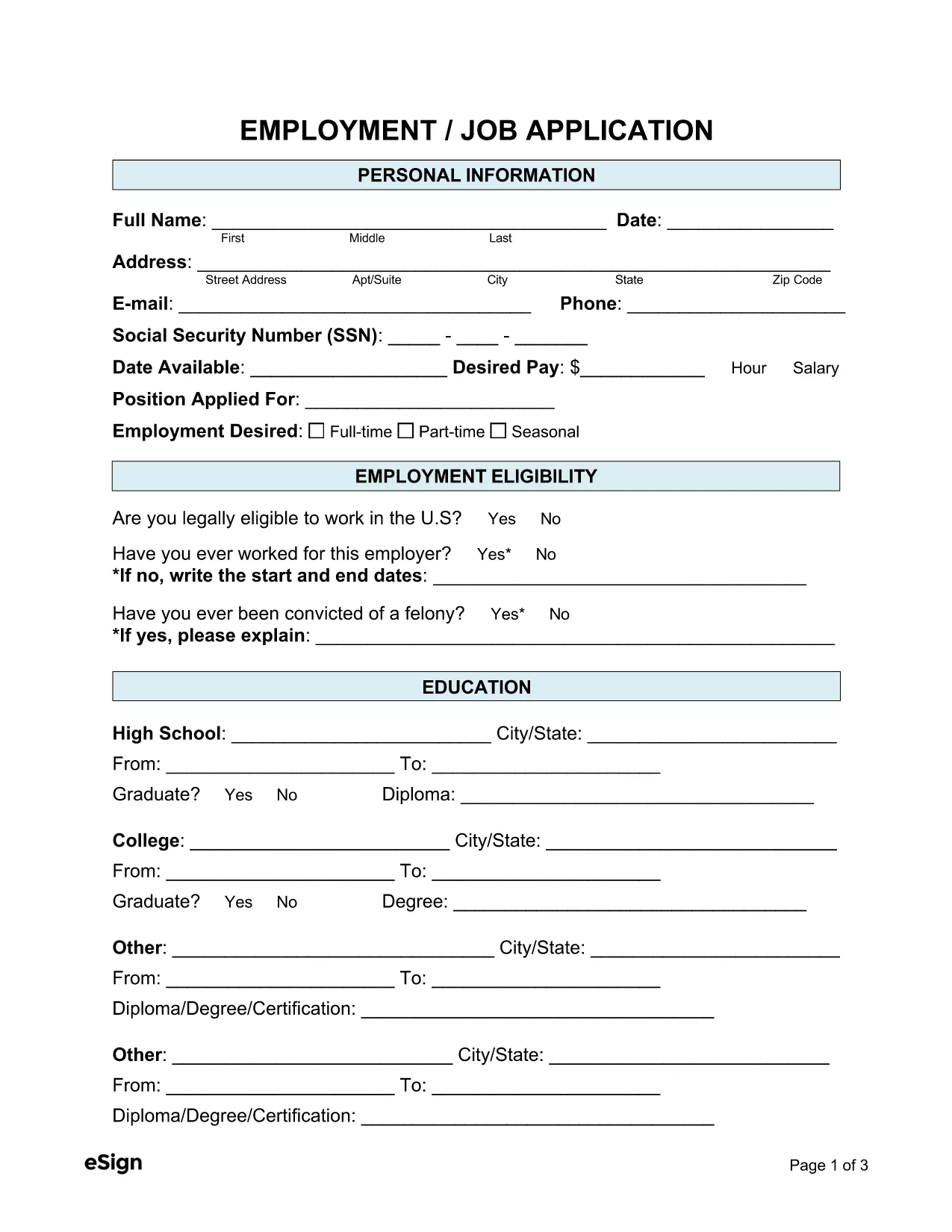
Looking for a quick, reliable way to complete your Google‑related application? Our Google Application Form is a fully fillable PDF that you can edit directly in your browser with the Formize PDF Filler app. No software download, no printing, and no hassle.
Fillable PDFs keep the layout of the original form intact while allowing you to type, check boxes, and save your progress. They are universally accepted, secure, and perfect for Google’s online submission portals.
Simply click the "Fill out this form" button on this page. The Formize PDF Filler will load, and you can start typing immediately. When you’re done, download or submit the file directly to Google.
Ready to get started? Click the button below and let Formize handle the rest.
No. The Formize PDF Filler works in any modern browser, so you can fill the form without installing any software.
Yes. The filler auto‑saves to your browser’s local storage. When you return, simply reopen the form and continue.
Absolutely. The PDF is processed locally in your browser, and Formize does not store any of your information.
You can edit any field at any time before you download or submit the final PDF.
Yes. After downloading, you can print the PDF just like any standard document.
С традиционный набор функций для просмотра и заполнения PDF-документа в сочетании с преимуществами веб-приложения и адаптивной верстки вы сможете заполнить Google application form за считанные минуты.
Самый простой способ заполнить Google application form онлайн
Удалить данные о заполненной форме
Удалить сеанс редактирования