Выберите язык

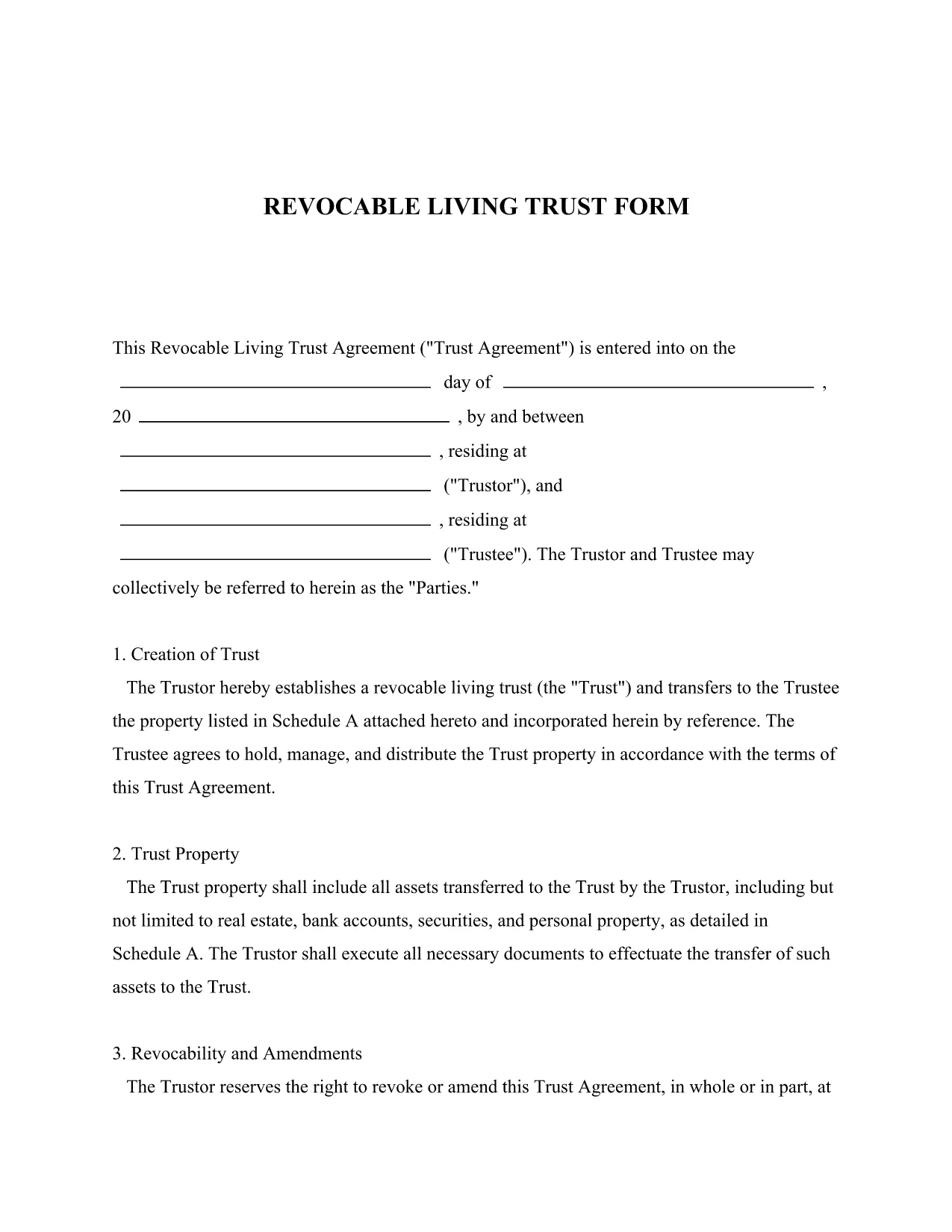
Revocable Living Trust Form – Fillable PDF Template

  1. Язык Английский
  2. Страна США
  3. Вид деятельности Legal Forms
  4. Департамент Legal Services
Revocable Living Trust Form – Fillable PDF Template

Creating a revocable living trust is one of the fastest ways to protect your assets, avoid probate, and maintain control over your property during your lifetime. Our free, fillable PDF template lets you draft a professional trust agreement without expensive attorney fees.

Why Use a Revocable Living Trust?

A revocable living trust offers flexibility, privacy, and continuity. You can change or revoke the trust at any time, and your assets pass directly to beneficiaries when you die, bypassing the public probate process.

Key Sections of the Trust Form

  • Trustor Information – Identify the person creating the trust.
  • Trustee Appointment – Name the individual or institution that will manage the trust assets.
  • Schedule A – List the property you are transferring into the trust.
  • Distribution Terms – Define how and when beneficiaries receive assets.
  • Signature & Notarization – Required for legal validity.

How to Fill Out the Form with Formize

Instead of downloading and editing the PDF in a separate editor, simply click the "Fill out this form" button on this page. The Formize PDF Filler app will load automatically, letting you type directly into each field, save your progress, and download the completed document.

Common Mistakes to Avoid

  • Leaving required fields blank – the form will not be valid.
  • Incorrect property descriptions in Schedule A – be specific to avoid future disputes.
  • Forgetting to notarize the signature – many states require notarization for trusts.
  • Choosing a trustee who cannot serve – ensure the trustee is willing and able.

Where to Find Legal Help

If you have questions about the trust structure, tax implications, or need personalized advice, consider consulting a qualified estate‑planning attorney. While the template provides a solid foundation, professional guidance ensures the trust meets your unique goals.

ЧАСТО ЗАДАВАЕМЫЕ ВОПРОСЫ
  • What is a revocable living trust?

    It is a legal document that holds your assets during your lifetime and distributes them after death, while allowing you to modify or cancel it at any time.

  • Do I need an attorney to use this template?

    The template is designed for DIY use, but consulting an attorney ensures the trust meets state laws and your specific estate‑planning goals.

  • Can I change the trustee after the trust is created?

    Yes. Because the trust is revocable, you can appoint a new trustee by amending the agreement and signing the amendment.

  • Is notarization required for this form?

    Many states require the trust document to be notarized for it to be enforceable. Check your state’s requirements.

  • Will this trust avoid probate?

    When properly funded, a revocable living trust allows assets to pass to beneficiaries without going through probate.

  • How do I add assets to the trust after signing?

    Transfer ownership of each asset (e.g., real estate, bank accounts) to the trust by updating titles or account designations.

  • Can I use this form for a small estate?

    Yes. A revocable living trust works for estates of any size, but for very small estates a simple will may be more cost‑effective.

  • Is the PDF truly fillable online?

    Yes. By clicking the "Fill out this form" button, the Formize PDF Filler loads the document so you can edit it directly in your browser.

КАК ПОЛЬЗОВАТЬСЯ

Как бесплатно заполнить revocable living trust pdf онлайн за 4 простых шагов:

  1. 1
    Click the Fillable Form Button
    Press the "Fill out this form" button on the page. The Formize PDF Filler will open in a new window.
  2. 2
    Enter Your Information
    Type directly into each highlighted field. The app saves your input automatically.
  3. 3
    Review and Sign
    Check all entries for accuracy, add your digital signature, and follow any notarization instructions.
  4. 4
    Download the Completed Trust
    When you’re satisfied, click "Download PDF" to save the finished revocable living trust to your computer.
Приложение Formize PDF Filler
О ПРИЛОЖЕНИИ

Шаблон revocable living trust pdf

С традиционный набор функций для просмотра и заполнения PDF-документа в сочетании с преимуществами веб-приложения и адаптивной верстки вы сможете заполнить revocable living trust pdf за считанные минуты.

ФУНКЦИИ

Инструмент для запролнения PDF форм

Самый простой способ заполнить revocable living trust pdf онлайн

  • Быстрое заполнение revocable living trust pdf
    Ищете способ быстро заполнить revocable living trust pdf онлайн? С нашим бесплатным онлайн-инструментом вы узнаете, как редактировать заполнить этот PDF-документ менее чем за минуту.
  • Простой в использовании онлайн-редактор PDF
    Надоело распечатывать PDF-файлы, чтобы их можно было отредактировать перед повторным сканированием и отправкой обратно? Редактируйте документы PDF бесплатно онлайн. Используйте наш онлайн-редактор PDF, чтобы сэкономить время и бумагу.
  • Отличные инструменты, все платформы
    Хотите знать, как заполнить revocable living trust pdf на Mac или, может быть, как использовать бесплатный заполнитель PDF? Наши онлайн-инструменты PDF работают на всех платформах.
  • Безопасное хранение файлов
    Файлы заполненных "revocable living trust pdf" хранятся в защищенной базе данных, управляемой облачным хостингом Amazon. Вы можете удалить свои файлы из нашей системы в любое время. В любом случае эти файлы автоматически удаляются через 24 часа.
  • Чат с revocable living trust pdf
    Откройте чат с "revocable living trust pdf" в Chatize — бесплатном помощнике для чтения PDF-файлов. Задавайте вопросы и получайте ответы от "revocable living trust pdf". Просто нажмите кнопку Чат с документом выше.

Удалить данные о заполненной форме

Удалить данные о заполненной форме? В этом случае Ваш прогресс заполнения этой формы будет утерян.

Удалить сеанс редактирования

Удалить выбранный сеанс редактирования? В этом случае ваш прогресс в создании и редактировании формы будет утерян.