
Выберите язык

MV2953 Special Mobile Equipment Registration Form

  1. Язык Английский
  2. Страна США
  3. Вид деятельности Регистрация ТС
  4. Штат/Регион Висконсин
MV2953 Special Mobile Equipment Registration Form

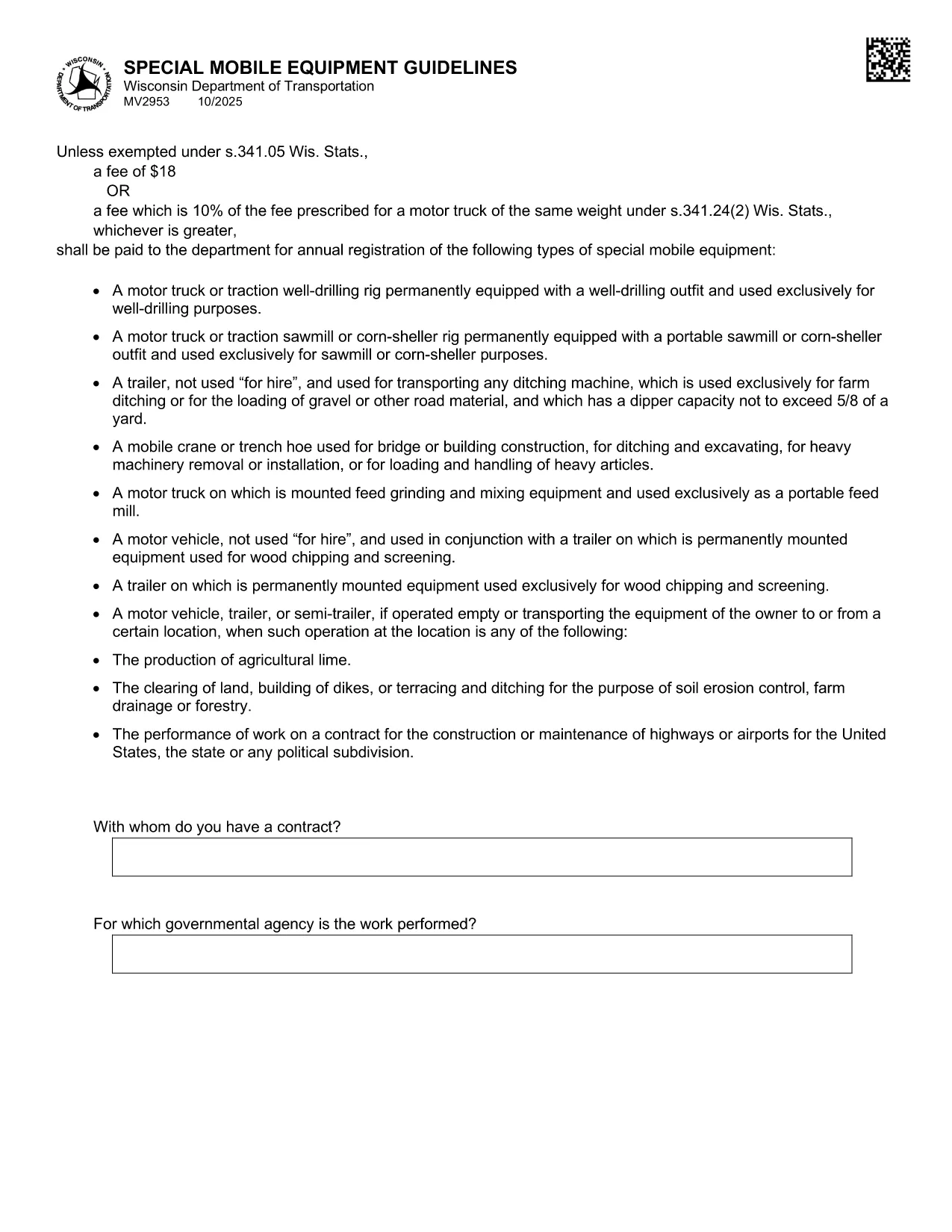
The MV2953 is the Wisconsin Department of Transportation (WisDOT) form used to register special mobile equipment such as cranes, snowplows, and other specialized vehicles. This form must be completed annually, and a fee is required unless an exemption applies.

What Is the MV2953 Form?

The MV2953 collects details about the equipment, owner information, weight class, and intended use. It ensures that special mobile equipment complies with state safety standards and is properly taxed.

How to Fill Out the MV2953 Online

Instead of downloading a static PDF, simply click the "Fill out this form" button below. The Formize PDF Filler app will load instantly, allowing you to type directly into each field, add signatures, and save your progress.

  • Click the fillable PDF button.
  • Wait for the Formize PDF Filler to load (usually a few seconds).
  • Enter the required information in each highlighted field.
  • Review the form for accuracy.
  • Save, download, or print the completed form.

Common Mistakes to Avoid

  • Leaving the "Owner Address" blank – the DOT requires a complete mailing address.
  • Incorrect weight classification – verify the vehicle’s GVWR before entering.
  • Missing signatures – unsigned forms are rejected.
  • Using the wrong fee amount – the fee is either $18 or 10% of the comparable motor‑truck fee, whichever is greater.

Fees and Registration Requirements

The standard fee is $18, but if the equipment falls under a higher fee schedule (10% of the fee for a motor‑truck of the same weight), that amount applies. Exemptions are listed in Wis. Stat. §341.05.

Where to Submit Your Completed Form

After completing the MV2953 online, you can:

  • Print and mail it to your local WisDOT office.
  • Upload the saved PDF through the WisDOT online portal (if available).
  • Bring a printed copy to a WisDOT Service Center.

Using the Formize fillable PDF ensures a clean, legible submission that speeds up processing.

ЧАСТО ЗАДАВАЕМЫЕ ВОПРОСЫ
  • What types of equipment require the MV2953 form?

    Any special mobile equipment such as cranes, snowplows, bulldozers, and other non‑standard vehicles used on public roads must be registered using MV2953.

  • Can I submit the MV2953 form electronically?

    Yes. After completing the fillable PDF with Formize, you can upload the saved file through the WisDOT online portal or email it if the county office permits.

  • What is the fee for registering special mobile equipment?

    The fee is $18 or 10% of the fee for a motor‑truck of the same weight, whichever is greater, unless an exemption under Wis. Stat. §341.05 applies.

  • Do I need a signature on the MV2953 form?

    A valid signature from the vehicle owner or authorized agent is required. Without it, the registration will be rejected.

  • How often must the MV2953 be renewed?

    The form must be filed annually. The renewal date aligns with your vehicle’s registration expiration.

  • What if I make a mistake after submitting?

    Contact your local WisDOT office immediately. You may need to submit a corrected MV2953 form and possibly pay an additional processing fee.

  • Is there an exemption from the registration fee?

    Yes, certain government, nonprofit, or emergency service vehicles may be exempt under Wis. Stat. §341.05. Check the statute or contact WisDOT for details.

КАК ПОЛЬЗОВАТЬСЯ

Как бесплатно заполнить MV2953 онлайн за 5 простых шагов:

  1. 1
    Open the Fillable Form
    Click the "Fill out this form" button on the page. The Formize PDF Filler will load automatically.
  2. 2
    Enter Your Information
    Type directly into each highlighted field. The form saves your input in real time.
  3. 3
    Review and Sign
    Double‑check all entries, add your electronic signature where required, and ensure the fee amount is correct.
  4. 4
    Save or Print
    When finished, click "Save" to download the completed PDF or "Print" to produce a hard copy for mailing.
  5. 5
    Submit the Form
    Mail, upload, or deliver the printed form to your local WisDOT office as instructed.
Приложение Formize PDF Filler
О ПРИЛОЖЕНИИ

Формы регистрации транспортных средств

Если вы владеете или арендуете автомобиль, прицеп или лодку, вы должны выполнять определенные обязательства, чтобы ваше транспортное средство было юридически зарегистрировано и безопасно.

MV2953 — это одна из регистрационных форм транспортных средств, которые представляют собой документы, используемые для регистрации транспортного средства в соответствующем государственном или провинциальном органе власти. Эти формы обычно требуются, когда человек покупает новый или подержанный автомобиль или когда он переезжает в новый штат или провинцию на автомобиле.

Точные требования и формы, необходимые для регистрации транспортного средства, могут различаться в зависимости от местоположения, но, как правило, процесс включает предоставление информации о транспортном средстве, владельце и любых правах на транспортное средство.

После подачи регистрационных форм и сборов власти штата или провинции выдают свидетельство о регистрации или номерной знак владельцу транспортного средства. Эта регистрация позволяет легально эксплуатировать транспортное средство на дорогах общего пользования и автомагистралях.

ФУНКЦИИ

Инструмент для запролнения PDF форм

Самый простой способ заполнить MV2953 онлайн

  • Быстрое заполнение MV2953
    Ищете способ быстро заполнить MV2953 онлайн? С нашим бесплатным онлайн-инструментом вы узнаете, как редактировать заполнить этот PDF-документ менее чем за минуту.
  • Простой в использовании онлайн-редактор PDF
    Надоело распечатывать PDF-файлы, чтобы их можно было отредактировать перед повторным сканированием и отправкой обратно? Редактируйте документы PDF бесплатно онлайн. Используйте наш онлайн-редактор PDF, чтобы сэкономить время и бумагу.
  • Отличные инструменты, все платформы
    Хотите знать, как заполнить MV2953 на Mac или, может быть, как использовать бесплатный заполнитель PDF? Наши онлайн-инструменты PDF работают на всех платформах.
  • Безопасное хранение файлов
    Файлы заполненных "MV2953" хранятся в защищенной базе данных, управляемой облачным хостингом Amazon. Вы можете удалить свои файлы из нашей системы в любое время. В любом случае эти файлы автоматически удаляются через 24 часа.
  • Чат с MV2953
    Откройте чат с "MV2953" в Chatize — бесплатном помощнике для чтения PDF-файлов. Задавайте вопросы и получайте ответы от "MV2953". Просто нажмите кнопку Чат с документом выше.

Удалить данные о заполненной форме

Удалить данные о заполненной форме? В этом случае Ваш прогресс заполнения этой формы будет утерян.

Удалить сеанс редактирования

Удалить выбранный сеанс редактирования? В этом случае ваш прогресс в создании и редактировании формы будет утерян.