Zvoľ jazyk

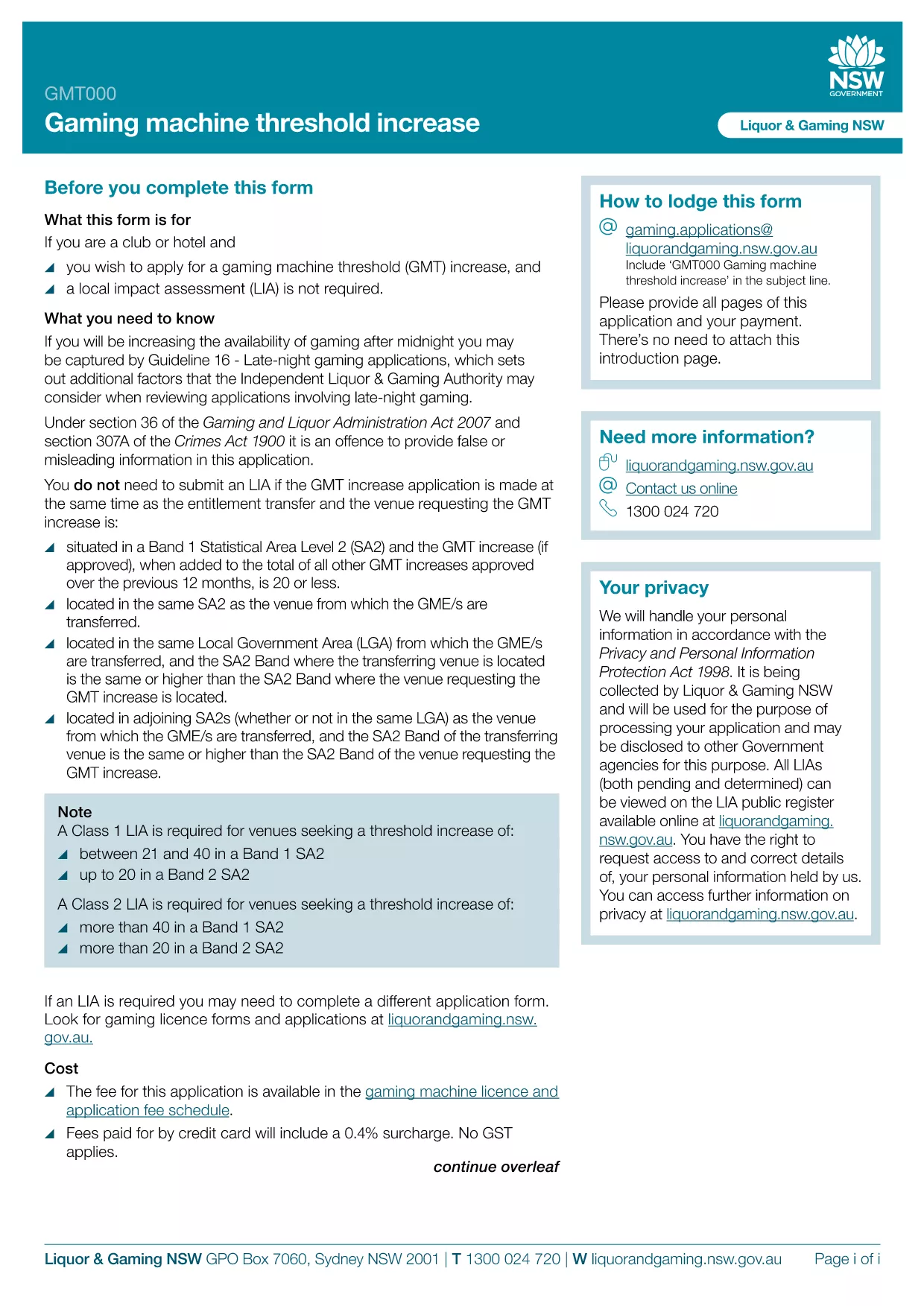
GMT000 Gaming Machine Threshold Increase Form (Fillable PDF)

  1. Jazyk Angličtina
  2. Krajina Austrália
  3. Aktivita Gaming Regulation
  4. oddelenie Liquor & Gaming NSW
GMT000 Gaming Machine Threshold Increase Form (Fillable PDF)

The GMT000 Gaming Machine Threshold Increase form is required when a licensee wants to raise the monetary limit on a gaming machine in New South Wales. This fillable PDF lets you submit the request quickly, without printing or scanning.

Why You Need the GMT000 Threshold Increase

Increasing the threshold allows higher‑value wagers, which can boost revenue and improve player experience. The regulator, Liquor & Gaming NSW, must approve any change, and the GMT000 form is the official channel.

How to Complete the Form Online

Instead of downloading the PDF to a desktop editor, simply click the "Fill out this form" button on this page. The Formize PDF Filler app will load in your browser, presenting an intuitive, field‑by‑field interface.

  • Enter the licence number and holder details.
  • Specify the current threshold and the requested new limit.
  • Provide supporting documentation links or attachments.
  • Sign electronically and submit.

Common Mistakes & Tips

  • Incorrect licence number: Double‑check the licence reference on the back of your current permit.
  • Missing signatures: The electronic signature field must be completed; otherwise the submission is rejected.
  • Unsupported file types: Attach only PDF, JPG or PNG files for supporting evidence.

Submission & Follow‑Up

After you click Submit, you will receive an automated acknowledgement email. The regulator typically reviews the request within 10‑15 business days. Keep the confirmation number handy for any follow‑up inquiries.

Need more help? Review the FAQs below or contact Liquor & Gaming NSW directly.

FAQ
  • What is the GMT000 form used for?

    It is the official request to increase the monetary threshold limit on a gaming machine in NSW.

  • Can I fill out the form on a mobile device?

    Yes. The Formize PDF Filler works on modern smartphones and tablets.

  • Do I need a digital signature?

    An electronic signature is required. The form will not accept a blank signature field.

  • How long does the approval process take?

    Liquor & Gaming NSW typically reviews threshold increase requests within 10‑15 business days.

  • What supporting documents are required?

    Attach a copy of the current licence, a financial justification for the increase, and any relevant audit reports.

  • What happens if I make a mistake after submitting?

    Contact Liquor & Gaming NSW with your reference number. They may allow a corrected resubmission.

  • Is there a fee to submit the GMT000 form?

    Yes, a processing fee applies. Check the latest fee schedule on the Liquor & Gaming NSW website.

  • Can I save my progress and finish later?

    The Formize app lets you save a draft locally. Return to the saved file, reopen it in the filler, and continue.

AKO

Ako bezplatne vyplniť GMT000 online v 5 jednoduchých krokoch:

  1. 1
    Open the Fillable Form
    Click the "Fill out this form" button on the page. The Formize PDF Filler app will launch directly in your browser.
  2. 2
    Enter Your Details
    Complete each field – licence number, current threshold, requested increase, and any supporting information.
  3. 3
    Add Attachments
    Upload required documents (PDF, JPG, PNG) using the attachment button.
  4. 4
    Sign Electronically
    Use the electronic signature field to sign the form. This replaces a handwritten signature.
  5. 5
    Submit & Receive Confirmation
    Press "Submit". An acknowledgement email with a reference number will be sent to the address you provided.
Aplikácia Formize PDF Filler
O

šablóny GMT000

S tradičnou sadou funkcií na prezeranie a vypĺňanie dokumentu PDF v kombinácii s výhodami webovej aplikácie a responzívneho rozloženia môžete GMT000 dokončiť za pár minút.

VLASTNOSTI

PDF Filler

Najjednoduchší spôsob, ako vyplniť GMT000 online

  • Rýchlo vyplňte GMT000
    Hľadáte spôsob, ako rýchlo vyplniť GMT000 online? S našou online bezplatnou výplňou formulárov PDF budete vedieť, ako upraviť a vyplniť tento dokument PDF za menej ako minútu.
  • Ľahko použiteľný online editor PDF
    Nebaví vás tlačiť súbory PDF, aby ste ich mohli upravovať pred opätovným naskenovaním a odoslaním späť? Upravujte dokumenty PDF zadarmo online. Použite náš online editor PDF, aby ste ušetrili čas a papier.
  • Skvelé nástroje, všetky platformy
    Zaujíma vás, ako vyplniť GMT000 na počítači Mac, alebo ako možno použiť bezplatný výplň PDF? Naše online nástroje PDF fungujú na všetkých platformách.
  • Bezpečné ukladanie súborov
    Dokončené súbory „GMT000“ sú uložené v zabezpečenej databáze spravovanej hostingom Amazon Cloud. Svoje súbory môžete z nášho systému kedykoľvek odstrániť. V každom prípade sa tieto súbory automaticky vymažú po 24 hodinách.
  • Četovať s GMT000
    Četujte s „GMT000“ na Chatize, čo je bezplatný pomocník na čítanie súborov PDF. Pýtajte sa otázky a získajte odpovede z „GMT000“. Stačí kliknúť na tlačidlo Rozhovor s dokumentom vyššie.

Odstrániť reláciu plnenia

Chcete odstrániť vybratú reláciu plnenia? V takom prípade sa stratí váš postup pri vypĺňaní formulára.

Odstrániť reláciu úprav

Chcete odstrániť vybratú reláciu úprav? V takom prípade sa stratí váš postup pri vytváraní a úprave formulára.