
Zvoľ jazyk

Punjab Solemnization of Marriage Form (Fillable PDF)

  1. Jazyk Angličtina hindčina
  2. Krajina India
  3. Štát Pandžáb
  4. oddelenie Ministerstvo vnútra a spravodlivosti
Vyplňte tento formulár
Punjab Solemnization of Marriage Form (Fillable PDF)

Punjab Solemnization of Marriage Form (Fillable PDF)

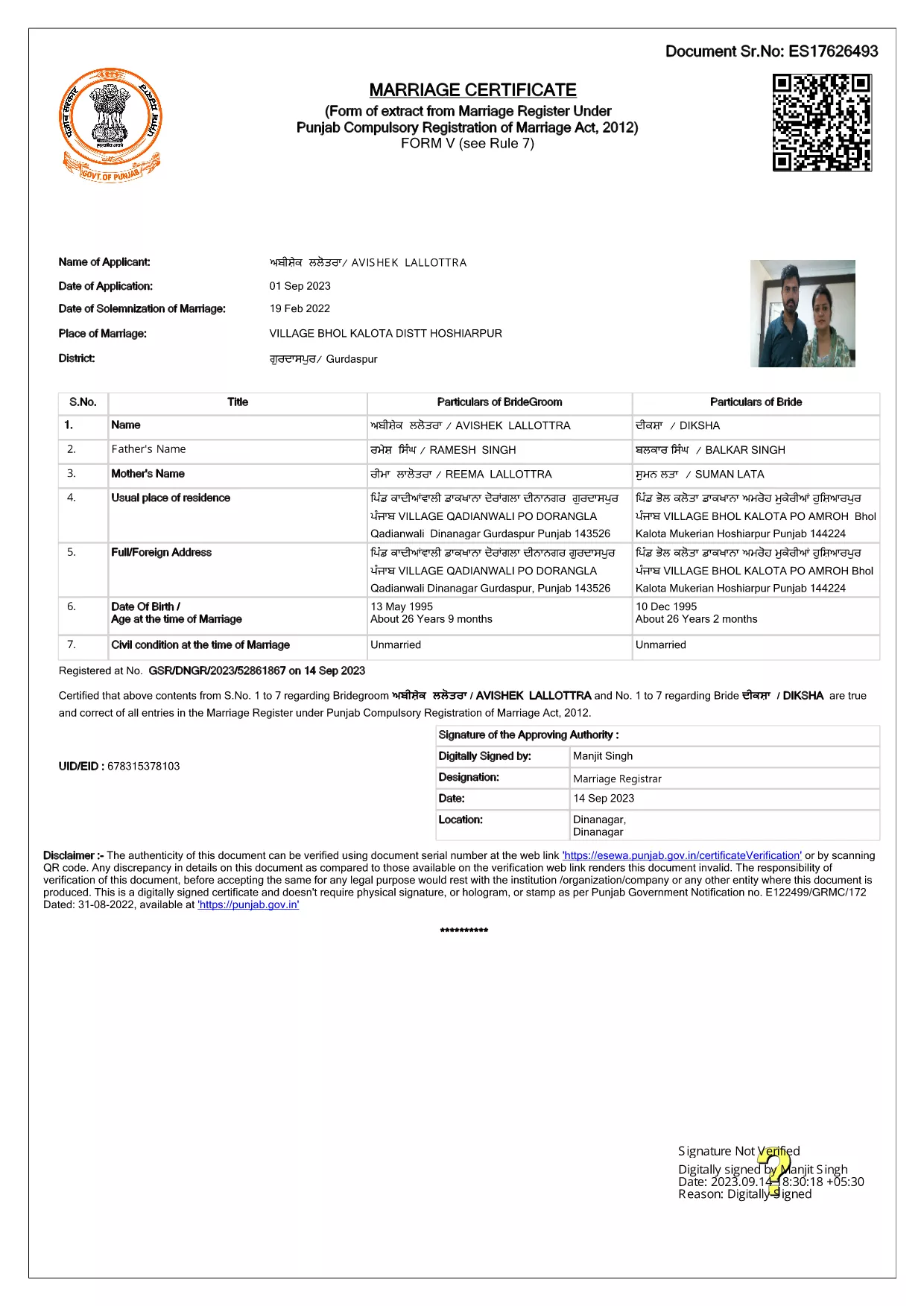
Getting married in Punjab requires you to submit the official Punjab Solemnization of Marriage form. This form records essential details of the bride, groom, and witnesses, and it is mandatory under the Punjab Compulsory Registration of Marriage Act, 2012.

What Is the Punjab Solemnization of Marriage Form?

The form is a government‑issued marriage certificate that captures personal information, parental details, and the date and place of the marriage ceremony. It is the legal proof needed for future documentation such as passport applications, property registration, and visa requests.

How to Fill Out the Form Online with Formize

Instead of printing, printing‑and‑scanning, or using a third‑party PDF editor, you can complete the form directly in your browser:

  1. Click the **"Fill out this form"** button on this page.
  2. Wait a few seconds while the Formize PDF Filler app loads.
  3. Enter the required information in each fillable field. The interface guides you through mandatory sections.
  4. Review your entries, then click **"Save & Download"** to get a completed PDF copy.

Common Mistakes to Avoid When Completing the Form

  • Incorrect spelling of names: Verify the spelling exactly as it appears on official ID documents.
  • Missing witness details: All three witnesses must be fully listed; incomplete entries will cause rejection.
  • Wrong date format: Use DD‑MM‑YYYY as required by the Punjab Registration Department.
  • Leaving optional fields blank: Even optional fields should be filled with "N/A" if not applicable.

Where to Submit the Completed Form

After you have saved the filled PDF, submit it to the nearest Punjab Registration Office or the designated online portal of the Punjab Registration Department. Bring original identity proofs for both parties and witnesses.

Download the Official PDF

Click the button below to download the original, government‑approved PDF. The file is hosted securely and matches the exact layout required by the registration authority.

FAQ
  • Is the Punjab marriage form available in Punjabi?

    The official PDF is printed in English, but you may fill it out in any language. For official submissions, the English version is accepted.

  • Do I need a digital signature?

    A digital signature is not required for the fillable PDF. You must sign the printed copy in the presence of a registrar.

  • Can I edit the form after I download it?

    Yes. The saved PDF remains fully editable with any standard PDF editor, but the Formize filler already lets you complete the form without extra software.

  • How many witnesses are required?

    Three adult witnesses are mandatory. Their full names, addresses, and signatures must be entered in the designated sections.

  • What documents do I need to submit with the form?

    Both parties must provide a valid ID (Aadhar, PAN, or passport), proof of residence, and the original signed marriage certificate.

  • Is there a fee for downloading the PDF?

    No. The PDF is provided free of charge. Any registration fees are paid directly to the Punjab Registration Office.

AKO

Ako bezplatne vyplniť Punjab marriage form online v 4 jednoduchých krokoch:

  1. 1
    Click the Fill‑Out Button
    Press the **"Fill out this form"** button on the page to launch the Formize PDF Filler.
  2. 2
    Wait for the Filler to Load
    The app loads in a few seconds; you’ll see a clean, searchable interface with all form fields highlighted.
  3. 3
    Enter Your Information
    Type the required details for the bride, groom, and witnesses. The filler validates dates and mandatory fields automatically.
  4. 4
    Save and Download
    After reviewing, click **"Save & Download"** to get a completed PDF you can print or submit electronically.
Aplikácia Formize PDF Filler
O

Formuláre žiadosti ministerstva zahraničných vecí

Punjab marriage form je jedným z formulárov žiadosti ministerstva zahraničných vecí. Indické ministerstvo zahraničných vecí ponúka rôzne formuláre žiadostí o rôzne služby týkajúce sa vonkajších záležitostí a medzinárodných vzťahov. Niektoré bežné formuláre žiadostí zahŕňajú:

Žiadosť o pas: Tento formulár sa používa na žiadosť o vydanie indického pasu. Zhromažďuje osobné údaje, ako je meno, adresa, dátum narodenia a národnosť.

Žiadosť o zámorské občianstvo Indie (OCI): Tento formulár sa používa na žiadosť o štatút OCI, ktorý umožňuje jednotlivcom indického pôvodu žiť a pracovať v Indii na neurčitý čas. Zhromažďuje osobné údaje vrátane dôkazov o indickom pôvode.

Žiadosť o vízum: Tento formulár sa používa na žiadosť o vízum na cestu do cudzej krajiny. Zhromažďuje osobné údaje, cestovné informácie a účel cesty.

Žiadosť o emigračné povolenie: Tento formulár používajú jednotlivci, ktorí žiadajú o emigračné povolenie na zamestnanie v určitých krajinách. Zhromažďuje osobné údaje a podrobnosti o zamestnaní.

Žiadosť o atestáciu: Tento formulár sa používa na žiadosť o osvedčenie rôznych dokumentov, ako sú napríklad osvedčenia o vzdelaní, sobášne listy a obchodné dokumenty. Zhromažďuje podrobnosti o dokumente, ktorý sa má osvedčiť, a účel osvedčenia.

Žiadosť o konzulárne služby: Tento formulár sa používa na rôzne konzulárne služby vrátane vydávania núdzových osvedčení, pomoci indickým štátnym príslušníkom v zahraničí a registrácie indických štátnych príslušníkov. Konkrétne požadované podrobnosti závisia od charakteru požadovanej služby.

VLASTNOSTI

PDF Filler

Najjednoduchší spôsob, ako vyplniť Punjab marriage form online

  • Rýchlo vyplňte Punjab marriage form
    Hľadáte spôsob, ako rýchlo vyplniť Punjab marriage form online? S našou online bezplatnou výplňou formulárov PDF budete vedieť, ako upraviť a vyplniť tento dokument PDF za menej ako minútu.
  • Ľahko použiteľný online editor PDF
    Nebaví vás tlačiť súbory PDF, aby ste ich mohli upravovať pred opätovným naskenovaním a odoslaním späť? Upravujte dokumenty PDF zadarmo online. Použite náš online editor PDF, aby ste ušetrili čas a papier.
  • Skvelé nástroje, všetky platformy
    Zaujíma vás, ako vyplniť Punjab marriage form na počítači Mac, alebo ako možno použiť bezplatný výplň PDF? Naše online nástroje PDF fungujú na všetkých platformách.
  • Bezpečné ukladanie súborov
    Dokončené súbory „Punjab marriage form“ sú uložené v zabezpečenej databáze spravovanej hostingom Amazon Cloud. Svoje súbory môžete z nášho systému kedykoľvek odstrániť. V každom prípade sa tieto súbory automaticky vymažú po 24 hodinách.
  • Četovať s Punjab marriage form
    Četujte s „Punjab marriage form“ na Chatize, čo je bezplatný pomocník na čítanie súborov PDF. Pýtajte sa otázky a získajte odpovede z „Punjab marriage form“. Stačí kliknúť na tlačidlo Rozhovor s dokumentom vyššie.

Odstrániť reláciu plnenia

Chcete odstrániť vybratú reláciu plnenia? V takom prípade sa stratí váš postup pri vypĺňaní formulára.

Odstrániť reláciu úprav

Chcete odstrániť vybratú reláciu úprav? V takom prípade sa stratí váš postup pri vytváraní a úprave formulára.