
šablóny Salesforce object application form
S tradičnou sadou funkcií na prezeranie a vypĺňanie dokumentu PDF v kombinácii s výhodami webovej aplikácie a responzívneho rozloženia môžete Salesforce object application form dokončiť za pár minút.


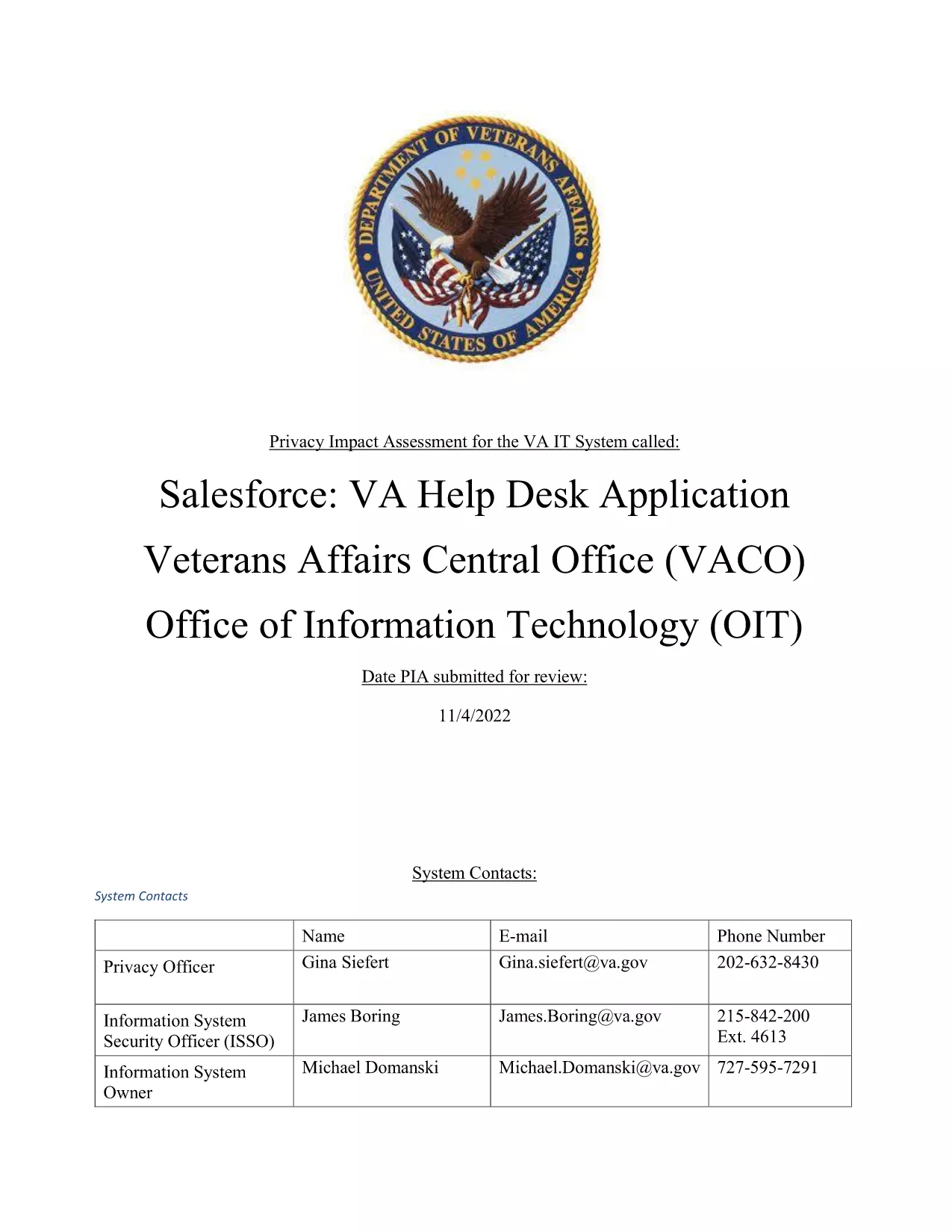
The Salesforce Object Application Form is a fillable PDF used by the U.S. Department of Veterans Affairs to capture requests for new or modified Salesforce objects within the Help Desk Lightning interface.
This form collects essential details such as object name, purpose, data fields, security requirements, and the business owner. It streamlines the approval workflow for System Integrators and Citizen Developers.
Instead of downloading the PDF, simply click the “Fill out this form” button below. The Formize PDF Filler app loads the document in your browser, letting you type directly into each field.
If you prefer a local copy, you can download the original PDF here.
No. The Formize PDF Filler works in any modern browser, so you can complete the form without installing Acrobat.
Yes. The filler automatically saves your progress locally; you can return to the same URL to continue.
Simply click the field again and edit the text. Changes are saved instantly.
A typed name in the signature field is considered an electronic signature and meets the VA’s requirements for this form.
After you submit, the filler provides a “Download Completed PDF” button so you can keep a personal record.
Direct any questions to the VA Help Desk team via the contact information listed on the form’s last page.
S tradičnou sadou funkcií na prezeranie a vypĺňanie dokumentu PDF v kombinácii s výhodami webovej aplikácie a responzívneho rozloženia môžete Salesforce object application form dokončiť za pár minút.
Najjednoduchší spôsob, ako vyplniť Salesforce object application form online
Odstrániť reláciu plnenia
Odstrániť reláciu úprav