
HR application form mall
Med den traditionella uppsättningen funktioner för att visa och fylla i ett PDF-dokument, kombinerat med fördelarna med en webbapplikation och responsiv layout, kan du slutföra HR application form på några minuter.


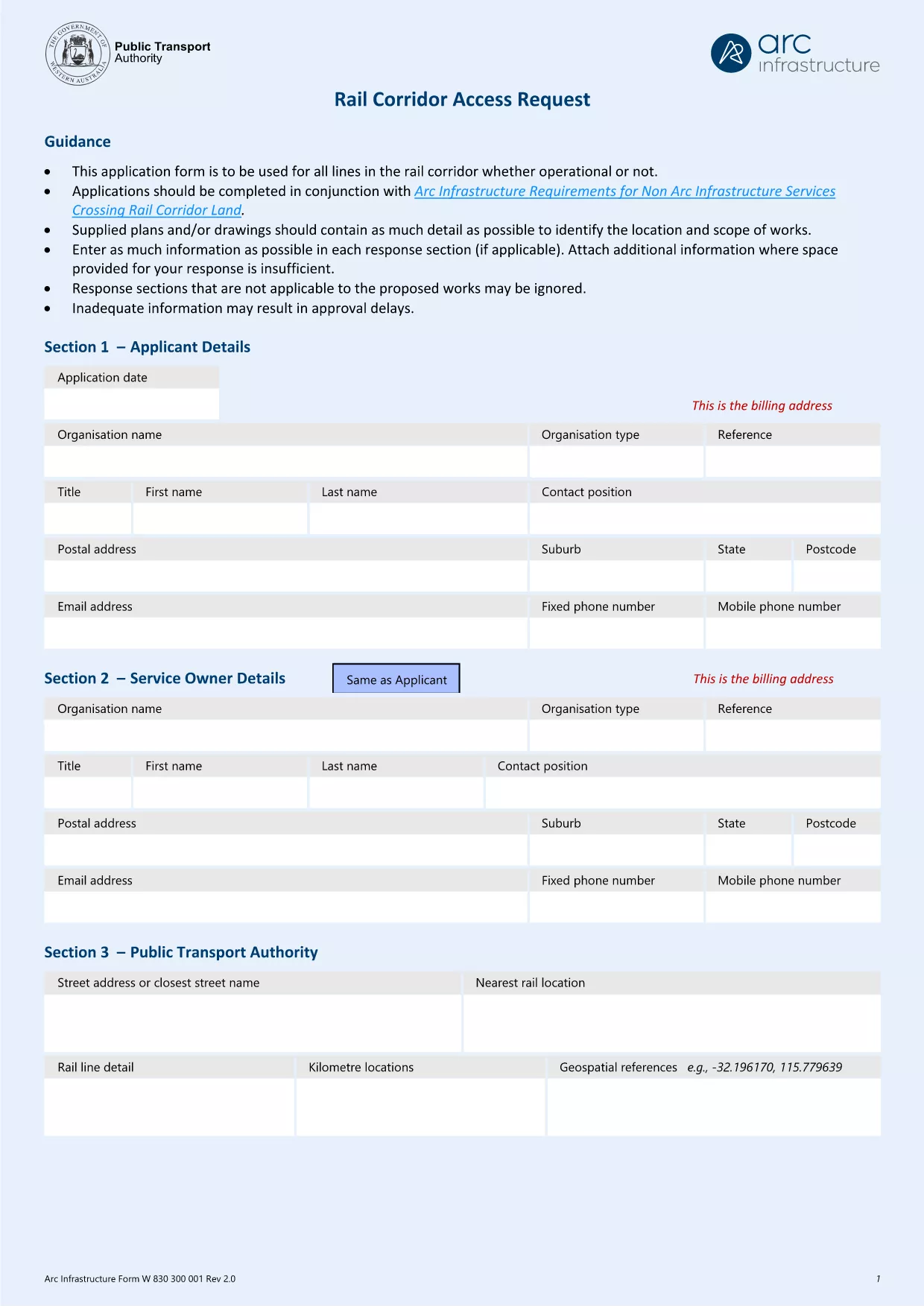
Looking for the official HR application form (hr@arcs.af) that you can fill out online without installing any software? You’re in the right place. Formize hosts a secure, fillable PDF version of the application, so you can complete, save, and submit your information in minutes.
Follow these simple steps to fill out the form quickly and accurately.
Click the Fill out this form button below. The Formize PDF Filler app will load, and you can begin entering your information right away.
Download the HR Application PDF
Below are the most common questions about this HR application form and how to use Formize.
No. Formize’s online PDF filler works in any modern browser without additional software.
Yes. Open the saved PDF with Formize again to make changes, then re‑save.
All data stays on your device unless you choose to send it. Formize uses HTTPS encryption for all connections.
Only PDF, JPG, and PNG files can be attached to this HR application.
After saving, attach the PDF to an email addressed to hr@arcs.af and send it from your verified email account.
Refresh the page and reopen the form. If the problem persists, clear your browser cache or try a different browser.
Med den traditionella uppsättningen funktioner för att visa och fylla i ett PDF-dokument, kombinerat med fördelarna med en webbapplikation och responsiv layout, kan du slutföra HR application form på några minuter.
Det enklaste sättet att fylla i HR application form online
Ta bort fyllningssession
Ta bort redigeringssession