
Välj språk

Application Form Z – Fillable PDF

  1. Språk engelsk
  2. Land Australien
  3. Avdelning Inrikes- och justitiedepartementet
  4. Aktivitet Visum
Application Form Z – Fillable PDF

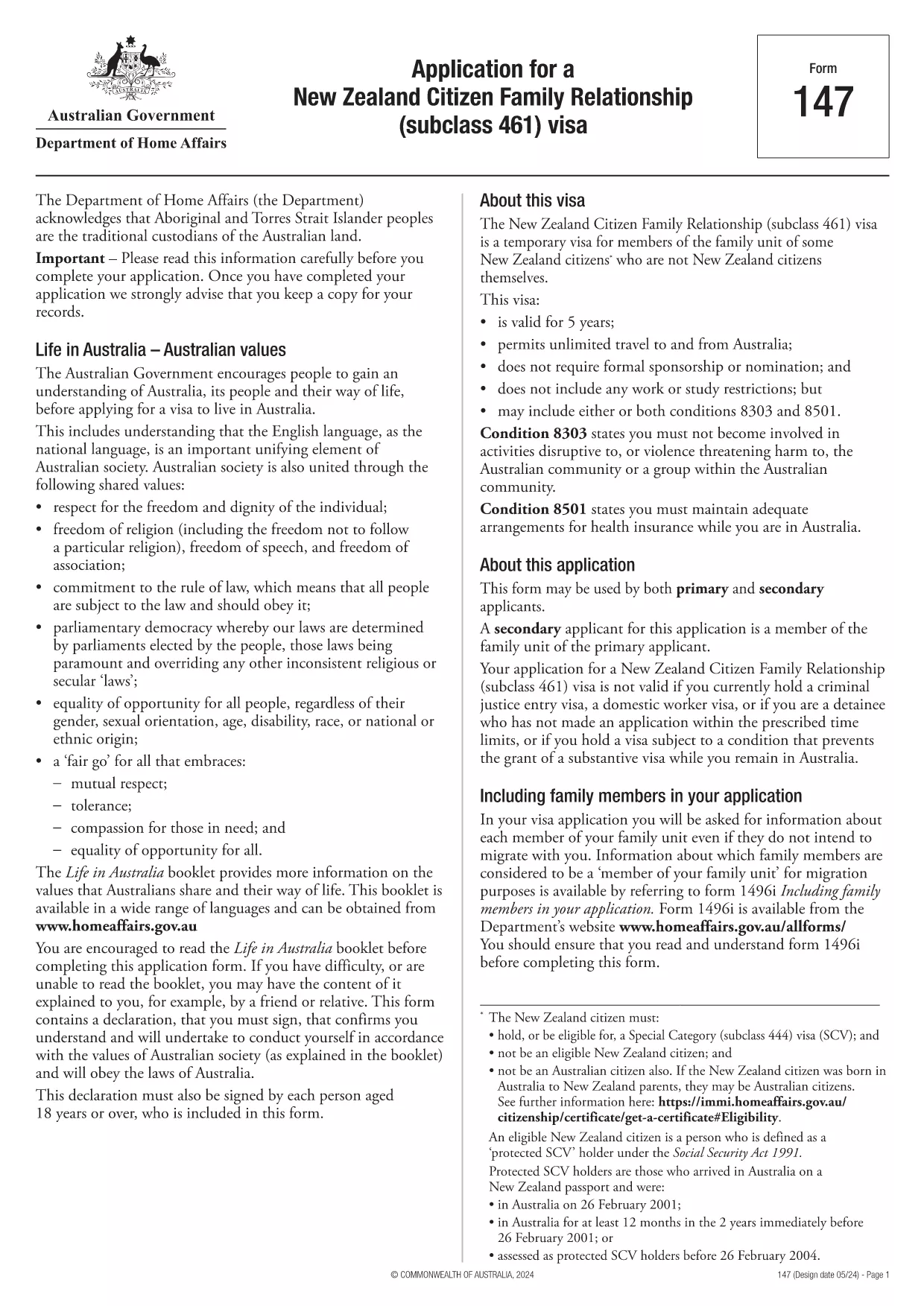
Looking for a quick, secure way to complete Application Form Z? You’ve come to the right place. Our fillable PDF version lets you enter data directly in your browser, sign electronically, and submit without ever printing a single page.

Formize hosts the official PDF from the Department of Home Affairs, so you can be confident you’re using the correct, up‑to‑date version. Below you’ll find everything you need to know – from a brief overview of the form’s purpose to detailed, step‑by‑step instructions on how to fill it out online.

What is Application Form Z?

Application Form Z is the official document used for certain visa and family‑relationship requests in Australia. It captures personal details, relationship information, and supporting evidence required by the Department of Home Affairs.

How to Fill the Form Online with Formize

Instead of downloading the PDF and opening it in a desktop editor, simply click the "Fill out this form" button on this page. The Formize PDF Filler app will load in seconds, presenting you with an intuitive, web‑based interface.

Common Mistakes to Avoid

  • Leaving required fields blank – the filler will highlight missing information before you can submit.
  • Using the wrong date format – the form expects DD/MM/YYYY.
  • Uploading unsupported file types for attachments – stick to PDF, JPG, or PNG.
  • Forgetting to add your electronic signature – the signature field is mandatory.

Download the Fillable PDF

If you prefer to keep a local copy, you can download the official PDF directly from the Department of Home Affairs:

Download Application Form Z (PDF)

After downloading, you can still use Formize’s online filler by uploading the file, but the one‑click option above is the fastest route.

Frequently Asked Questions

Below are the most common questions users have about Application Form Z and how to complete it using Formize.

FAQ
  • Do I need Adobe Acrobat to fill Application Form Z?

    No. Formize’s online filler works in any modern browser, so you don’t need Acrobat or any additional software.

  • Can I save my progress and finish later?

    Yes. The filler lets you save a draft to your device or to your Formize account, then resume whenever you’re ready.

  • Is the electronic signature accepted by the Department of Home Affairs?

    Absolutely. The Department recognises electronic signatures on fillable PDFs submitted through approved platforms like Formize.

  • What file formats are allowed for supporting documents?

    PDF, JPG, and PNG are accepted. Each file must be under 10 MB.

  • How long does it take for the Department to process the form?

    Processing times vary by visa category. Check the latest estimates on the Department of Home Affairs website after you submit.

  • What if I make a mistake after submitting?

    Contact the Department’s case office as soon as possible. You may be asked to submit a corrected form or an amendment letter.

HUR

Så här fyller du i application form z gratis, online i 5 enkla steg:

  1. 1
    Open the Formizer Filler
    Click the bright "Fill out this form" button on this page. The Formize PDF Filler app will launch in a new window.
  2. 2
    Enter Your Information
    Type directly into each fillable field. Use the Tab key to move quickly between sections.
  3. 3
    Add Attachments
    Upload required supporting documents (PDF, JPG, PNG) using the attachment icons next to each field.
  4. 4
    Sign Electronically
    Click the signature field, draw or type your name, and confirm. The signature is legally binding.
  5. 5
    Review & Submit
    Use the built‑in validator to check for missing fields, then click "Submit". You’ll receive a confirmation email with a copy of your completed form.
Formize PDF Filler app
HANDLA OM

Visumformulär

application form z är en av visumformulär som är dokument som används för att ansöka om visum för att resa in i ett främmande land. Ett visum är ett dokument som tillåter en utländsk medborgare att resa in, vistas och ibland arbeta i ett främmande land under en viss tidsperiod. De exakta formerna och kraven för att få visum varierar beroende på land och typ av visum.

Visumformulär kräver vanligtvis personlig information som namn, födelsedatum och passinformation, samt information om resans syfte och längd, avsedd destination och om den sökande tidigare har fått avslag på visum eller utvisats från ett land. Blanketterna kan också kräva styrkande handlingar som pass, fotografier och bevis på ekonomiskt stöd.

I USA är de vanligaste visumformerna DS-160 och DS-260. DS-160-formuläret används för att ansöka om ett icke-invandrarvisum, medan DS-260-formuläret används för att ansöka om ett invandrarvisum. Dessa formulär kräver detaljerad information om den sökandes personliga och resehistorik, samt styrkande dokumentation som pass, resplan och ekonomiska register.

Andra länder kan ha andra visumformer och krav, men den grundläggande processen innefattar vanligtvis att fylla i en visumansökan, tillhandahålla stöddokumentation och delta i en intervju med en konsulär tjänsteman på en amerikansk ambassad eller konsulat. Det är viktigt att notera att visumansökningsprocessen kan vara komplex och tidskrävande, och det rekommenderas att individer som söker ett visum rådgör med en immigrationsadvokat eller annan kvalificerad yrkesman för att säkerställa att alla nödvändiga former och krav uppfylls.

FUNKTIONER

PDF-fyllare

Det enklaste sättet att fylla i application form z online

  • Fyll snabbt i application form z
    Letar du efter ett sätt att snabbt fylla application form z online? Med vår online gratis PDF-formulärfyllare vet du hur du redigerar och fyller i detta pdf-dokument på mindre än en minut.
  • Lätt att använda online PDF-redigerare
    Är du trött på att skriva ut PDF-filer så att du kan redigera dem innan du skannar om och skickar tillbaka dem? Redigera PDF-dokument gratis online. Använd vår online pdf-redigerare för att spara tid och papper.
  • Bra verktyg, alla plattformar
    Undrar du hur man fyller i application form z på en Mac, eller kanske hur man använder ett PDF-fyllmedel gratis? Våra online PDF-verktyg fungerar på alla plattformar.
  • Säker fillagring
    Färdiga "application form z"-filer lagras i en säker databas som hanteras av Amazon Cloud-hosting. Du kan ta bort dina filer från vårt system när som helst. I alla fall raderas dessa filer automatiskt efter 24 timmar.
  • Chatta med application form z
    Chatta med "application form z" på Chatize som är en gratis PDF-läsare. Ställ frågor och få svar från "application form z". Klicka bara på knappen Chatta med dokument ovan.

Ta bort fyllningssession

Ta bort den valda fyllningssessionen? I det här fallet kommer dina framsteg i att fylla i formuläret att gå förlorade.

Ta bort redigeringssession

Vill du ta bort den valda redigeringssessionen? I det här fallet kommer dina framsteg i att skapa och redigera formuläret att gå förlorade.