Välj språk

INZ1023 – Notification of Incorrect Answer (Fillable PDF)

  1. Land Australien
  2. Språk engelsk
  3. Aktivitet Invandring
  4. Avdelning Inrikes- och justitiedepartementet
INZ1023 – Notification of Incorrect Answer (Fillable PDF)

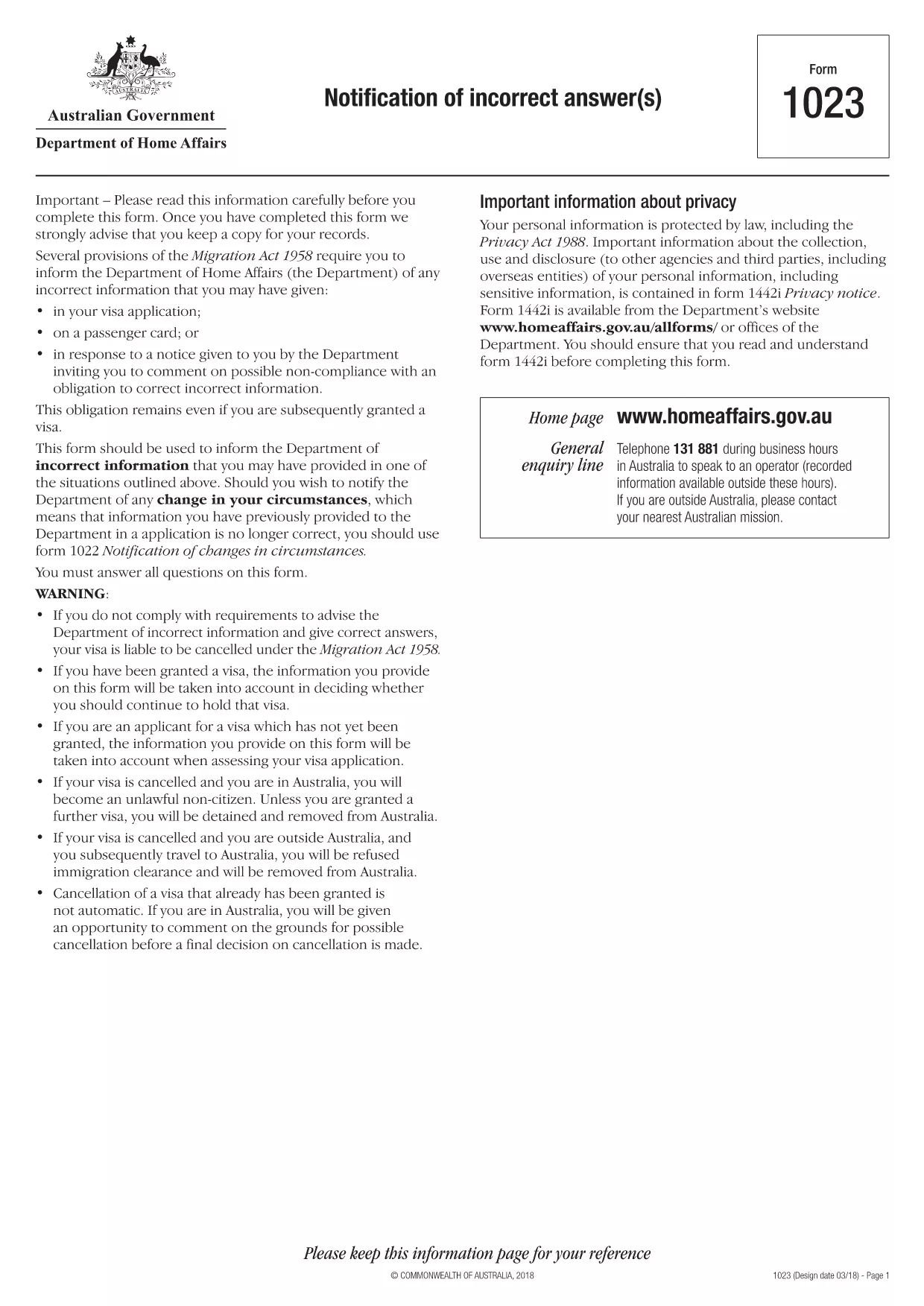
The INZ1023 – Notification of Incorrect Answer is an official form used by the Australian Department of Home Affairs to inform the agency of any incorrect information previously supplied in an immigration application. Whether you discovered a typo, an outdated address, or a change in personal circumstances, this fillable PDF lets you correct the record quickly and securely.

What Is the INZ1023 Form?

The INZ1023 form is specifically designed for applicants who need to notify the Department of Home Affairs about errors in earlier submissions. It captures:

  • Applicant details (name, passport number, visa reference)
  • Original application reference
  • Exact information that was incorrect
  • Corrected details and supporting evidence
  • Signature and date

How to Complete the INZ1023 Online

Instead of downloading and editing the PDF in a separate editor, simply click the "Fill out this form" button on this page. The Formize PDF Filler app will load within seconds, allowing you to:

  1. Enter your personal information in the pre‑filled fields.
  2. Attach supporting documents directly from your computer or cloud storage.
  3. Validate entries with built‑in checks to avoid common errors.
  4. Save a copy for your records and submit the completed form electronically.

Common Mistakes & Tips

  • Incorrect reference numbers: Double‑check the visa or application reference before typing.
  • Missing signatures: The digital signature field must be completed; otherwise the form will be rejected.
  • Unsupported file types: Upload only PDF, JPG, or PNG documents as evidence.
  • Leaving optional fields blank: If a field is not applicable, write "N/A" to avoid blank spaces.

Where to Submit the Completed Form

After you finish filling out the INZ1023 with Formize, you can:

  • Submit directly through the ImmiAccount portal.
  • Email the PDF to immigration@homeaffairs.gov.au with your visa reference in the subject line.
  • Mail a printed copy to the address shown on the form if electronic submission is not possible.

Using the online filler reduces processing time and ensures your correction is received in a readable, searchable format.

FAQ
  • What is the purpose of the INZ1023 form?

    It notifies the Department of Home Affairs about any incorrect or outdated information you previously provided in an immigration application.

  • Can I fill out INZ1023 on a mobile device?

    Yes. The Formize PDF Filler works on most modern smartphones and tablets with a compatible browser.

  • Do I need to print the form after filling it online?

    Printing is optional. You can submit the completed PDF electronically via ImmiAccount or email.

  • How long does it take for the Department to process the correction?

    Processing times vary, but electronic submissions are usually reviewed within 5‑7 business days.

  • What if I make a mistake while filling the form?

    You can use the "Reset" button in the Formize filler to clear fields, or simply edit the incorrect entry before saving.

  • Is there a fee to submit the INZ1023 form?

    No. The form is free of charge; however, standard visa processing fees still apply to your original application.

  • Can I attach more than one supporting document?

    Yes. The filler allows multiple attachments; each file must be under 10 MB and in PDF, JPG, or PNG format.

HUR

Så här fyller du i INZ1023 gratis, online i 5 enkla steg:

  1. 1
    Open the Fillable Form
    Click the "Fill out this form" button on the page. The Formize PDF Filler will load in your browser.
  2. 2
    Enter Your Details
    Complete each field, including your name, passport number, and the incorrect information you need to correct.
  3. 3
    Attach Supporting Documents
    Use the attachment icon to upload PDFs, JPGs, or PNGs that prove the corrected information.
  4. 4
    Review and Sign
    Check every entry for accuracy, then add your digital signature in the designated field.
  5. 5
    Submit or Download
    Click "Submit" to send directly to ImmiAccount, or download the completed PDF for manual submission.
Formize PDF Filler app
HANDLA OM

INZ1023 mall

Med den traditionella uppsättningen funktioner för att visa och fylla i ett PDF-dokument, kombinerat med fördelarna med en webbapplikation och responsiv layout, kan du slutföra INZ1023 på några minuter.

FUNKTIONER

PDF-fyllare

Det enklaste sättet att fylla i INZ1023 online

  • Fyll snabbt i INZ1023
    Letar du efter ett sätt att snabbt fylla INZ1023 online? Med vår online gratis PDF-formulärfyllare vet du hur du redigerar och fyller i detta pdf-dokument på mindre än en minut.
  • Lätt att använda online PDF-redigerare
    Är du trött på att skriva ut PDF-filer så att du kan redigera dem innan du skannar om och skickar tillbaka dem? Redigera PDF-dokument gratis online. Använd vår online pdf-redigerare för att spara tid och papper.
  • Bra verktyg, alla plattformar
    Undrar du hur man fyller i INZ1023 på en Mac, eller kanske hur man använder ett PDF-fyllmedel gratis? Våra online PDF-verktyg fungerar på alla plattformar.
  • Säker fillagring
    Färdiga "INZ1023"-filer lagras i en säker databas som hanteras av Amazon Cloud-hosting. Du kan ta bort dina filer från vårt system när som helst. I alla fall raderas dessa filer automatiskt efter 24 timmar.
  • Chatta med INZ1023
    Chatta med "INZ1023" på Chatize som är en gratis PDF-läsare. Ställ frågor och få svar från "INZ1023". Klicka bara på knappen Chatta med dokument ovan.

Ta bort fyllningssession

Ta bort den valda fyllningssessionen? I det här fallet kommer dina framsteg i att fylla i formuläret att gå förlorade.

Ta bort redigeringssession

Vill du ta bort den valda redigeringssessionen? I det här fallet kommer dina framsteg i att skapa och redigera formuläret att gå förlorade.